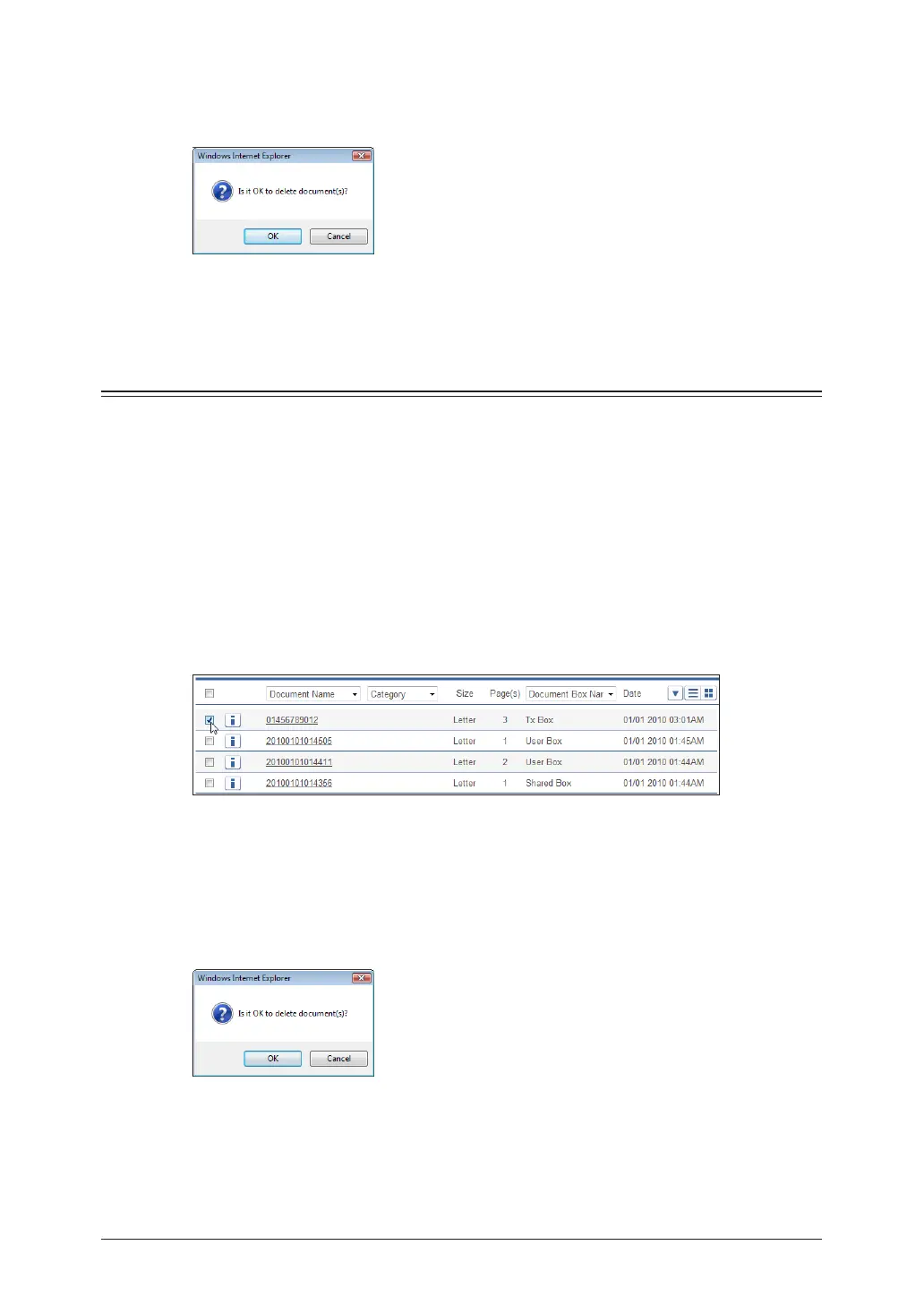
Click [OK].
5
The selected documents are deleted from the document list screen, and moved to the “Deleted
Documents Box”.
If you select several documents to delete, it may take some time to delete the documents. In
this case, wait for a while after performing the deletion procedure.
Deleting Documents in the Deleted Documents Box
You can delete documents in the “Deleted Documents Box”. Documents deleted from the
“Deleted Documents Box” are permanently deleted from the machine.
Deleting
Log in to OfficeBridge as a user or a guest.
1
(See page 2-2.)
Click
2
[Document Boxes].
Select the document to delete on the “Deleted Documents Box” screen.
3
You can select multiple documents and delete them at the same time.
Click [Delete].
4
Click [OK].
5
If you select several documents to delete, it may take some time to delete the documents.


 To Next Page