Maintenance Manual – SC Cutting Plotter
49 AP-74030, Rev / B
6.2.2. Transparent cover : Removal and installation.
Note :
Transparent cover does not exist on SC-550.
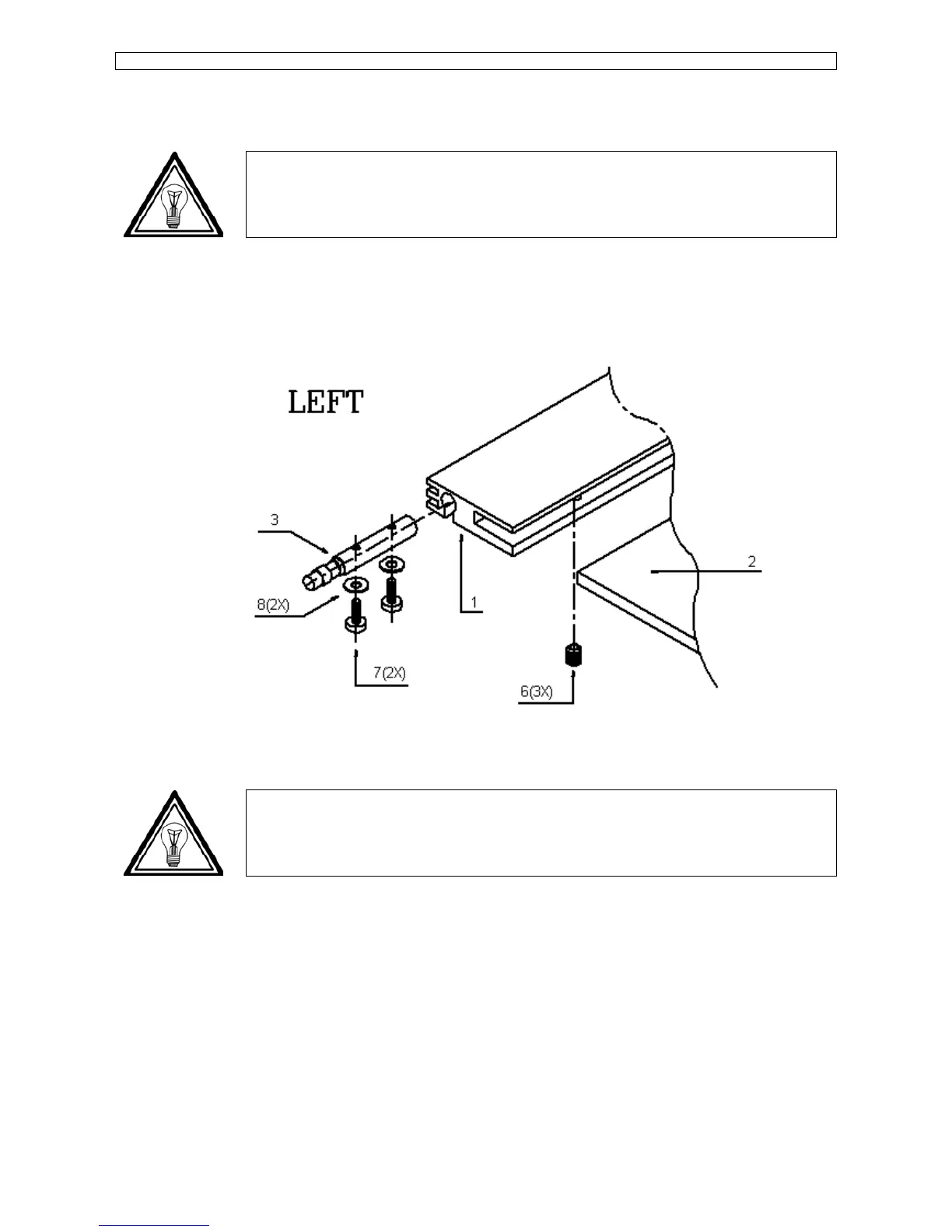
Step 1 : Open the transparent cover assy.
Step 2 : On the left side of the cover unscrew screws 7 (2) one (1) turn and slide the shaft 3 inside the rail
while holding the cover. (Please refer to picture mentioned below.)
Step 3 : Remove the cover and fix the 2 screws temporary to avoid falling out of the rail.
Note :
To reinstall the transparent cover perform above steps in reversed order.









 To Next Page