Launching/Displaying/Exiting ValueJet Status Monitor (VSM) 13
The remote panel is used to view this product’s status or operate.
Launching/Displaying/Exiting ValueJet Status Monitor (VSM)
Launching VSM
Windows 8 / Windows 8.1
• In the [Start] screen, click [Desktop].
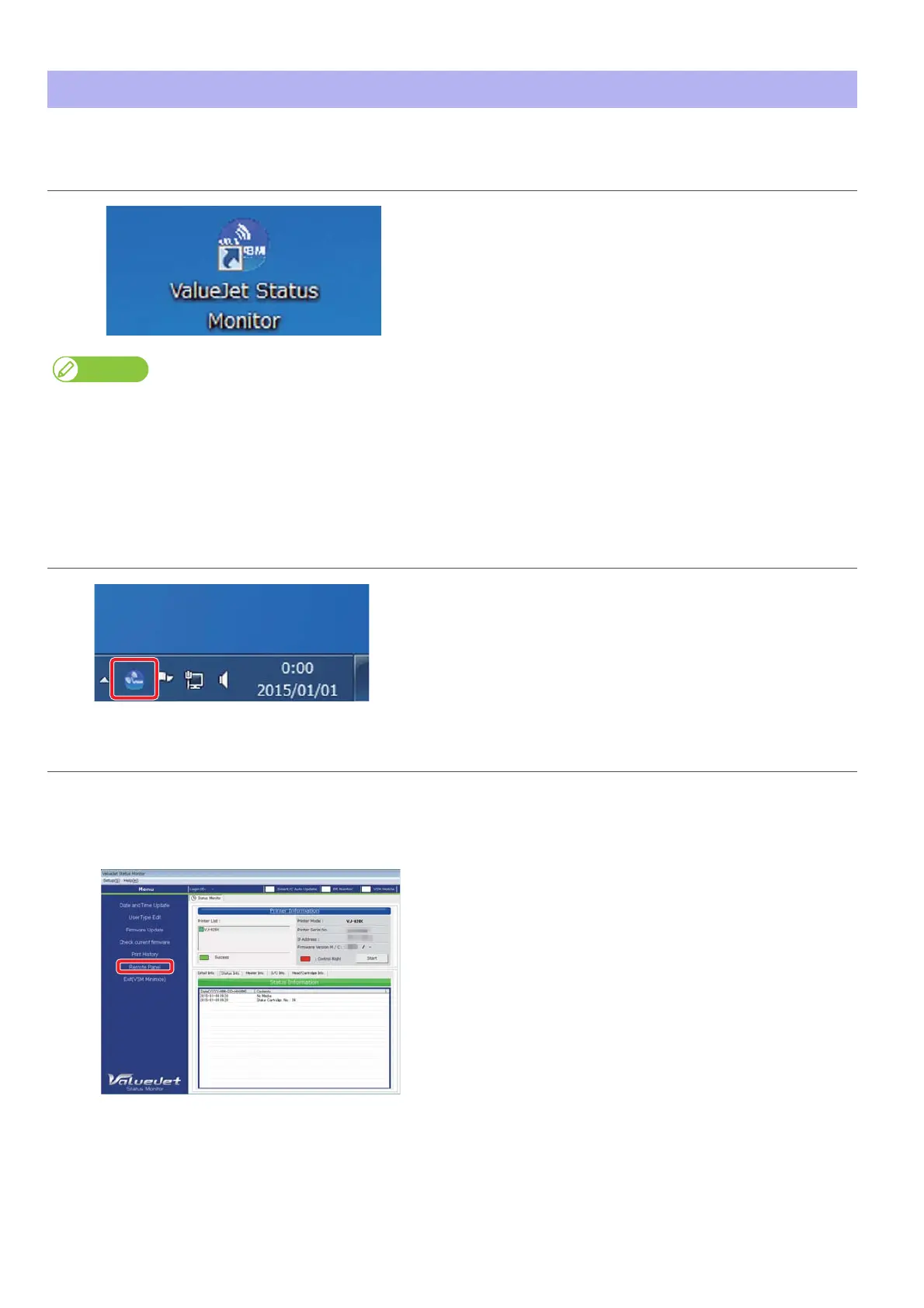
• Double click the VSM icon on the Desktop.
Windows 10 / Windows 7
Double click the VSM icon on the Desktop.
Launching from the Start Menu of Windows
• Windows 8 / Windows 8.1
Right click somewhere the [Start] screen tiles are not displayed to display the application bar, and click [All Apps].
Click [ValueJet Status Monitor]
• Windows 10 / Windows 7
From the [Start] menu, click [All Programs (or [All apps])] - [MUTOH] - [ValueJet Status Monitor].
Displaying VSM
Double click the VSM icon in the task tray.
Displaying remote panel
Click [Remote Panel].
• The remote panel opens.















 To Next Page