90 Handling messages / error messages
4Troubleshooting
VSM is used to check error/warning when problem happens and to check messages while the product is operating correctly.
The error LED in the operation panel becomes ON (flashes in warning state), and a buzzer sounds.
Handling messages / error messages
Checking message / error / warning
[1]
Launch VSM.
"Launching VSM" on page 13
[2]
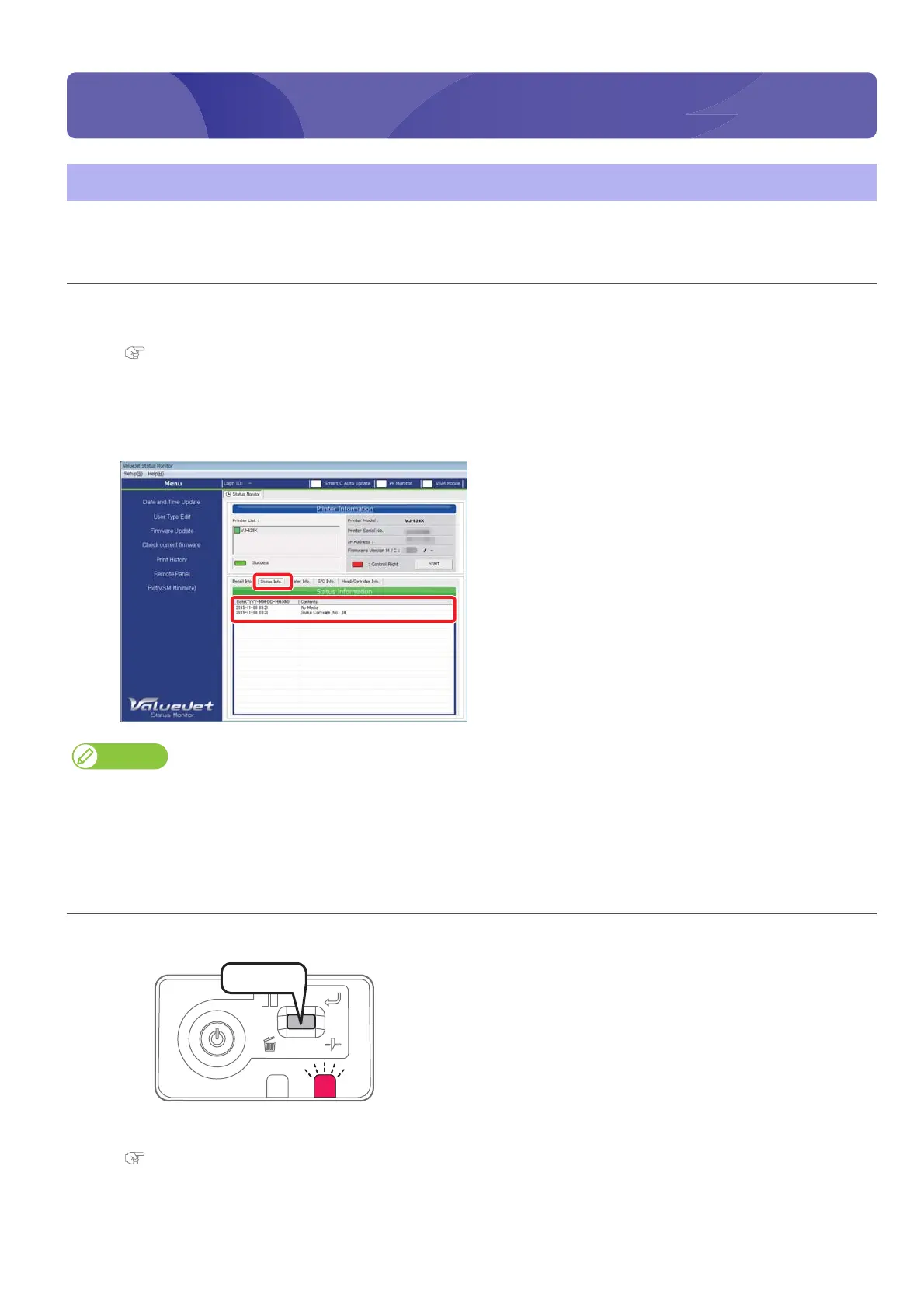
Check [Status Info.].
• Message / error / warning contents are displayed.
• When countermeasures are displayed, follow them.
• When the remote panel of VSM is launched, it can be also checked in [Printer Status] - [Status Info.].
• Operations may be temporarily paused when an error occurs. When an error is corrected, it restarts the operation.
Error display of operation panel
[1]
Short press the operation key on the operation panel, when the
buzzer continues sounding.
•The buzzer stops.
[2]
Check error / warning contents with VSM and handle the error / warning.
"Checking message / error / warning" on page 90
Press!















 To Next Page