When the message “Ink Not Expired?” appears on VSM 59
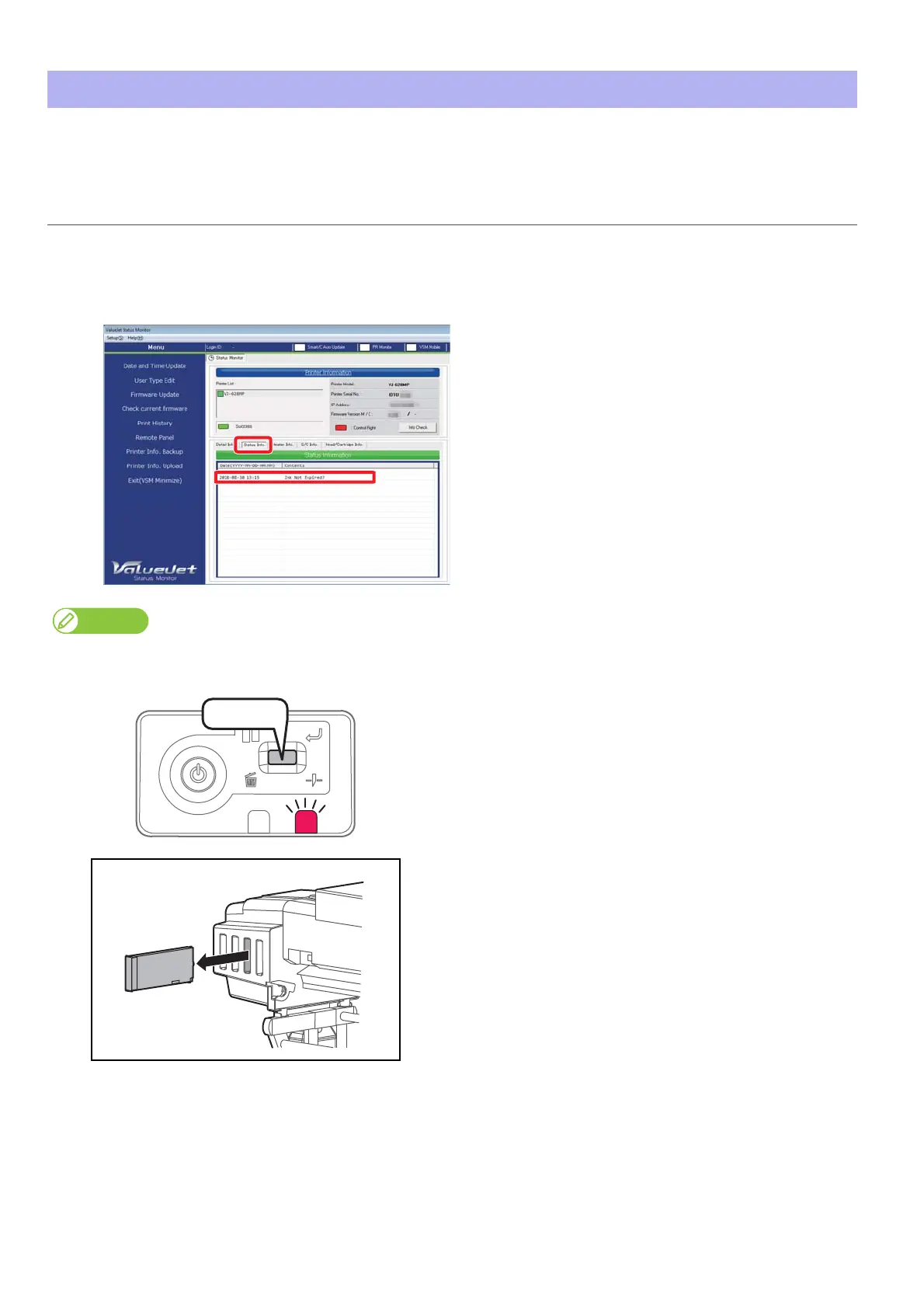
After the ink cartridge has been used for a certain period, this message appears on VMS with the error LED to check the ink
expiration date on the cartridge.
When the message “Ink Not Expired?” appears on VSM
Steps
[1]
Check [Status Info.].
The following message appears.
•“Ink Not Expired?”
When the remote panel of VSM is launched, it can be also checked in [Printer Status] - [Status Info.].
[2]
Short press the operation key on the operation panel.
• The error LED turns off.
• The error message on VSM is cleared.
[3]
• Wear the vinyl gloves and remove all ink cartridges from ink
cartridge slots.
• Check the ink expiration date on each cartridge.
[4]
If expired, replace with a new ink cartridge.















 To Next Page