Checking ink level 57
3 Chec king ink and repla cing ink c artridg e
Checking ink level
[1]
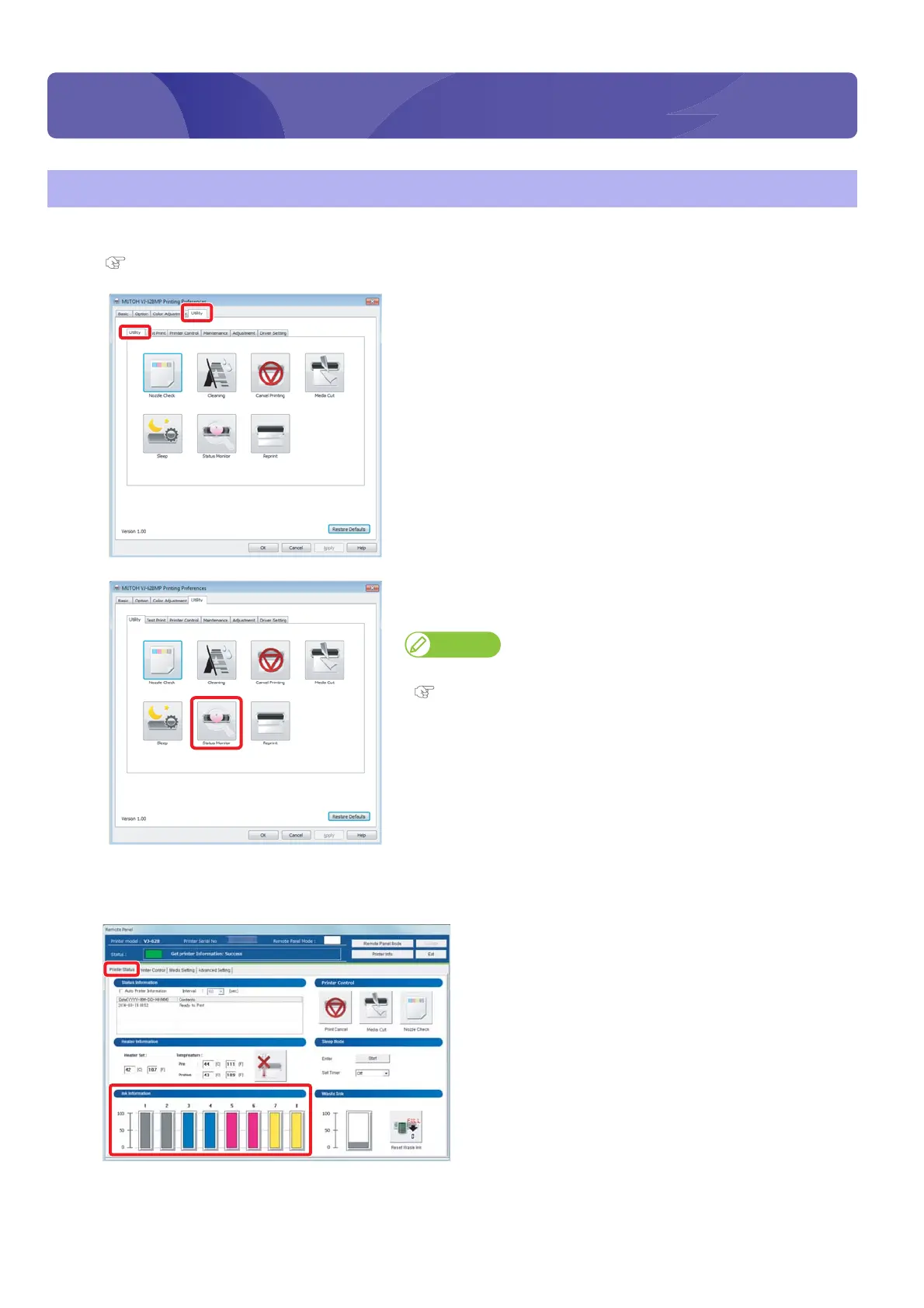
Display the Printing Preferences screen of printer driver.
"Displaying the Printing Preferences screen of printer driver" on page 12
[2]
Click the [Utility] tab under the [Utility] tab.
[3]
Click [Status Monitor].
• The VSM remote panel opens.
Note
VSM can be launched directly.
"Launching VSM" on page 13
[4]
Check [Ink Information] in the [Printer Status] tab.
• As ink is used, the colored scale becomes low.
Checking ink and replacing ink cartridge















 To Next Page