18 Turning the power ON
1Powering ON/OFF
Make sure that the power is always turned on. When you are not using the printer, always leave the power on and put the printer
into the sleep mode. If you do not put the printer into the sleep mode, the ink in its interior could settle out and/or coagulate,
causing poor image quality or printer failure.
If you expect you will not use the printer for a long period of time (2 weeks or longer), turn the power off following the
instructions in "Performing Long Storage" on page 85.
Turning the power ON
[1]
Close the front cover.
[2]
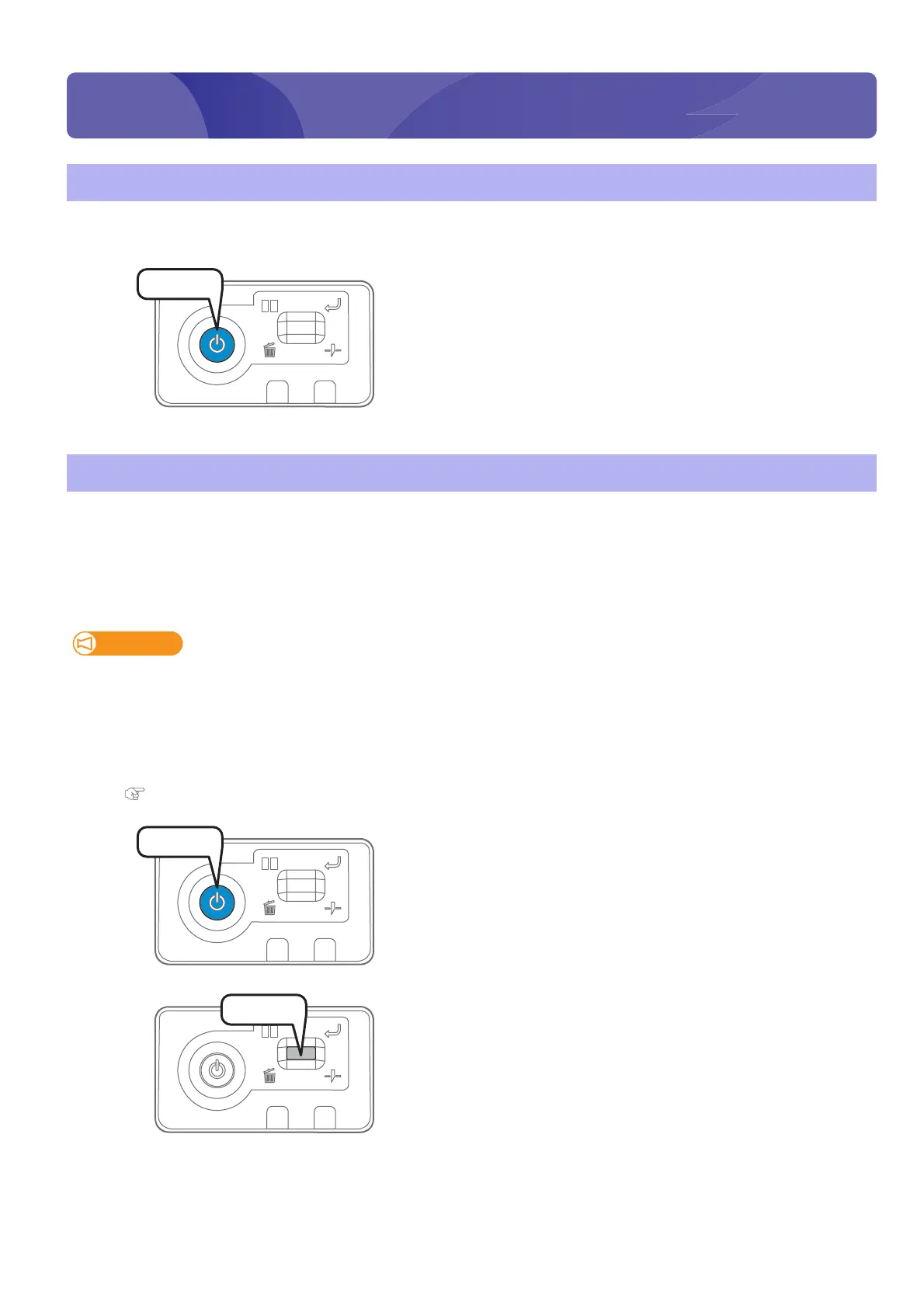
Press the power button of this product to turn the power ON.
•The blue light becomes ON.
• This product starts its initialization operations.
Turning the power OFF
Important!
Be sure to perform daily maintenance before turning the printer off.
If you turn the power off without performing daily maintenance, the nozzle may become clogged.
[1]
Make sure printing is done.
[2]
Prepare required items for daily maintenance.
"Preparing for Daily maintenance" on page 65
[3]
Press the power button of this product.
• The blue light blinks.
[4]
Short press the operation key on the operation panel.
• The printer automatically performs the “Short” cleaning.
• The carriage moves to the maintenance position.
Press!
Press!
Press!















 To Next Page