Turning the power OFF 19
[5]
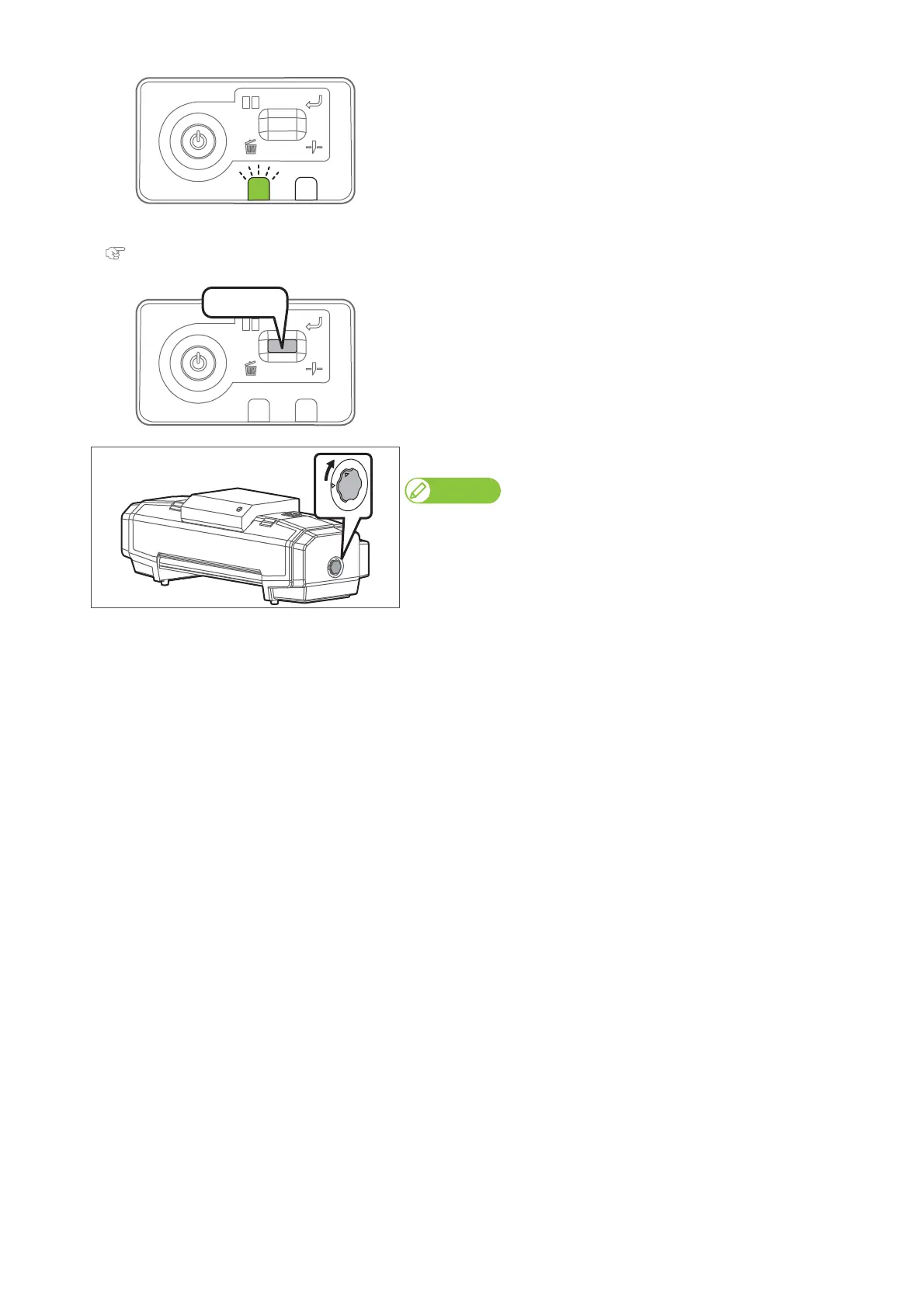
The data LED flashes.
•Open the front cover.
[6]
Perform daily maintenance.
"Daily Maintenance" on page 64
[7]
After performing maintenance, short press the operation key on the
operation panel.
• This product starts its powering off operations.
• The blue light becomes OFF.
[8]
Turn the media fixing knob to release the lock.
Note
When not using this product, release the lock of the media fixing knob
regardless of power being OFF.















 To Next Page