42 Cutting by hand
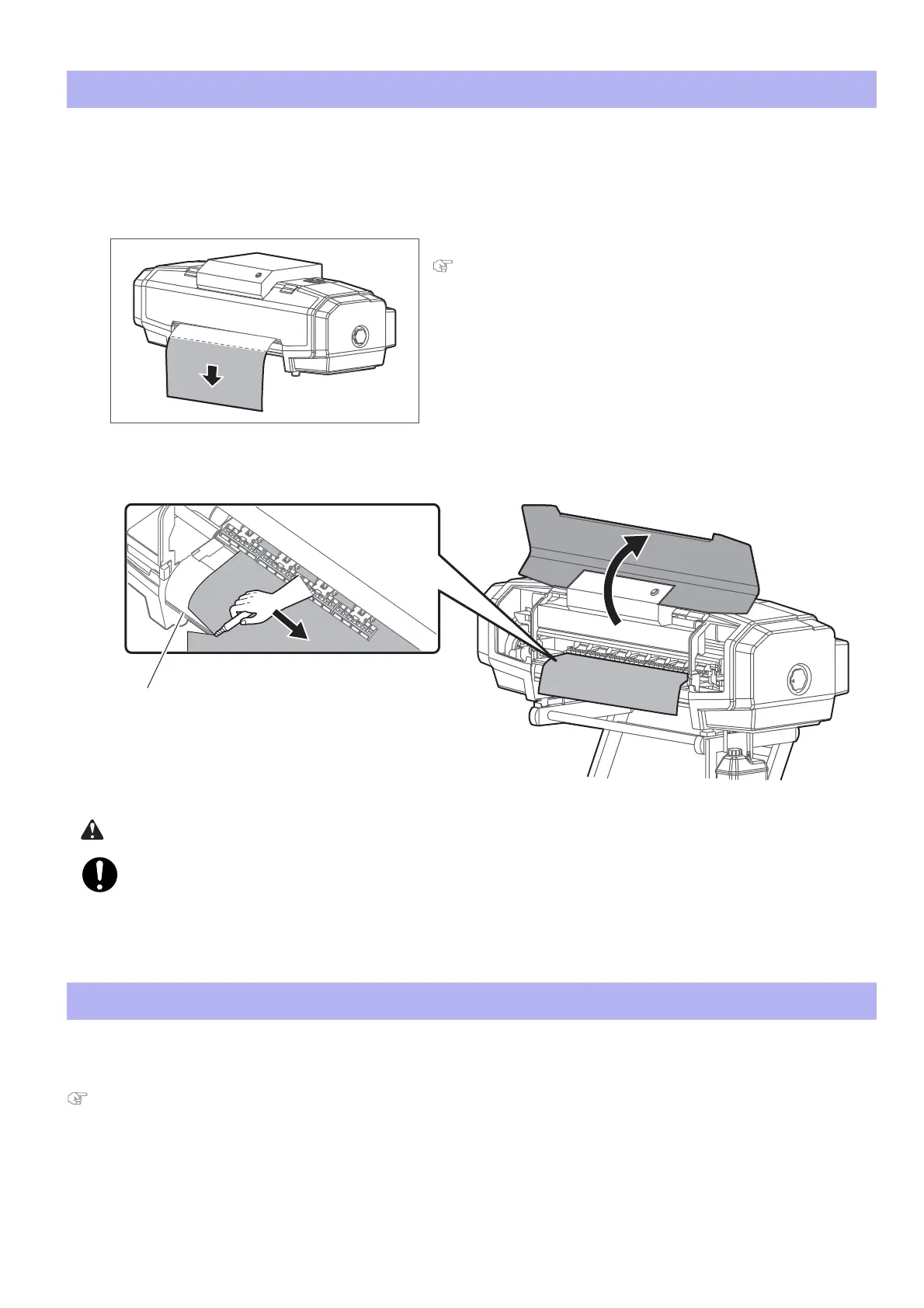
For media that cannot be cut with the built-in cutter in the product, please cut following the next steps.
In this product, a setup is possible to cut media automatically after printing is done. Refer to the setup methods described
below.
"Setting auto cut" on page 47
Cutting by hand
[1]
Check printing is done.
[2]
Feed the media to a position where printing results can be cut.
"Forwarding/Rewinding media" on page 40
[3]
Open the front cover, and cut the media with a commercial available cutter.
• Cut along the media cut groove.
Right after printing, Media guide becomes very hot.
Allow Media guide to cool down before the next operation.
[4]
Close the front cover.
Cutting automatically















 To Next Page