58 When it becomes time to replace ink cartridge
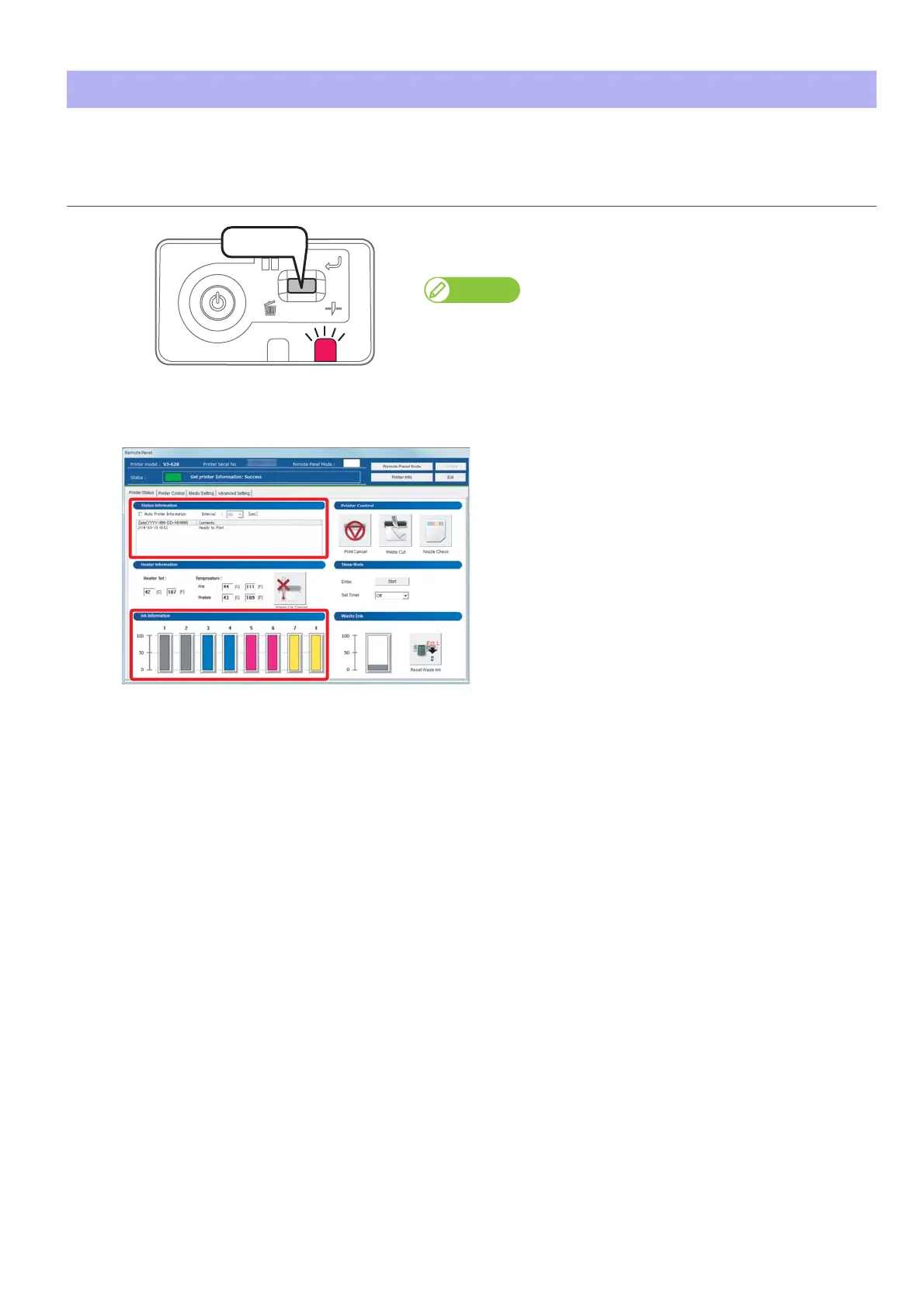
When the ink level becomes low, the error LED of the operation panel flashes and a buzzer sounds.
When it becomes time to replace ink cartridge
Procedure
[1]
Short press the operation key on the operation panel.
•The buzzer stops.
Note
Sleep mode continues after stopping the buzzer.
[2]
Check the ink cartridge that needs to be replaced.
• Check [Status Information] also.
[3]
Prepare an ink cartridge to replace.















 To Next Page