46 Turning the Blower Heater off when it is operating
2 Turning the Blower Heater On/Off Manually
You can manually turn the Blower Heater ON or OFF when you want to turn the Blower Heater off after completing printing, or
when you want to warm up the printer interior before printing.
Important!
Do not turn the Blower Heater off while the printer is warming up or printing.
Print quality cannot be ensured if the Blower Heater is turned off while the printer is warming up or printing.
If the Blower Heater is turned on during sleep mode,
• the printer will wake up from sleep mode while the heater warms up.
• the printer can instantly start printing upon receiving a printjob.
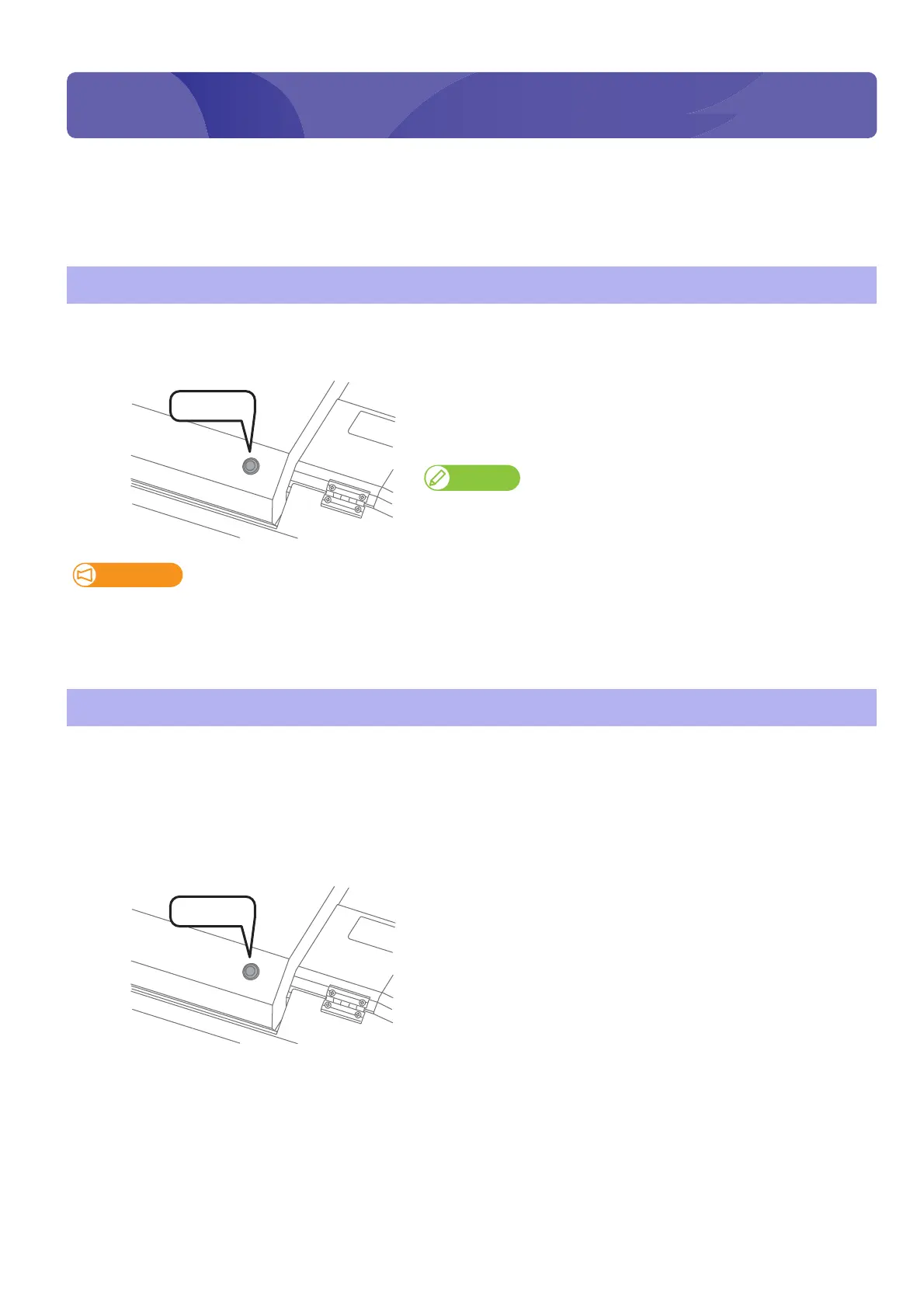
Turning the Blower Heater off when it is operating
[1]
Check printing is done.
[2]
Press and hold the Blower Heater operation switch for 3 seconds or
longer.
• The Blower Heater turns off. (The light of the operation switch turns
off.)
Note
To turn the Blower Heater back on, press and hold the Blower Heater
operation switch for 3 seconds or longer.
Turning on the Blower Heater before printing
[1]
Check the printer is in sleep mode.
[2]
Press and hold the Blower Heater operation switch for 3 seconds or
longer.
• The Blower Heater begins warming up. (The operation switch
flashes.)
• The printer wakes from sleep mode.
Turning the Blower Heater On/Off Manually















 To Next Page