60 Replacing ink cartridge
When ink level becomes low, the error LED of the operation panel flashes and a buzzer sounds.
Printing pauses temporarily. It restarts after changed with a new ink cartridge.
Replacing ink cartridge
Leave ink cartridges away from fire or high temperature objects.
It may cause fire.
Important!
• Do not replace ink cartridge when the power of this product is OFF.
Ink level cannot be detected correctly.
• If ink cartridge is moved from cold to warm place, leave it at least 3 hours.
Steps
[1]
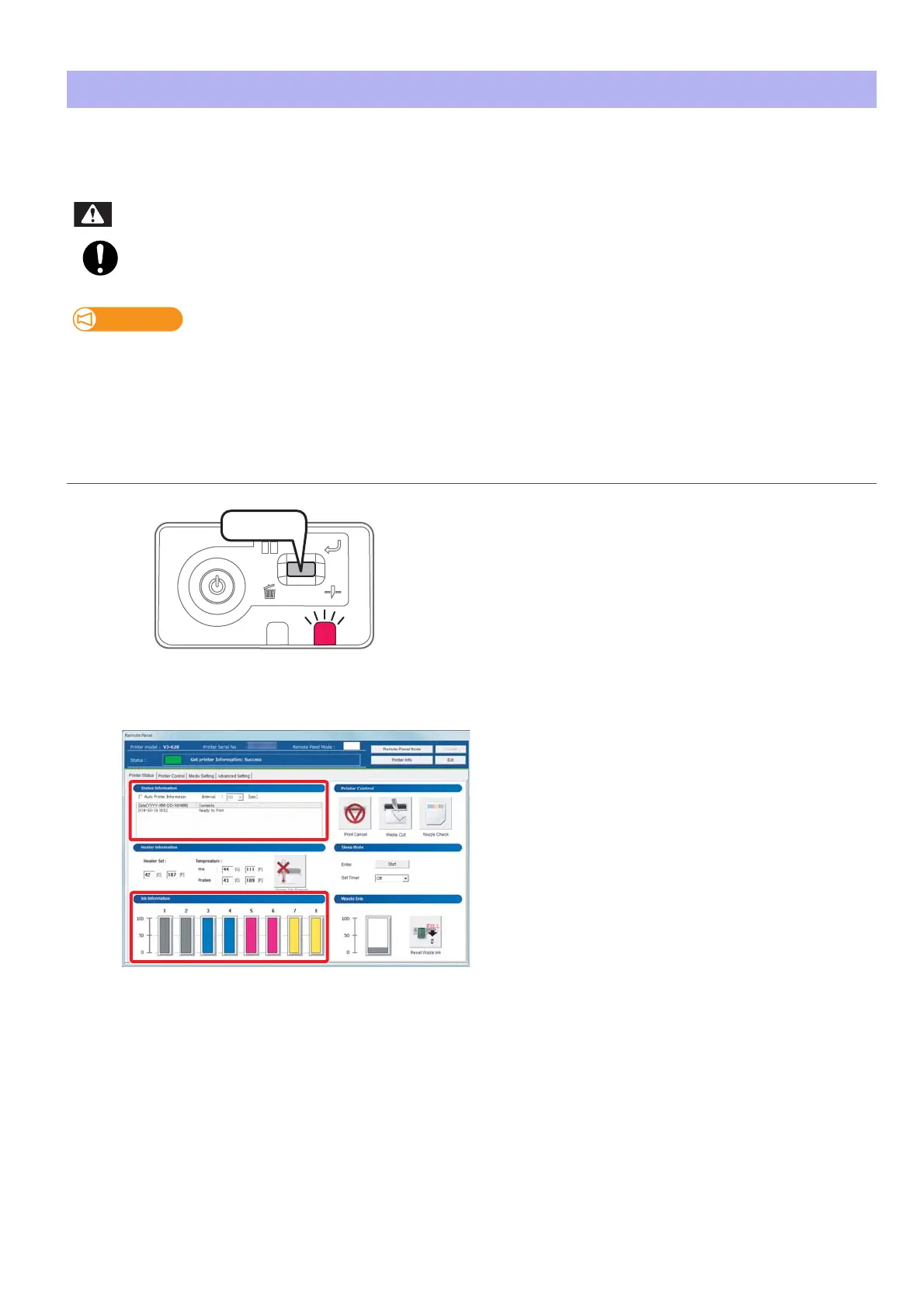
Short press the operation key on the operation panel.
•The buzzer stops.
[2]
Check the ink cartridge that needs to be replaced.
• Check [Status Information] also.
WARNING
Press!















 To Next Page