Replacing ink cartridge 61
[3]
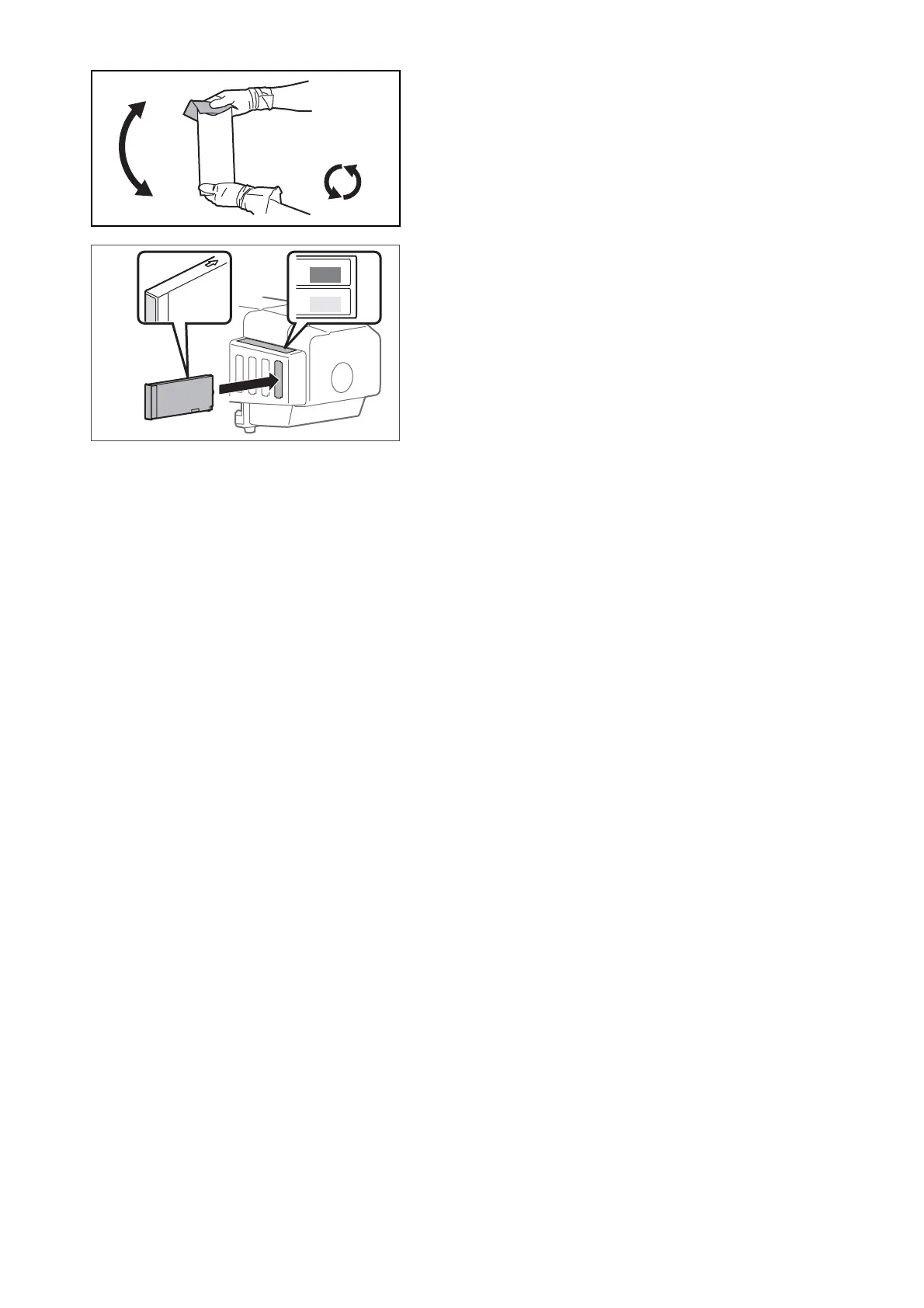
Make sure you agitate the ink cartridge after you unpack it.
• Place the lint-free cloth over the ink plug of the cartridge, turn the
plug up and maintain vertical position for three seconds.
• Rotate cartridge upside down (plug facing down) and hold for three
seconds.
• Repeat it 10 times.
[4]
Remove the empty ink cartridge and insert the new ink cartridge.
• Make sure to match the ink cartridge color with the label of this
product.
• The arrow should face up.
• Insert all the way to the end.















 To Next Page