66 Preparing for Daily maintenance
[3]
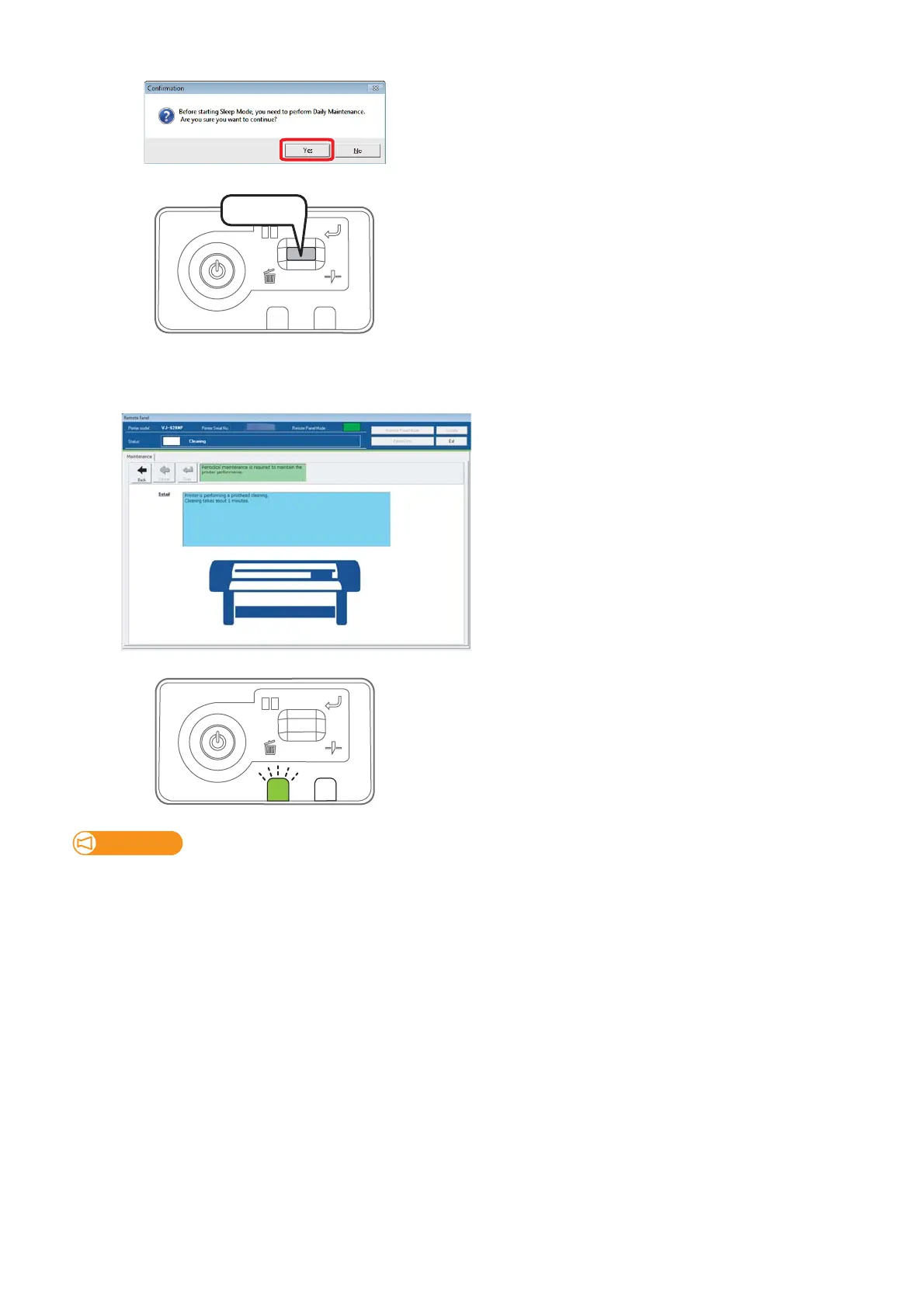
Click “Yes”.
[4]
Short press the operation key on the operation panel.
[5]
The printer automatically performs the “Short” cleaning.
• When the Short cleaning is complete, the carriage moves to the maintenance position.
[6]
The data LED flashes.
• Open the front cover.
Important!
• Standard cleaning time should be within 5 minutes.
If it takes longer, the stick can dry causing damage to the print head.
• If maintenance is likely to take more than 5 minutes, suspend it and perform head cleaning before resuming the maintenance.
Press!















 To Next Page