Replacing absorption material for the flushing box 79
[3]
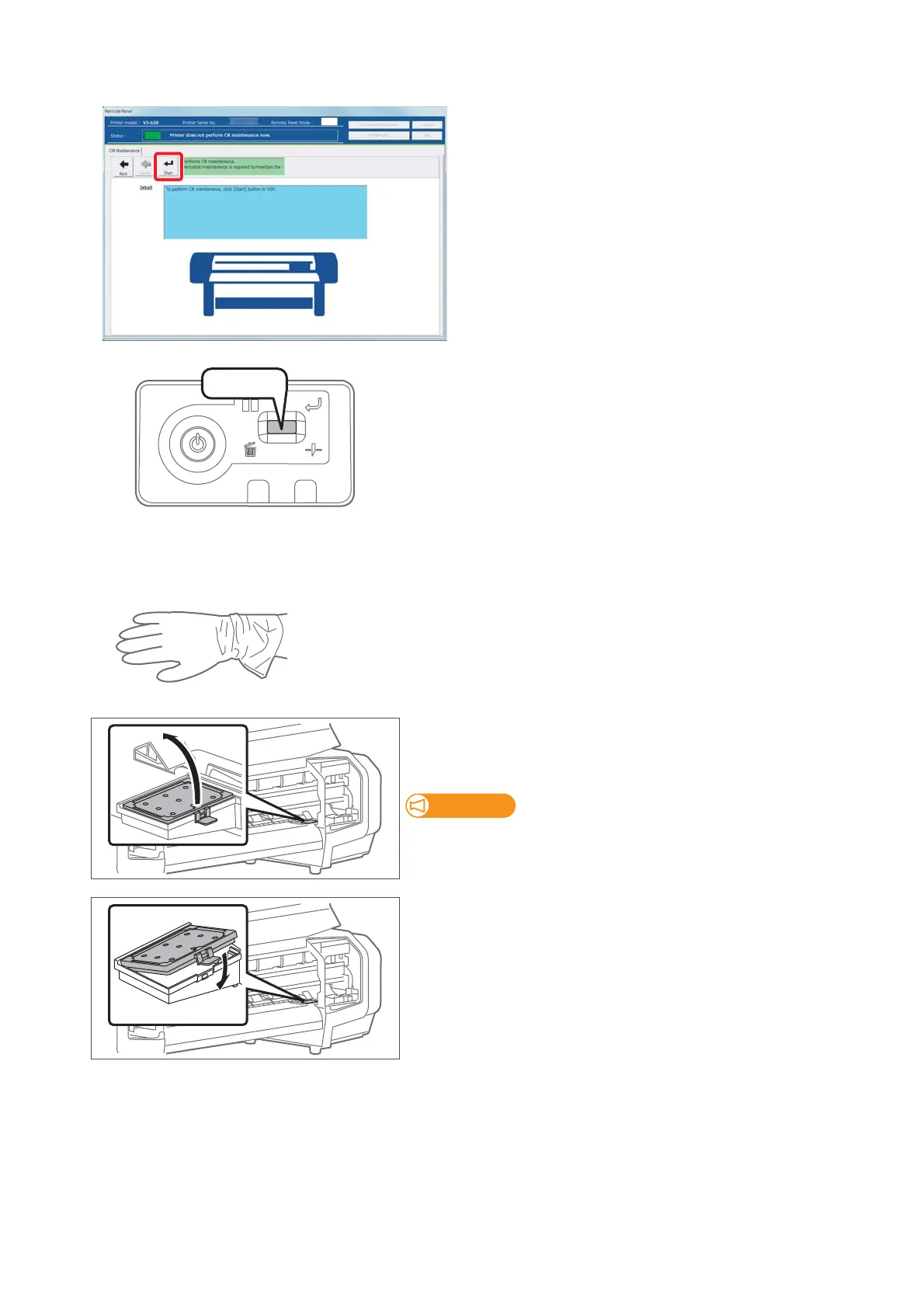
Click [Start].
[4]
Short press the operation key on the operation panel.
• The carriage moves to the maintenance position.
[5]
Open the front cover.
[6]
Wear the vinyl gloves
[7]
Remove the absorption material for the flushing box.
• Pull the tab up of the absorption material for the flushing box, and
release the hook.
When removing the absorption material for the flushing box, be
cautious of ink drops.
[8]
Attach new absorption material for the flushing box.
[9]
Close the front cover.















 To Next Page