82 Replacing the cleaning wiper
[5]
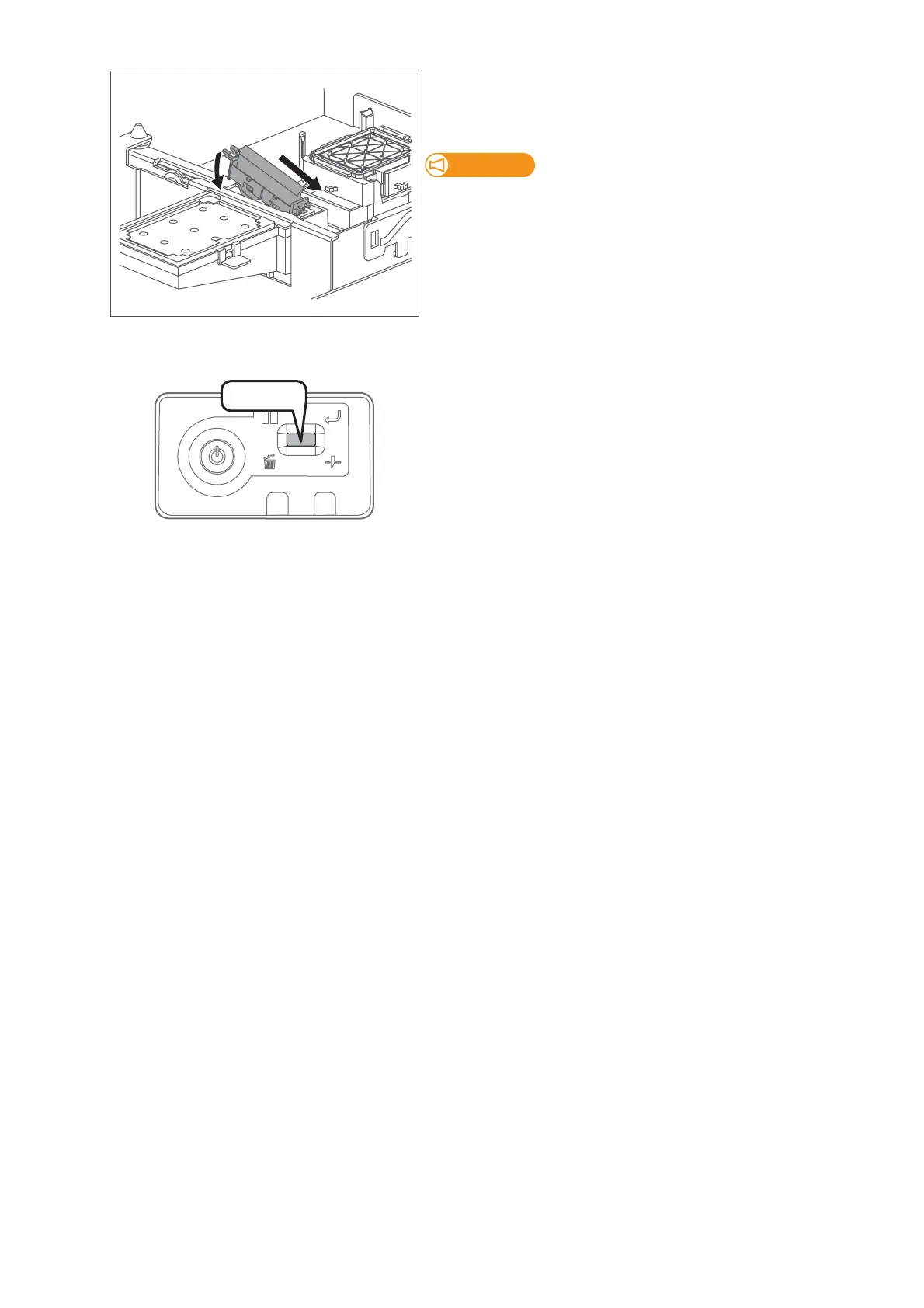
Follow the steps below to install new cleaning wiper.
• Slide the front side of the new cleaning wiper into its slot.
• Press the wiper hook down until it clicks into place.
Do NOT touch the cleaning wiper rubber with your bare hand.
If finger oil gets on the rubber, it will damage the print head.
[6]
Close the front cover.
[7]
Short press the operation key on the operation panel.
• The carriage returns to the original position.
• That ends the procedure.
Press!















 To Next Page