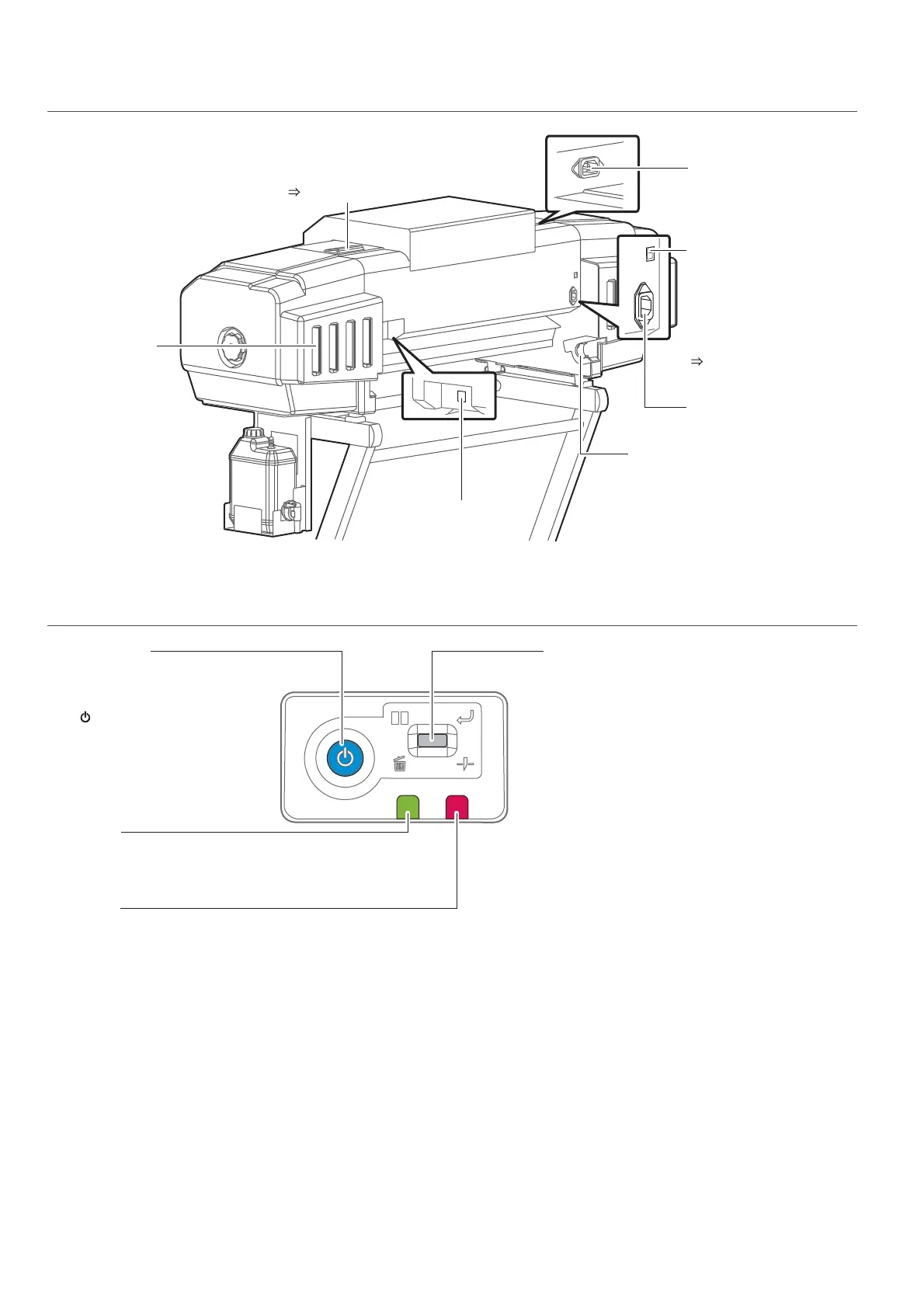
Error LED
Red light or flashing displays
errors or warnings.
Also lights up when the front
cover is open or the media
fixing handle is released.
Power button
It lights ON in blue
when the power is ON.
Operation key
Used for various functions in different
situations.
Printing:
(Short press) Pause/Restart printing
(Long press) Cancel printing (data deletion)
Waiting for printing:
(Long press) Cut media
When linked with VSM and waiting to be
confirmed:
(Short press) Confirm
While Warming up:
(Short press) Force starting printing
During forwarding/rewinding media:
(Short press/Long press) Stop
forwarding/rewinding
During error:
(Short press) Stop the buzzer
Data LED
Green flashing indicates
receiving and analyzing
state of printing data.
[Reference]
The symbol means “standby”. Even
when the power button is not turned on,
the printer consumes a tiny amount of
power so long as the power cable is
connected. This state is referred to as the
power being “off” in this Manual.















 To Next Page