THIS MANUAL INCLUDES FEATURES WHICH ARE ONLY AVAILABLE IN CONTROL PANEL FIRMWARE
VERSION 50 OR LATER.
IMPORTANT NOTE
This manual supports the keypad programming of the GEM-X255 control panel with the NAPCO "classic" GEM-
RP1CAe2 keypad as well as the GEM-K1CA "K Series" keypad. The new "K Series" GEM-K1CA model offers the new
STAY and AWAY buttons with simplified functionality, along with the new MENU and ENTER buttons. Note: While the
instructions in this manual are depicted using the GEM-K1CA keypad, the manual applies to both the "classic" and the
"K Series" keypads.
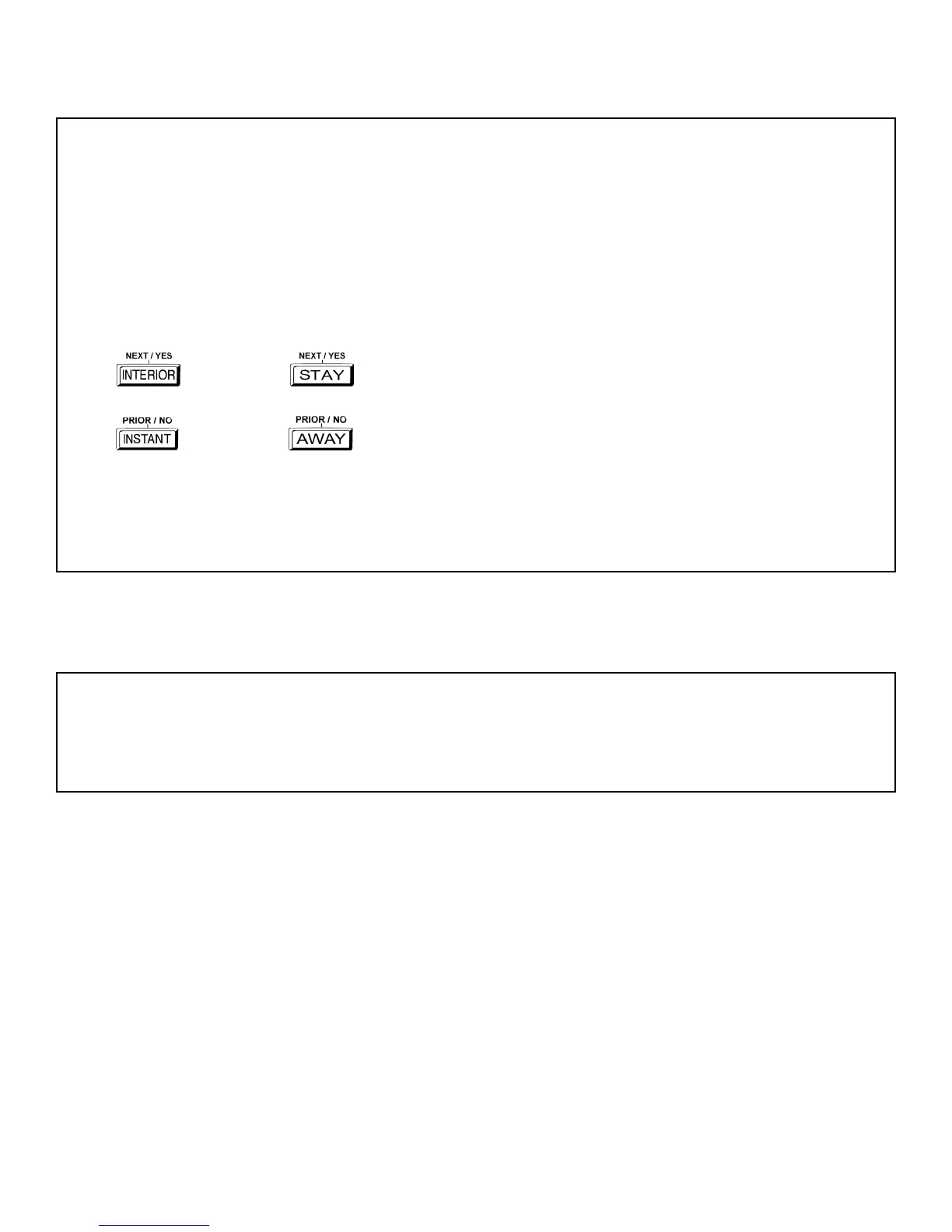
Program Mode is the same for both keypads--only the button names have changed, as follows:
• The A button and the R button operate identically (in Program Mode) for both keypads.
• The D button and the U button operate identically (in Program Mode) for both keypads.
• The
button and the button operate identically (in Program Mode) for both keypads. The words
"NEXT/YES button" are used in this manual.
• The
button and the button operate identically (in Program Mode) for both keypads. The words
"PRIOR/NO button" are used in this manual.
For consistency, it is recommended that all keypads either be all "classic" or all "K Series"--both keypad
types should not be used in one alarm system.
CHANGES FROM PREVIOUS EDITION
The following changes have been made to this manual (WI1092E) since the previous edition (WI1092D).
• Corrections made to address 2423, page 45. Enable TCP/IP Communications and TCP/IP Panel/Site Initiated Functions were changed to
bits 2 and 3, respectively.
NAPCO Security Group, Inc.,
333 Bayview Avenue, Amityville, New York 11701
For Sales and Repairs, call toll free: (800) 645-9445
For direct line to Technical Service, call toll free: (800) 645-9440
Internet: http://www.napcosecurity.com









 To Next Page