X GEM-X255 Programming Instructions
L NAPCO Security Systems
Page 58
WI1092E 10/05
ACCESSING USER PROGRAM MODE
1. Press EEEEEE R
2. Press Q Until “ACTIVATE PROGRAM Y/N” appears on LCD screen.
3. Press P To Enter User Program Mode
4. Press C To Exit User Program Mode when finished
New Panel (Default User Code = 123)
Existing Panel (Any Code with User Program Option Enabled)
USER CODES
Up to 195 User Codes may be programmed.
NOTE: In this mode, only the code is pro-
grammable; the accompanying Area Options
must be programmed in the Dealer Program
Mode. By default, User 1 is enabled in Area 1
and 2; Users 2-8 are enabled in Area 1, Users
9-16 are enabled in Area 2; Users 17-195 are
not enabled in any areas (see page 10).
Use the R button to place the cursor
over the User Number.
Enter a User Number (001–195) using the number buttons. The cursor will then advance to the User Code and read the exist-
ing code, if any.
Enter the new User Code using the number buttons (0-9). If an old code is displayed, program over it. To erase the digit at the
cursor, press
G 0 button.
Press the U button to save the code in memory.
Repeat this procedure for each user. To proceed to Zone-Description programming, press the NEXT button or the PRIOR but-
ton.
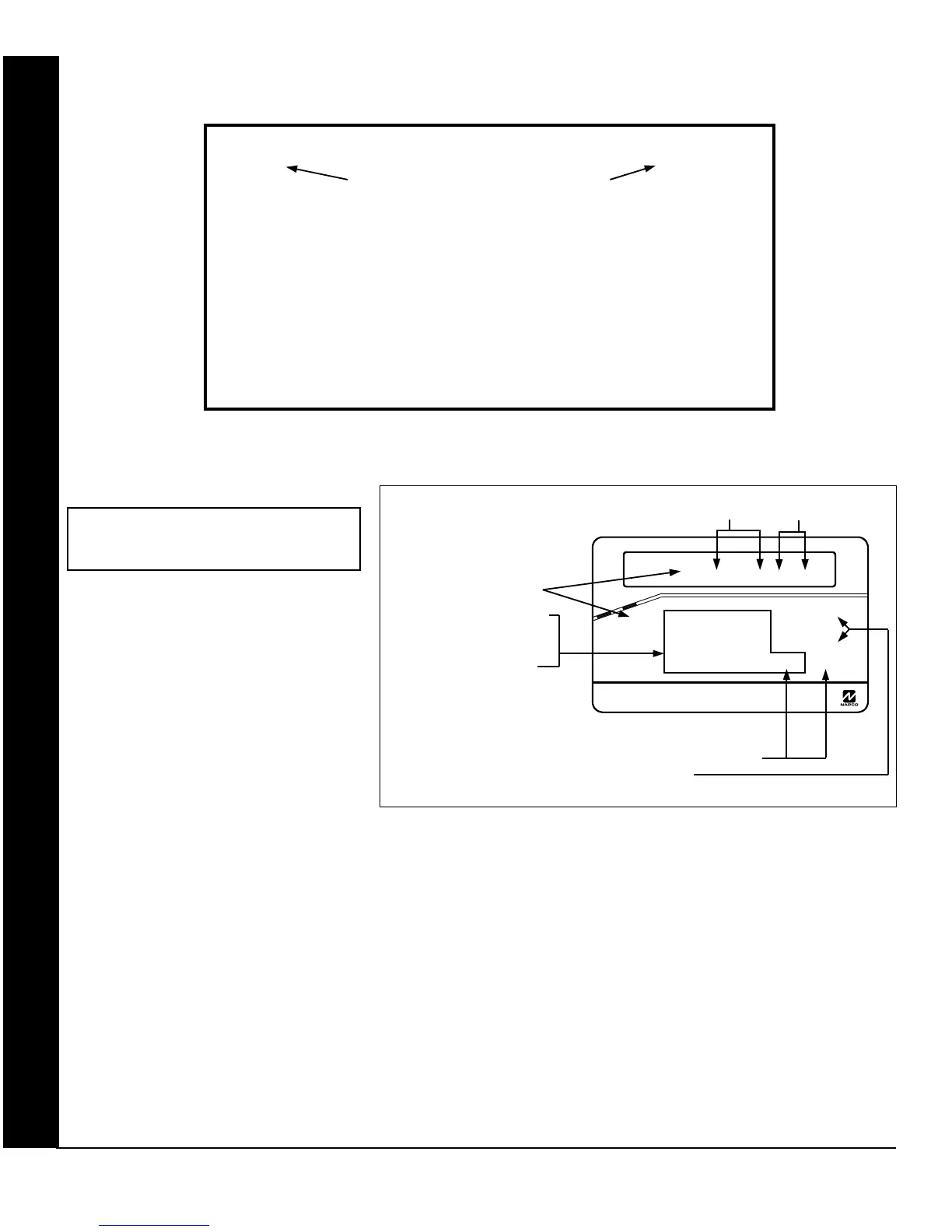
GEM-K1CA Keypad (Direct Entry)
Enter user code
U01 123
USER PROGRAM MODE
Programming User Codes with GEM-K1CA Keypad
To Program User Codes
1. Set Cursor Position using the
R button.
2. Enter 2-digit User Number
(001-195) directly using num-
ber buttons (0-9).
3. Enter Code (1-6 digits) directly
using number buttons (0-9).
4. Press the
U button to save
each code.
NOTE: Press G 0 button to clear character at cursor.
To continue press P or Q button.
GEMINI
Enter user code
U01 123 - -
A
R
M
E
D
COMPUTERIZED SECURITY SYSTEM
S
T
A
T
U
S
R 1 2 3
B 4 5 6
C 7 8 9 0
U
NEXT/YES
P
PRIOR/NO
Q
AREA
G
User Code
NOT USED









 To Next Page