L NAPCO Security Systems
X GEM-X255 Programming Instructions
Page 43
WI1092E 10/05
ACM OPTIONS
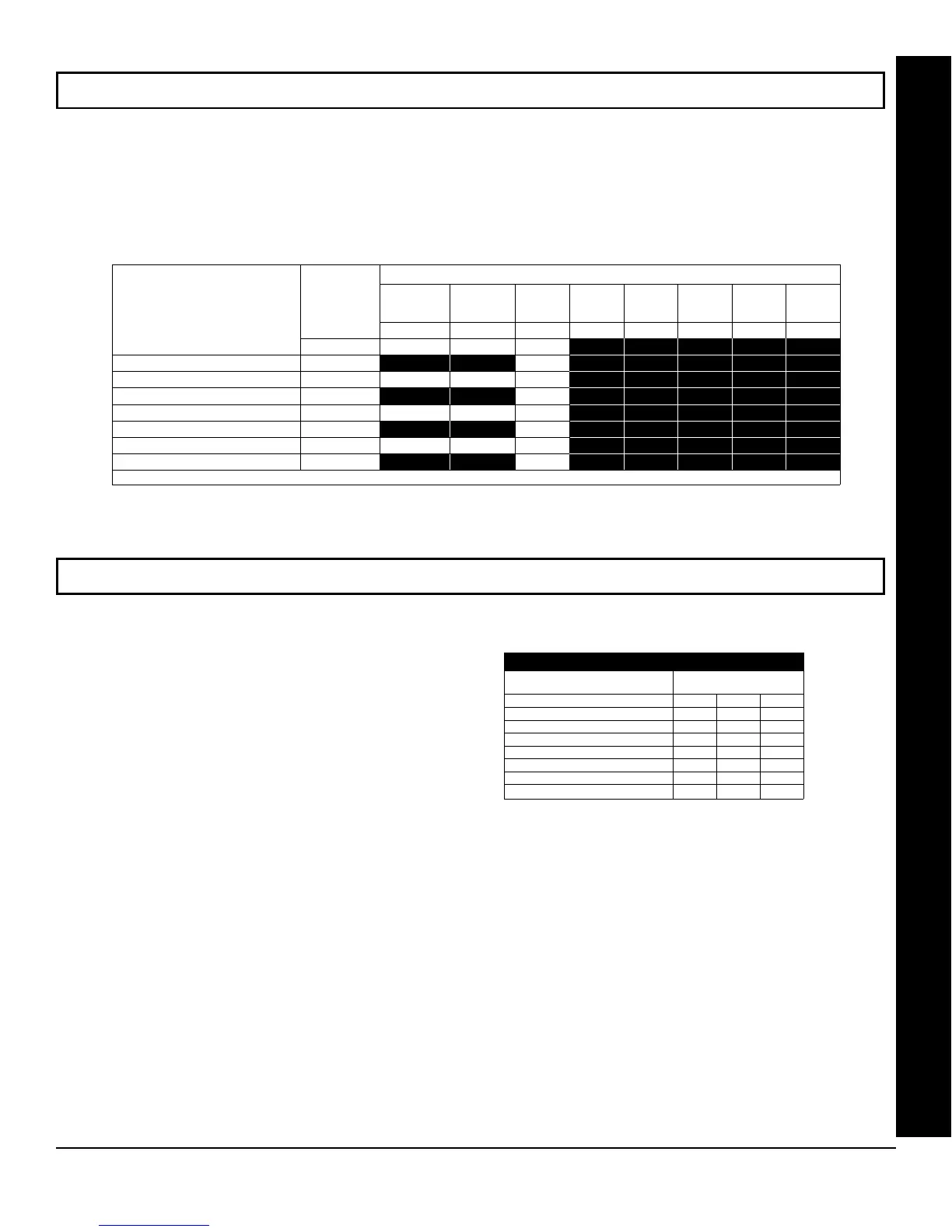
ACM DOOR AREA OPTIONS (ADDRESS 2784-2791)
ACM SCHEDULED FREE ACCESS (ADDRESS 4072-4079)
ACM Door Number
ACM DOOR AREA OPTIONS
Arm All
Areas
Allowed
Disarm All
Areas
Allowed
Stealth
Mode
RSRVD. RSRVD. RSRVD. RSRVD. RSRVD.
1 2 3 4 5 6 7 8
ACM 1 - Door 1 2784
ACM 1 - Door 2 2785
ACM 2 - Door 1 2786
ACM 2 - Door 2 2787
ACM 3 - Door 1 2788
ACM 3 - Door 2 2789
ACM 4 - Door 1 2790
ACM 4 - Door 2 2791
[Default = blank (•) blank (•) from address 2784-2791]
ADDR
ACM DOOR AREA OPTIONS:
1. Select the desired option entering the option number (1-3) for each address.
2. Enter corresponding option number in address location.
NOTE: Dark shaded data value box shows option not available. Press U or D to save.
ACM SCHEDULED FREE ACCESS:
1. Enter the Scheduled Free Access Index (1-96)
(Relay #1-96) for each option in the table at right.
2. Press U or D to save.
Scheduled Free Access Index
ADDR
ACM 1 – Door 1 – 4072
ACM 1 – Door 2 – 4073
ACM 2 – Door 1 – 4074
ACM 2 – Door 2 – 4075
ACM 3 – Door 1 – 4076
ACM 3 – Door 2 – 4077
ACM 4 – Door 1 – 4078
ACM 4 – Door 2 – 4079
[Default = blank (•) blank (•) from address 4072-4079]
Relay Number









 To Next Page