L NAPCO Security Systems
X GEM-X255 Programming Instructions
Page 9
WI1092E 10/05
Central Station Receiver 1 Account Number
• Enter an account number of up to four digits.
• Press 0 through 9 for digits 0–9, and G 0 for a blank (•).
• Press U to save and press the NEXT/YES button to proceed.
NOTE: Central Station Receiver 2 and 3 Account Numbers must be entered in Direct Address Pro-
gramming. See CS Reporting Options.
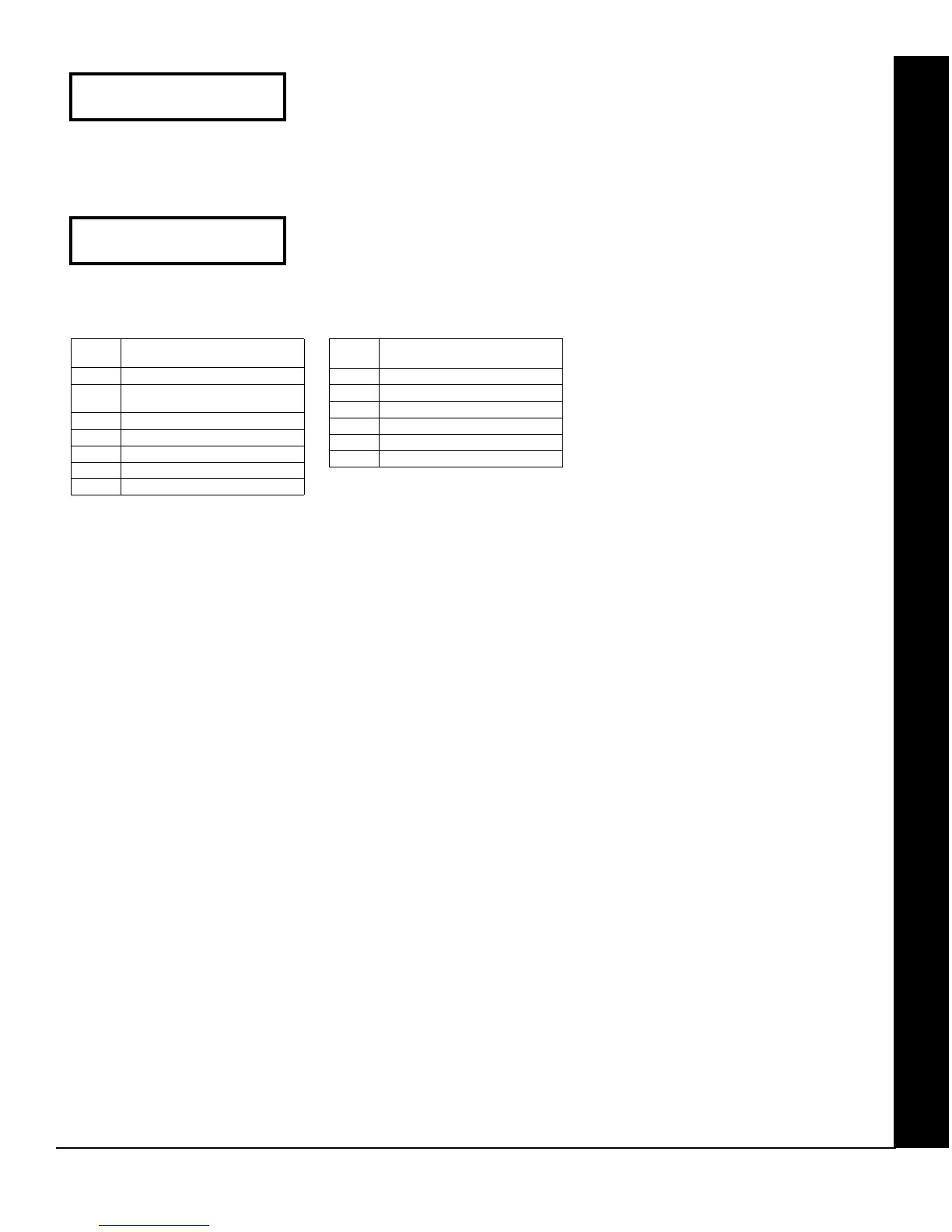
Central Station Receiver 1 Format
• From the table at the right enter the receiver format.
• Press 0 through 9, and G0 for blank (•).
• Press G1 through G4 for letters B–E.
• Press U to save and press the NEXT/YES button to proceed.
(Direct Entry)
Central Station
Account # (____)
(Direct Entry)
See WI for Info
Rcvr Format (0)
DATA
ENTRY
CS RECEIVER 1 FORMAT
blank(•) Ademco Slow, Silent Knight Slow
1 Sescoa, Vertex, DCI, Franklin
Fast
2 Radionics Fast
3 Silent Knight Fast
4 Radionics, DCI, Franklin Slow
5 Universal High Speed
8 Radionics BFSK
DATA
ENTRY
CS RECEIVER 1 FORMAT
9 FBI 4/3/1
0 Radionics Modem 2
B SIA
C Ademco Point ID
D Ademco Express
E Pager
NOTE: Modem IIe is available only in
Direct Address Programming. Central
Station Receiver 2 and 3 Formats can
only be entered in Direct Address
Programming. See CS Receiver
Options.
GEM-RP1CAE2/GEM-K1CA KEYPAD EASY PROGRAM MENU









 To Next Page