X GEM-X255 Programming Instructions
L NAPCO Security Systems
Page 22
WI1092E 10/05
CS Receiver
1 Telephone
Number
(Digits 1-20)
ADDRESS 0527-0546 (DIGITS 1-20)
0527 0528 0529 0530 0531 0532 0533 0534 0535 0536 0537 0538 0539 0540 0541 0542 0543 0544 0545 0546
CS Receiver
2 Telephone
Number
(Digits 1-20)
ADDRESS 0552-0571 (DIGITS 1-20)
0552 0553 0554 0555 0556 0557 0558 0559 0560 0561 0562 0563 0564 0565 0566 0567 0568 0569 0570 0571
CS Receiver
3 Telephone
Number
(Digits 1-20)
ADDRESS 0577-0596 (DIGITS 1-20)
0577 0578 0579 0580 0581 0582 0583 0584 0585 0586 0587 0588 0589 0590 0591 0592 0593 0594 0595 0596
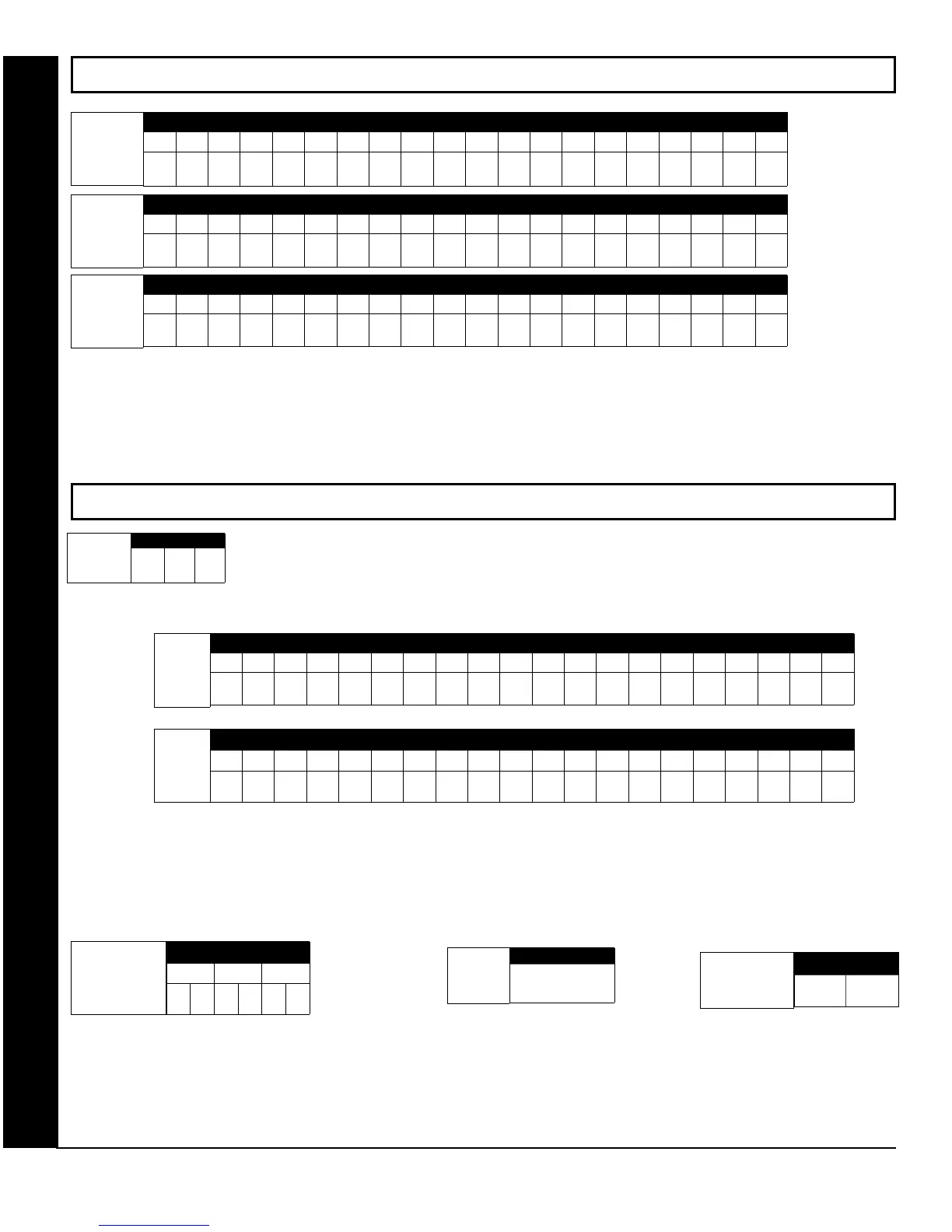
CS RECEIVER TELEPHONE NUMBERS: Enter telephone numbers for any of the three CS Receivers (Telco 1, 2 & 3).
1. Enter up to 20 digits from left to right. NOTE: Leave trailing boxes blank (•).
2. Valid entries are: 1-9, B = *button, C = #button, D = 3 sec. pause, E = Wait for dial tone, F = ignore location
Default for CS
Receiver 1
Telephone Number
depends on Easy
Menu Question
“CENTRAL PHONE
#”.
[Default = blank (•)]
across digits 1-20 for
CS Receiver
Telephone Numbers
1, 2 and 3.
CS RECEIVER TELEPHONE NUMBERS (ADDRESS 0527-0546, 0552-0571, 0577-0596)
DOWNLOAD/CALLBACK OPTIONS (ADDRESS 4089, 0600-0619, 0625-0647, 1022 & 1023)
ANSWER ON RING NUMBER: Enter the number of rings before automatic pickup by the control panel
when downloading from a computer (see Glossary in WI1093). Initial value of 000 becomes 15 rings.
1. Enter digits only.
2. Valid entries are: 003-015. NOTE: Default is 15 Rings. Press U or D to save.
CALLBACK TELEPHONE NUMBERS: Enter telephone numbers to be used when downloading from a computer.
1. Enter digits only.
2. Enter up to 20 digits from left to right. NOTE: Leave trailing boxes blank (•).
3. Valid entries are: 0-9, B = *button, C = #button, D = 3 sec. pause, E = Wait for dial tone, F = ignore location. Press U or D to save.
[Default = blank (•) for all digits 1-20]
ADDRESS 0600-0619 (DIGITS 1-20)
0600 0601 0602 0603 0604 0605 0606 0607 0608 0609 0610 0611 0612 0613 0614 0615 0616 0617 0618 0619
Callback
Telephone
Number 1
(Digits 1-20)
[Default = blank (•) for all digits 1-20]
ADDRESS 0625-0644 (DIGITS 1-20)
0625 0626 0627 0628 0629 0630 0631 0632 0633 0634 0635 0636 0637 0638 0639 0640 0641 0642 0643 0644
Callback
Telephone
Number 2
(Digits 1-20)
[Default = blank (•) blank (•)]
Download
Security Code
ADDRESS 0645-0647
0645 0646 0647
DOWNLOAD SECURITY CODE: Enter up to 6 digits to be used
for remote access when downloading from a computer.
1. Enter digits in address locations above.
2. Valid entries are: 0-9.
Note: Download Security Code must match the code entered in
the PCD-Windows Quickloader Download Software.
ADDRESS 1022
Callback
Telephone
No. Select
[Default = blank (•) blank (•)]
CALLBACK TELEPHONE NO. SELECT: Enter
either “1” for Callback Telephone Number 1 or
“2” for Callback Telephone Number 2.
1. Valid entries are: 1 or 2.
CS RECEIVER TELEPHONE NUMBERS & DOWNLOAD/CALLBACK OPTIONS
ADDRESS 1023
Auto Download
ID No.
[Default = blank (•) blank (•)]
Valid entries - 01-99
ADDRESS 4089
[Default = 015]
Answer on
Ring Number









 To Next Page