L NAPCO Security Systems
X GEM-X255 Programming Instructions
Page 45
WI1092E 10/05
SYSTEM OPTIONS (ADDRESS 2423)
SYSTEM OPTION:
1. Select the System Option from the table shown and enter in the corresponding address location at right. Keypad Blank-
ing will clear all data from the LCD display (and turn off all keypad LED's) after the system is armed and delay time has ex-
pired. The display will re-appear when an exit/entry door is faulted, causing an entry time delay display, or if a valid user code
is entered at the keypad while the system is armed.
2. Press U or D to save. NOTE: Dark shaded data value box shows option not available.
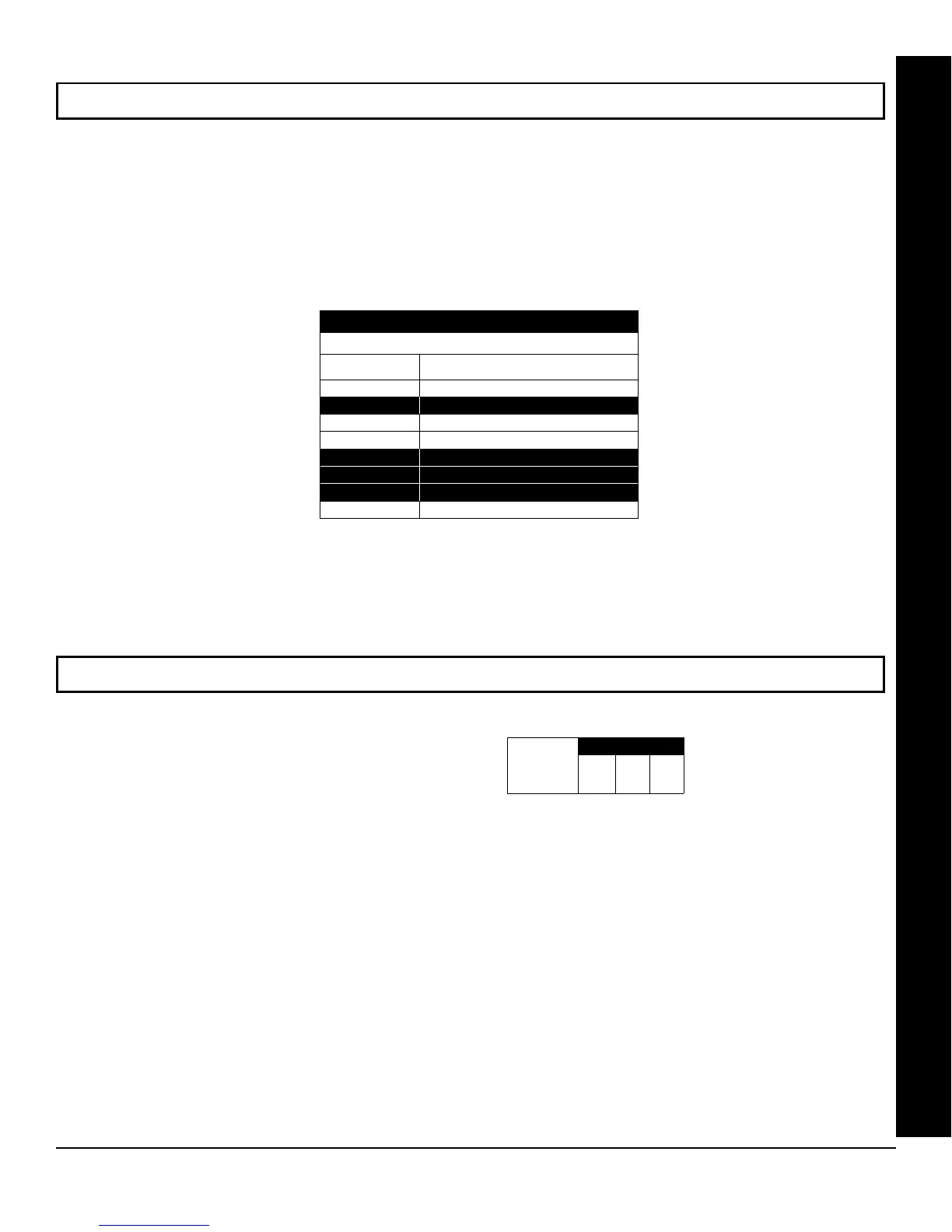
ADDRESS 2423
SYSTEM OPTIONS
DATA ENTRIES
RIGHT
OPTION
1 Enable ACM Access
2 RESERVED
3 Enable TCP/IP Communications
4 TCP/IP Panel/Site Initiated Functions
5 RESERVED
6 RESERVED
7 RESERVED
8 Enable Keypad Blanking
EMERGENCY FREE ACCESS (ADDRESS 4080)
ENABLE ACM OPTION:
1. Select the Emergency Free Access
Zone Number (1-255) and enter corre-
sponding address location at right.
2. Press U or D to save.
ADDRESS 4080
[Default = 000]
Emergency
Free Access
Zone Number
ACM OPTIONS









 To Next Page