L NAPCO Security Systems
X GEM-X255 Programming Instructions
Page 39
WI1092E 10/05
SYSTEM OPTIONS (ADDRESS 2420-2422, 3874, 3905)
SYSTEM OPTIONS
3905
System Options
Default
Option
OFF
1
RESERVED
OFF
2
Enable Exit Delay Restart (SIA-FAR)**
OFF
3
Enable Bell on Exit Error**
OFF
4
Enable Report Exit Err/Recent Close**
OFF
5
Digital Dialer Rpt Enter/Exit Test Mode**
OFF
6
Enable CP-01 Limits**
OFF
7
Disable Call Waiting on First Attempt
OFF
8
Enable Ambush in User Assignment Code Type
** Default for this addresses contingent on EZ Menu selections.
2420
System Options
2421
System Options
Default
Option
Default
Option
OFF
1
Disable System Trouble Audible (at Keypad)
†
OFF
1
Automatic Interior Bypass/Easy Exit
OFF
2
Chime on Lug E4
OFF
2
Veri-phone Zones trip Aux. Output
OFF
3
Disable Code required for Func. Mode Lvl. 1
OFF
3
Veri-phone Zones Priority over Alarms
OFF
4
Disable Code required for EZ Bypass
OFF
4
AuxOut Chirp on Keyfob Arm/Disarm**
OFF
5
Disable Keypad Instant Button
OFF
5
Disable Auxout Clear on Disarm
OFF
6
Enable Telephone Line-Fault Test
OFF
6
2nd Call Answering Machine Override
OFF
7
Disable AC Fail Detection
OFF
7
Disable Zone Fault Scrolling (Auto Status)
OFF
8
Telco Fail only when Armed
OFF
8
Veri-phone Zones trip Fire Output
† NOTE: Not for UL Installations.
** Default for this address contingent on EZ Menu selections.
2422
System Options
3874
System Options
Default
Option
Default
Option
ON
1
Pulse Burg Output Cadence
§
OFF
1
Enable GEM-PRINT
OFF
2
Wireless Smoke Low Battery Resound
OFF
2
Enable Cancel Report to Telco 3
OFF
3
Supervised Alarm Output
OFF
3
Wireless Trouble to Telco 1
OFF
4
Enable Smoke Detector Dirty Trouble
OFF
4
Wireless Trouble to Telco 3
OFF
5
Disable Area Entry Relays
OFF
5
Enable Set Time/Date Message
OFF
6
Disable Exit/Entry Urgency Tone at Keypad
OFF
6
RESERVED
OFF
7
Select Bell Output on Keyfob Arming
ON
7
Enable Keypad Time/Date Display
OFF
8
Enable Burg. Output on Telco Fail only when Armed
8
RESERVED
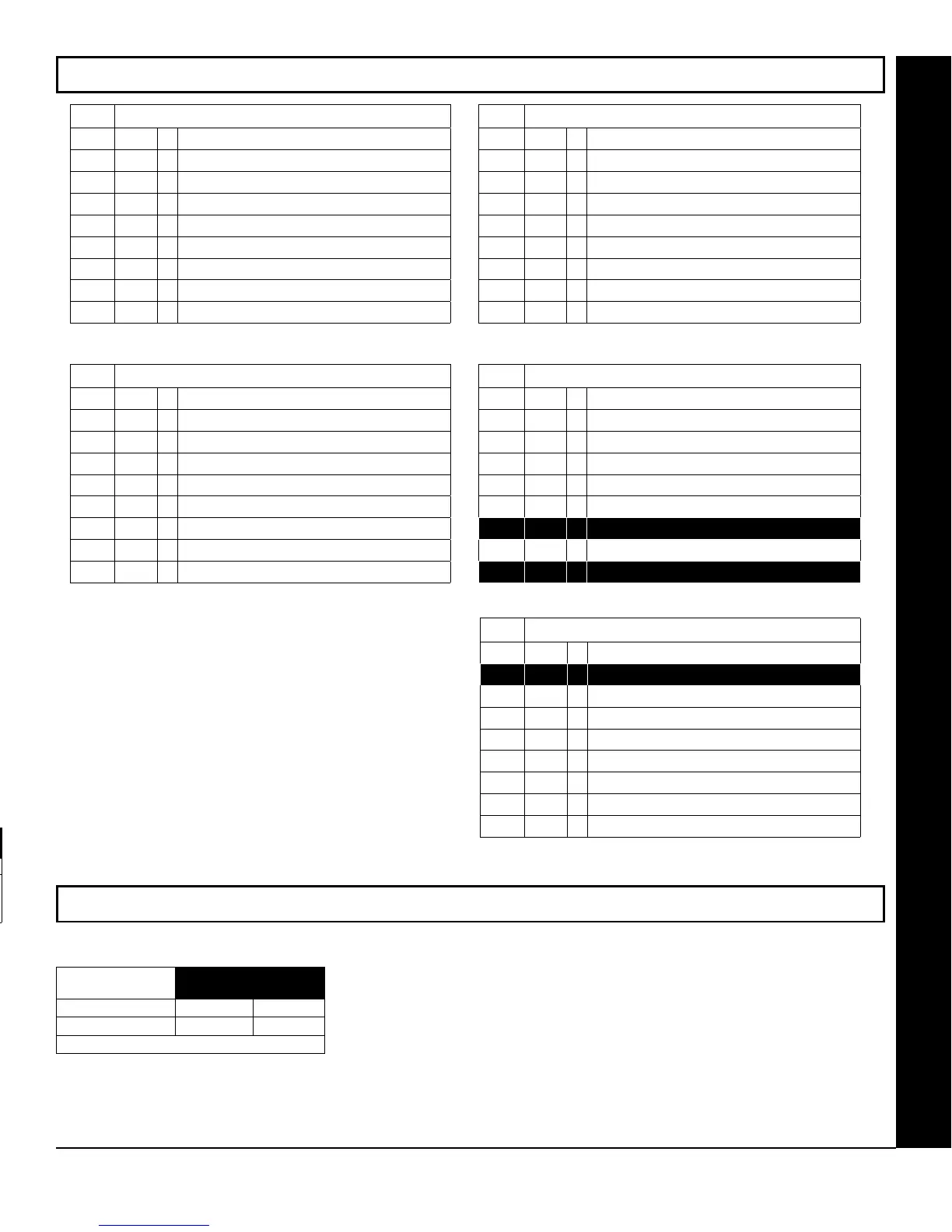
SYSTEM OPTIONS:
1. Select the desired option entering the option
number (1-8) for each digit.
2. Enter corresponding option number in address
location.
NOTE: Dark shaded data value box shows option not
available. Press
U or D to save.
ALARM/TROUBLE
REPORTING CODES
ADDRESS 3880-3881
Wireless Supervisory 3880
Wireless Tamper
3881
[Default = blank (•) from address 3880-3881]
ALARM/TROUBLE REPORTING CODES (ADDRESS 3880-3881)
ALARM/TROUBLE REPORTING CODES:
1. Enter in corresponding address location (left and right digits).
NOTE: Left digit is the first digit and right digit is the second digit in a two digit CS receiver
format.
2. Valid entries are: 1-9, 0 and B-F.
NOTE: A is not permitted.
3. To disable a code leave boxes blank (•).
4. Press
U or D to save.
§
In Zone Options, Fire Zones, and only Fire Zones,
must be programmed for pulse alarm output.









 To Next Page