X GEM-X255 Programming Instructions
L NAPCO Security Systems
Page 48
WI1092E 10/05
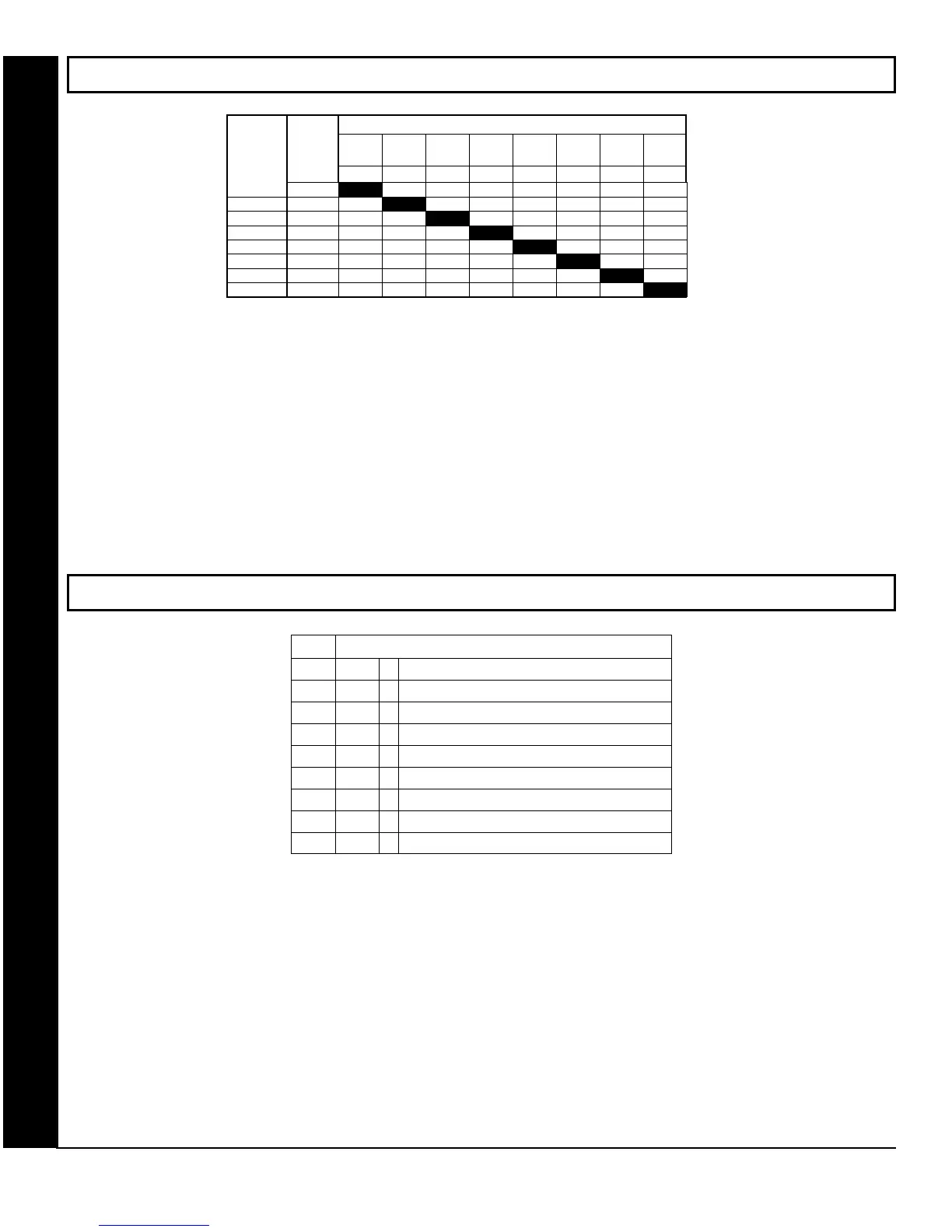
AREA ARMING OPTIONS (ADDRESS 2650-2657)
PRIORITY AREA ARMING:
1. Select the desired arming area.
2. Enter the corresponding Area number in each the address location, in Binary (Bit) Format. NOTE: See Direct Address
Programming Example on page 15.
3. Press U or D to save.
NOTE: Dark shaded data value box shows option not available.
REMOTE ACCESS LOGGING (ADDRESS 3184)
REMOTE ACCESS LOGGING: Enable logging of every keypad access event.
1. Select the desired option entering the option number (1-8) for each digit.
2. Enter corresponding option number in address location.
3. Press U or D to save.
AREA ARMING OPTIONS & REMOTE ACCESS LOGGING
ARMING
AREA
PRIORITY AREA ARMING
ADDR A1 A2 A3 A4 A5 A6 A7 A8
1 2 3 4 5 6 7 8
1 2650
2 2651
3 2652
4 2653
5 2654
6 2655
7 2656
8 2657
[Default = blank (•) blank (•) from address 2650-2657]
3184
System Options - Enable Keypad
Default
Option
OFF
1
Enable Keypad 1
OFF
2
Enable Keypad 2
OFF
3
Enable Keypad 3
OFF
4
Enable Keypad 4
OFF
5
Enable Keypad 5
OFF
6
Enable Keypad 6
OFF
7
Enable Keypad 7
OFF
8
Enable Keypad 8









 To Next Page