X GEM-X255 Programming Instructions
L NAPCO Security Systems
Page 46
WI1092E 10/05
[Default = blank (•) blank (•) from address 2471-2550;
blank (•) 1 for addresses 2455-2462;
blank (•) 2 for addresses 2463-2470]
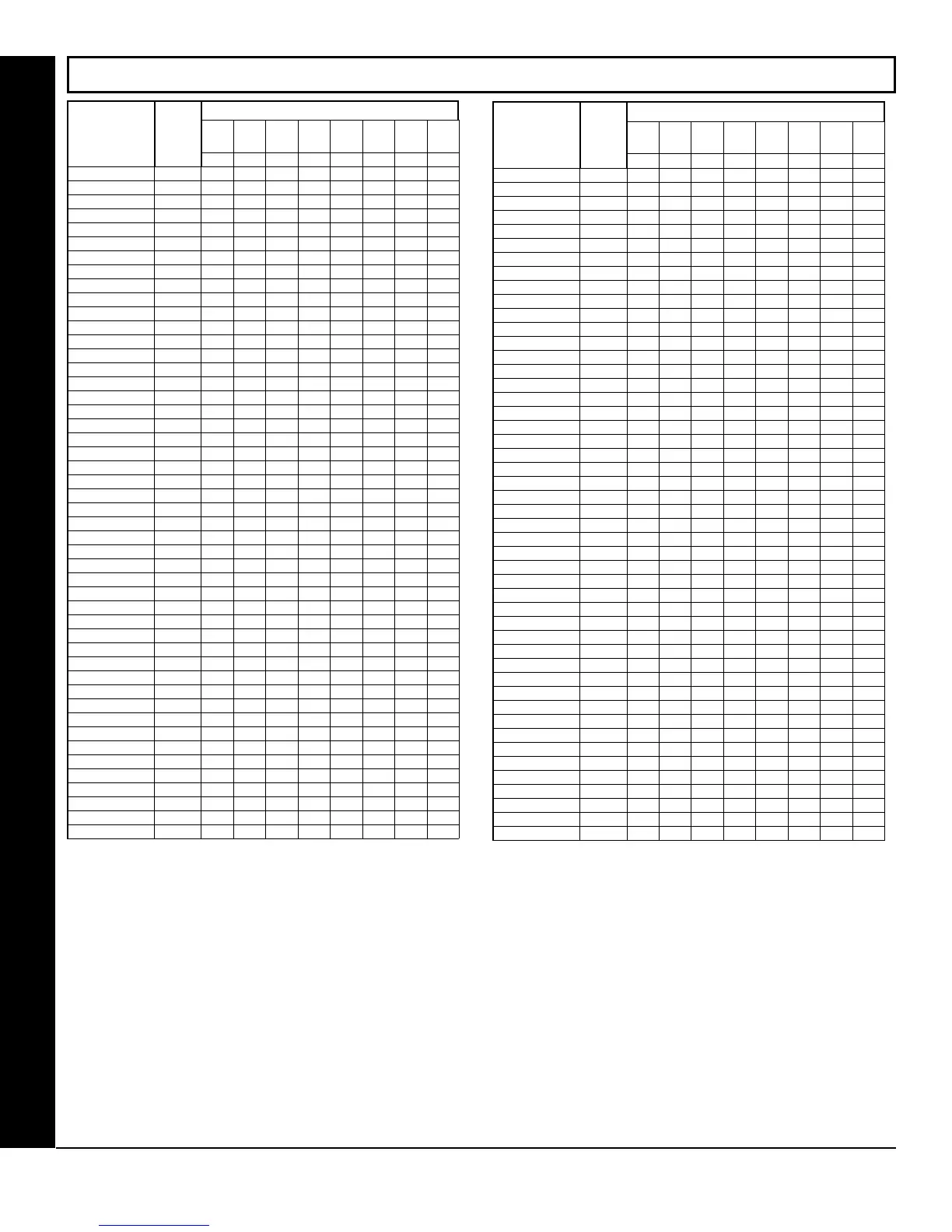
USER AREA OPTIONS (ADDRESS 2455-2550)
USER AREA OPTIONS
AREAS 1 8
USER
NUMBER
ADDR
A1 A2 A3 A4 A5 A6 A7 A8
1 2 3 4 5 6 7 8
1 2455 ON
2 2456 ON
3 2457 ON
4 2458 ON
5 2459 ON
6 2460 ON
7 2461 ON
8 2462 ON
9 2463 ON
10 2464 ON
11 2465 ON
12 2466 ON
13 2467 ON
14 2468 ON
15 2469 ON
16 2470 ON
17 2471
18 2472
19 2473
20 2474
21 2475
22 2476
23 2477
24 2478
25 2479
26 2480
27 2481
28 2482
29 2483
30 2484
31 2485
32 2486
33 2487
34 2488
35 2489
36 2490
37 2491
38 2492
39 2493
40 2494
41 2495
42 2496
43 2497
44 2498
45 2499
46 2500
47 2501
48 2502
AREAS 1 8
USER
NUMBER
ADDR
A1 A2 A3 A4 A5 A6 A7 A8
1 2 3 4 5 6 7 8
49 2503
50 2504
51 2505
52 2506
53 2507
54 2508
55 2509
56 2510
57 2511
58 2512
59 2513
60 2514
61 2515
62 2516
63 2517
64 2518
65 2519
66 2520
67 2521
68 2522
69 2523
70 2524
71 2525
72 2526
73 2527
74 2528
75 2529
76 2530
77 2531
78 2532
79 2533
80 2534
81 2535
82 2536
83 2537
84 2538
85 2539
86 2540
87 2541
88 2542
89 2543
90 2544
91 2545
92 2546
93 2547
94 2548
95 2549
96 2550
USER AREA OPTIONS:
1. Each address corresponds to a specific User, numbered 1-96. For each User, select the desired Area by marking the de-
sired Area number (1-8) in the above table.
2. Enter the corresponding Area number in each the address location, in Binary (Bit) Format.
3. Press U or D to save.
NOTE: See Direct Address Programming Example on page 15.









 To Next Page