X GEM-X255 Programming Instructions
L NAPCO Security Systems
Page 20
WI1092E 10/05
[Default = blank (•) blank (•) from address 0490-0492]
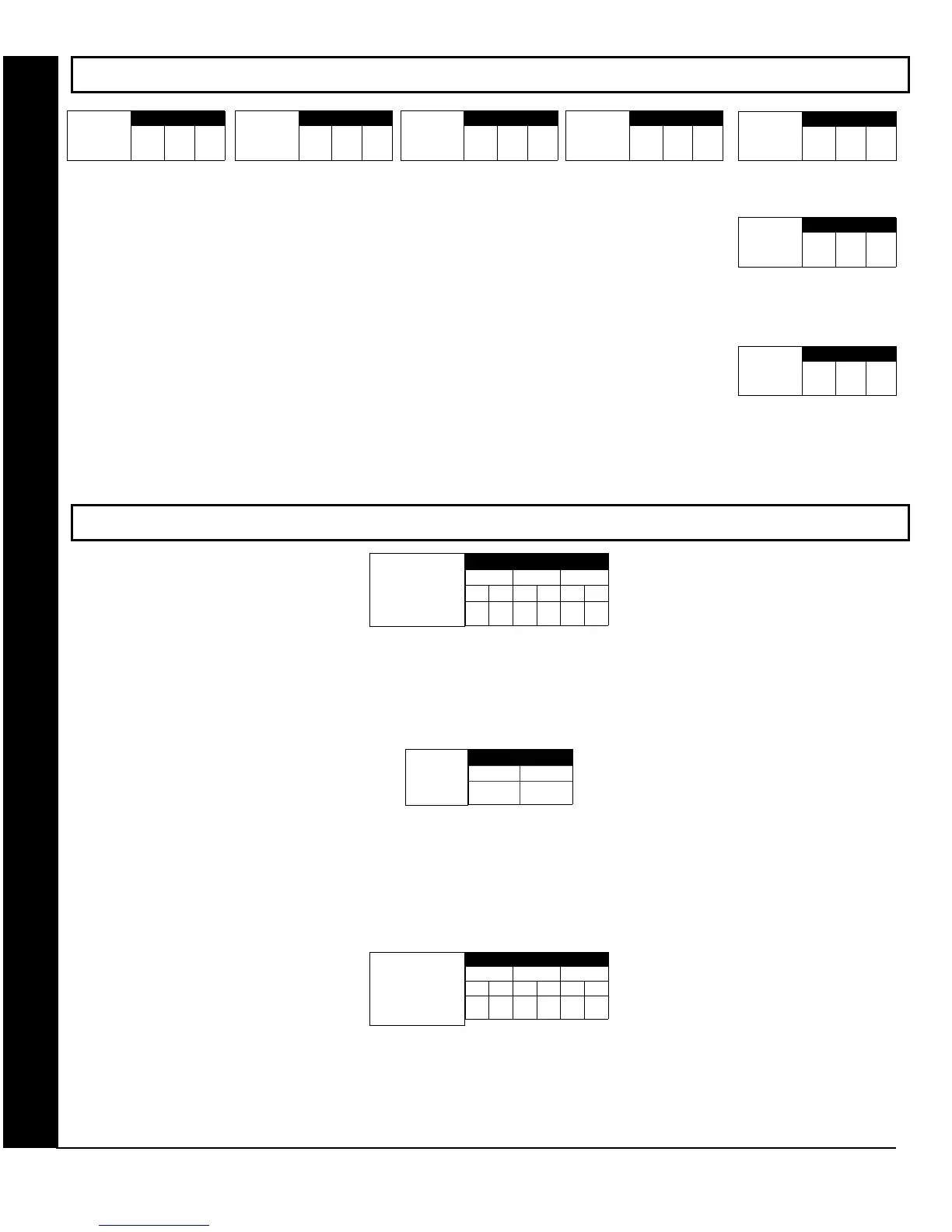
SYSTEM DELAYS & TIMEOUTS (ADDRESS 2400, 2401, 2403-2405, 4082 & 4083)
KEYPAD SYSTEM CODES (ADDRESS 0490-0495 & 0500-0502)
DEALER SECURITY CODE: Enter up to 6 digits to be used by the dealer to enter programming.
1. Enter in both left and right digits of address locations.
2. Valid entries are: 0-9.
Note: If left blank, the Master Security Code must then be used to enter programming.
AMBUSH CODE: Enter a 2-digit code used just prior to disarming and will activate an Ambush Condition, causing a SILENT report to
be sent to the central station.
1. Enter in both left and right digits of address locations.
2. Valid entries are: 0-9.
Note: Also, “Enable Keypad Ambush” (Address 2440-2454), “Report on Ambush Alarm” (Address 1125, 1127, 1135 & 1137) must be
enabled and “Ambush Reporting Code” (Address 0900) must be provided.
Panel Access
Code
ADDRESS 0490-0492
0490 0491
L R L R L R
0492
PANEL ACCESS CODE: Enter up to 6 digits to activate a door strike while the area is disarmed.
1. Enter in both left and right digits of address locations.
2. Valid entries are: 0-9.
Note: Also, “Access Control on Aux. Output” (Address 2418) and “Aux. Output Access Control Timeout” (Address 2402) must both be
enabled.
LEFT RIGHT
ADDRESS 0495
Ambush
Code
[Default = 99]
[Default = blank (•) blank (•) from address 0500-0502]
Dealer Security
Code
ADDRESS 0500-0502
0500 0501
L R L R L R
0502
SYSTEM DELAYS/TIMEOUTS & KEYPAD CODES
ADDRESS 2400
[Default = 000]
Reset Output
Timeout
(min.)
1. Select delay/timeout (0-255 min.).
2. Enter in corresponding address locations above and right.
3. Press U or D to save.
OUTPUT TIMEOUTS: If a timeout of “0 min.” is selected, then the output will
remain active (ON) until the system is reset or disarmed. For UL Residential In-
stallations, the minimum timeout is 4 minutes. For UL Commercial Installations,
the minimum timeout is 15 minutes.
ADDRESS 2401
[Default = 000]
Aux. Output
Timeout
(min.)
ADDRESS 2403
[Default = 015]
Burg. Alarm
Output
Timeout
(min.)
ADDRESS 2404
[Default = 015]
Pulse Alarm
Output
Timeout
(min.)
ADDRESS 2405
[Default = 000]
Fire Output
Timeout
(min.)
ADDRESS 4082
[Default = 000]
V.1 or less = sec.
V.3 or greater = min.
Program for at least 5 minutes
in a CP-01 installation.
*
Report
Cancel
Window
(min or sec.)
ADDRESS 4083
[Default = 000]
Auto Disarm
Rearm Delay
(min.)
*Address 4082: When "Enable CP-01 Features" is selected
in the Easy Program menu, this time is set to 7 minutes.









 To Next Page