X GEM-X255 Programming Instructions
L NAPCO Security Systems
Page 44
WI1092E 10/05
ACM OPTIONS
ACM ZONE OPTIONS:
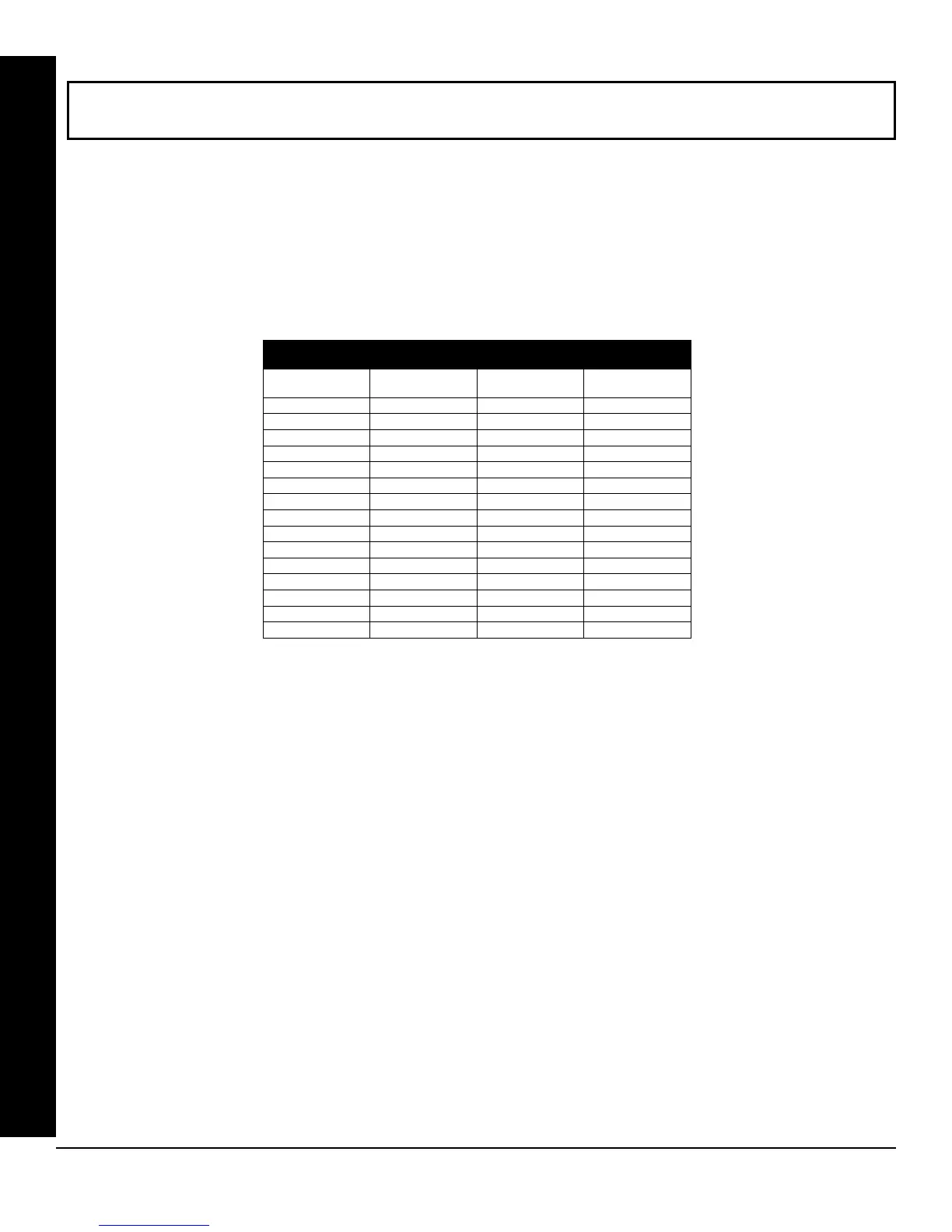
Enter the Zone numbers (in two-digit hexadecimal format) for each option in the table below.
The left digit (nibble) determines the type of device: "●" for Keypad and "1" for ACM. Note: First device should be
a keypad.
The right digit (nibble) determines the home area (1-8) of the specified device.
Press U or D to save.
KEYPAD HOME AREA / ACM DOOR #1 AREA (HEX)
(ADDRESS 2425-2439)
KEYPAD HOME AREA / ACM DOOR #1 AREA (HEX)
(ADDRESS 2425-2439)
ADDRESS
DEVICE TYPE
(●) or 1
AREA # (1-8)
2425
See *Note at bottom
2426
2427
2428
2429
2430
2431
2432
2433
2434
2435
2436
2437
2438
2439
[Default = blank (•) 1 for address 2425
blank (•) blank (•) for addresses 2426-2439]
* Note: First device should be a keypad.
ACM / Keypad
1
2
3
4
5
6
7
8
9
10
11
12
13
14
15









 To Next Page