100
Cortex Cloud
Sharing Presets or Neural Captures with a friend
Search
Presets
9:41
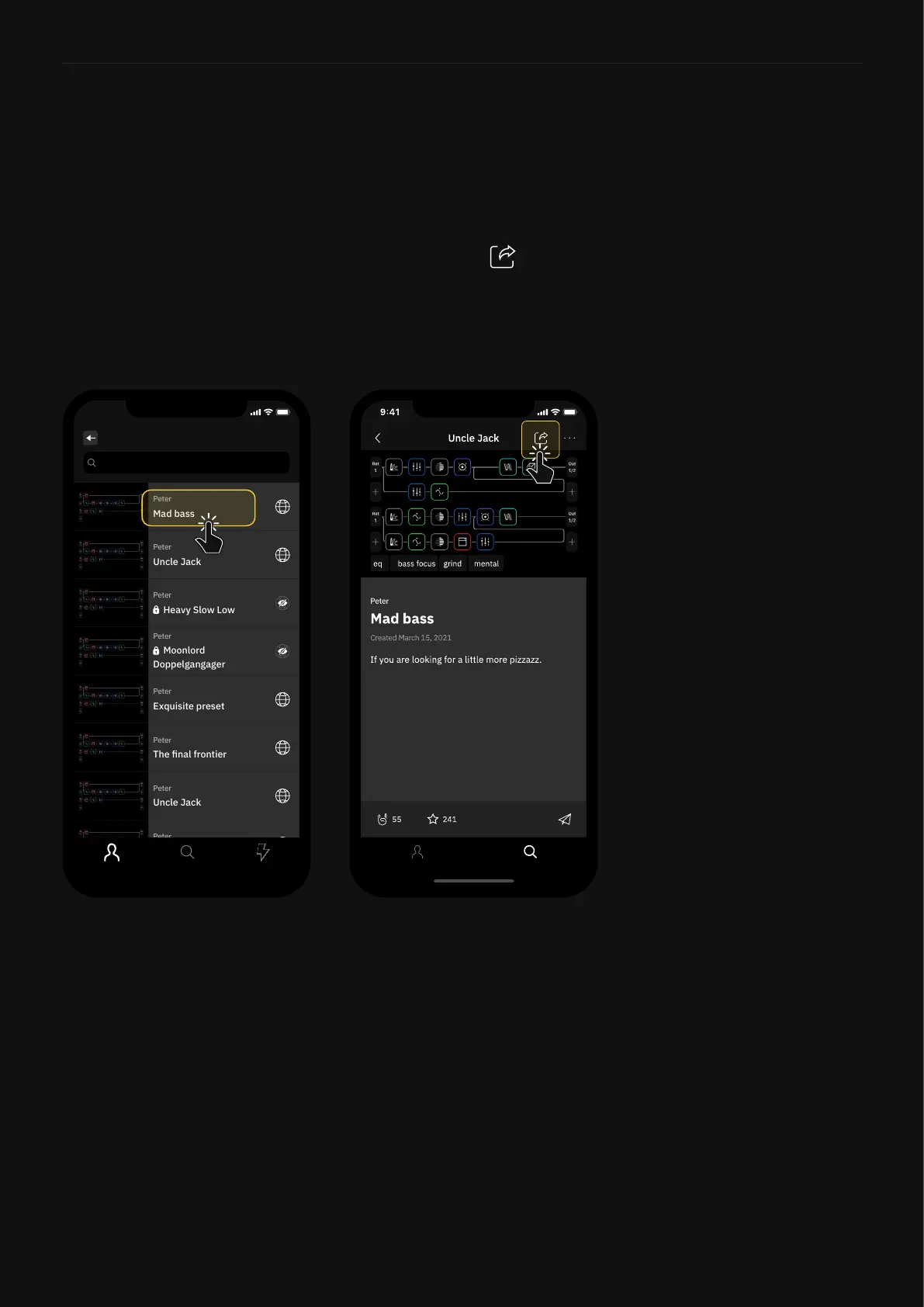
To share a Preset or Neural Capture, you rst have to upload it
to Cortex Cloud. Once uploaded, use the Cortex Mobile App for
sharing.
1. Go to your Prole.
2. Select the item you would like to share then tap
3. Tap the name of your friend on the list. Multiple friends can also
be selected.
4. Conrm the action by tapping “Send”.



 To Next Page