15
Setting up your Quad Cortex
You can log in to your Neural DSP account on
your Quad Cortex.
Neural DSP account
Tap the Main Menu on The Grid. Go to Settings, My Account, and
tap the LOGIN button. Enter your credentials to log in.
Go to neuraldsp.com/register to create a new account.
We also include a QR code to access neuraldsp.com/register
faster. Open the Main Menu, tap Settings, and use your phone’s
camera to scan it.
Linking Quad Cortex with your account
Creating a new account
Don’t have an account?
Register here.
LOGIN
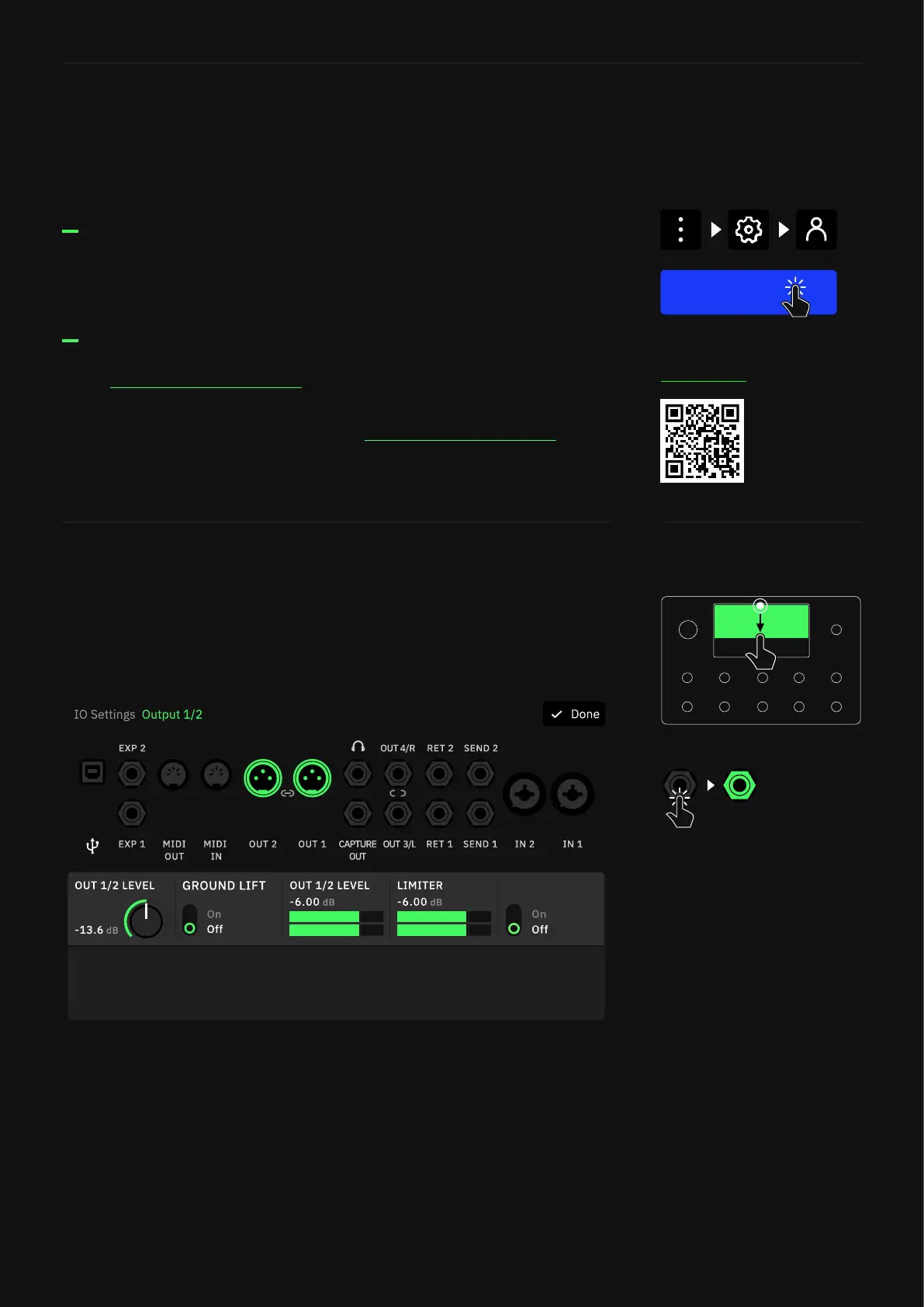
Swipe down from the top of The Grid to access the I/O Settings
screen. Here you can visualize and control the settings of all inputs
and outputs.
Unused inputs are grey; used inputs are white. Plug something in
and see a grey input instantly change to white. Use gestures or the
rotary actuators to modify parameters.
I/O Settings
Tap an I/O port to change its
parameters.
Outputs 1/2 and 3/4 can be
paired. Tapping an output
displays the faders for both,
but the faders are unpaired.
Long-press an output to change
the pair state. This setting is
automatically saved.
MUTE



 To Next Page