95
Cortex Cloud
This feature allows you to securely backup all of the settings and
data on your Quad Cortex, including Presets, Neural Captures, and
Impulse Responses.
Link your account
Cloud Backups
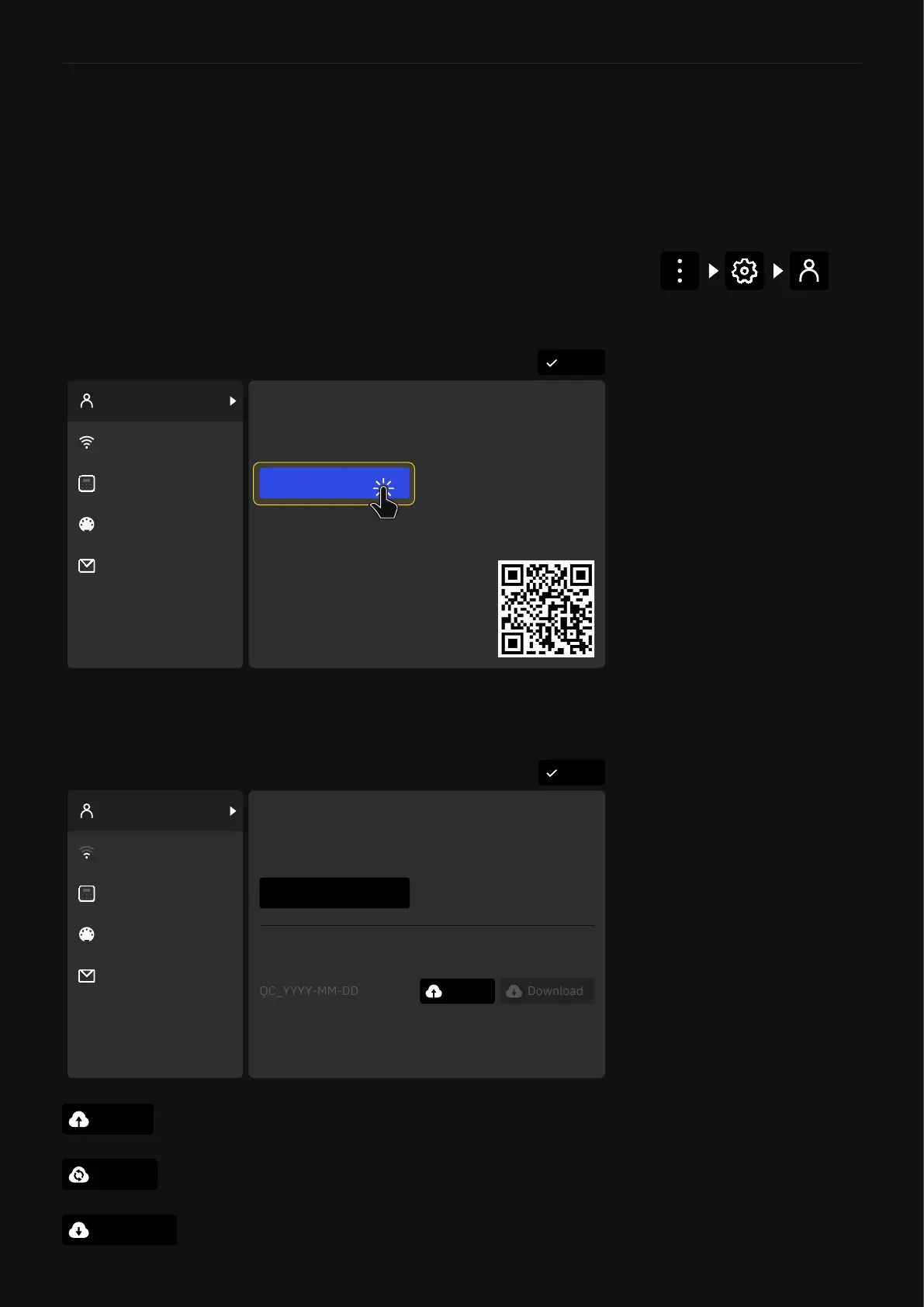
First, link your Quad Cortex with your Neural DSP account. Go to
the dropdown menu, tap on Settings and check the
“My Account” section.
DoneSettings
My Account
Contact Us
MIDI Settings
Device Options
Wi-Fi
You need to be logged in to your Neural DSP account to
create backups and download or share files.
Link Quad Cortex with your account
Need a Neural DSP account?
LOGIN
To create a new account, visit
neuraldsp.com/register
or scan the QR code.
DoneSettings
You are ready to send & receive Presets, Neural Captures,
use Cloud Directories, and create Cloud backups.
Backup
Create
UNLINK DEVICE
Device linked to username@domain.com
My Account
Contact Us
MIDI Settings
Device Options
Wi-Fi
Backups your data for the rst time.
Once you log in into your Neural DSP account you will gain
access to these three functions for Cloud Backups.
Create
Download
Update
Linking your Neural DSP account
unlocks the full potential of your
Cortex Cloud prole.
This will replace your current Quad Cortex les and settings
with the ones in your Cloud backup.
This will replace your Cloud backup with a new backup.



 To Next Page