53
Modes
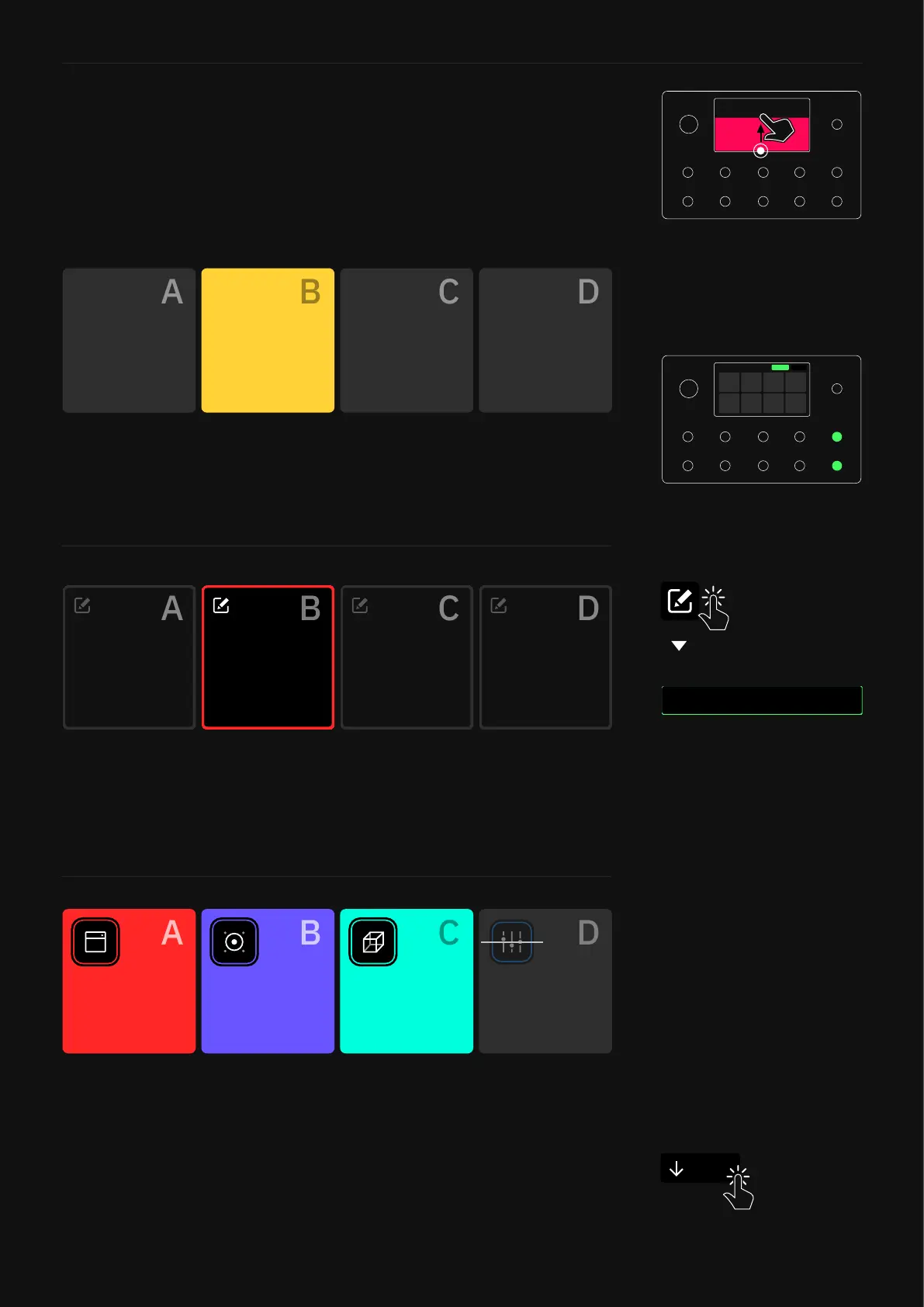
Scene Mode: Gig View shows you the Scene assigned to each
footswitch. You can change the names of your Scenes. Tap the edit
icon in the upper-left corner of the Scene blocks to create/change
Scene names.
Stomp Mode: Gig View shows you the device assigned to each
footswitch.
Preset Mode: Gig View shows you the Preset assigned to each
footswitch. Tap the active footswitch a second time to show an
enlarged view of the current Preset.
Gig View allows you to visualize what the footswitches are
assigned to instantly. This visualiation utilizes the entire screen.
Access Gig View by swiping up from the bottom of The Grid.
Gig View
More reverb
Tap the “Close” button to get back to The Grid.
Close
While in Gig view, tap the Mode
name at the top-right corner
or press the furthest-right
footswitches on the bottom two
rows together to change Modes.



 To Next Page