101
Cortex Cloud
Making Presets or Neural Captures available to
the public
Your Preset or Neural Capture has to be uploaded to Cortex Cloud
rst.
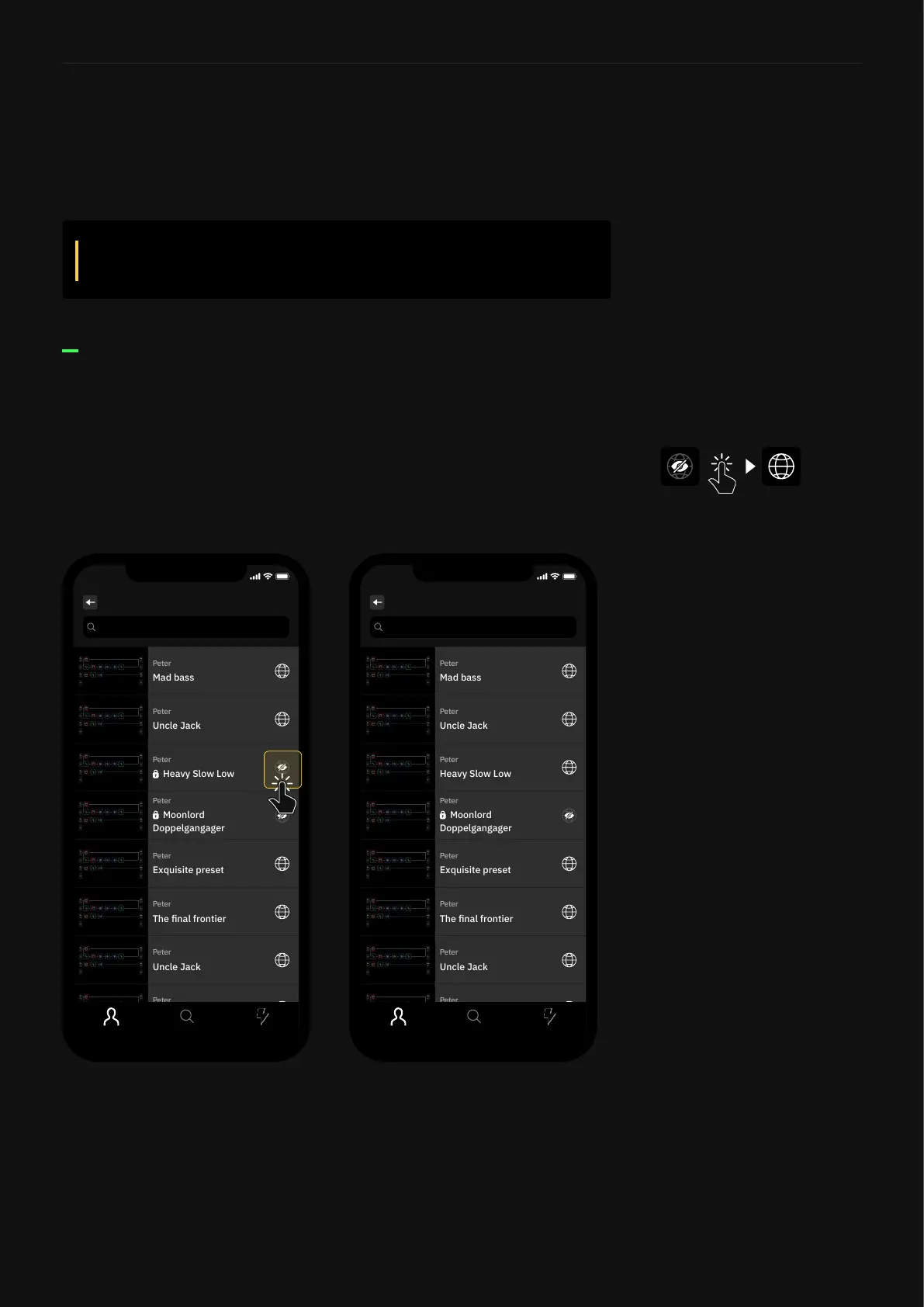
1. Navigate to your prole.
2. Open the Preset or Neural Capture you’d like tomakeavailable
to the public.
3. Tap the hidden globe icon in the top-right corner.
4. The lock will disappear and your item will be available for everyone
to nd, download, and star.
Using Cortex Mobile
If you want your items to be easy to nd, make sure to add
tags. Adding a short description is ideal!
Search
Presets
9:41
Search
Presets
9:41



 To Next Page