37
Presets
Using External IR les
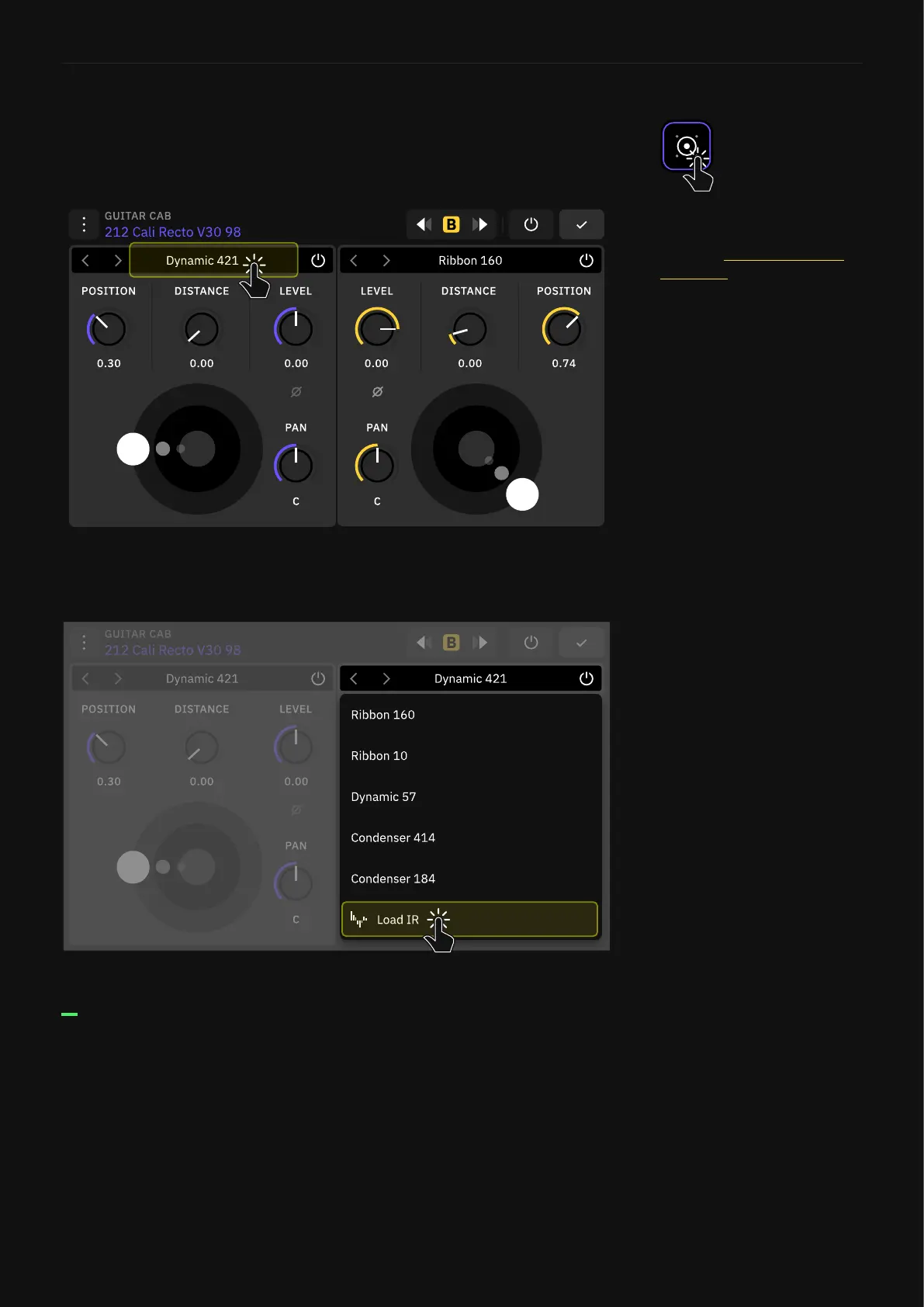
Using your own IR les is also possible on Quad Cortex. Tap on a
cab block to open its parameters.
Tap on the Impulse selector box to open the drop-down menu.
Scroll down and tap “Load IR”.
Here you can nd all the IR les you have in the “Impulse
Responses” folder.
Impulse Response Library
For more details on how to
import Impulse Responses,
check the Uploading Impulse
Responses section.



 To Next Page