89
MIDI
Done
Preset MIDI Out settings
A
E
B
F
C
G
D
H
ON PRESET LOAD
MESSAGE
EXP 1 EXP 2
None
TYPE
Clear all
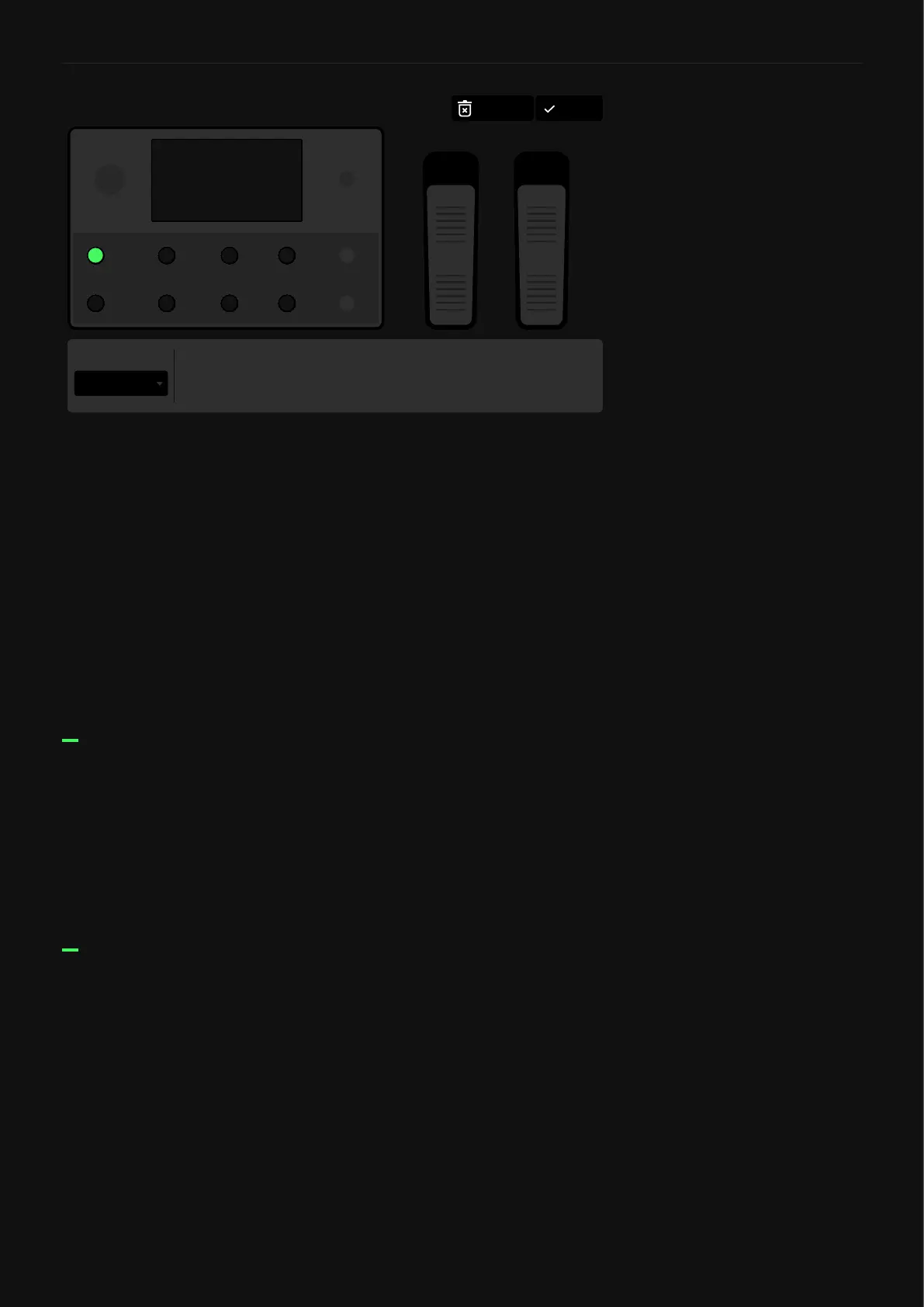
• ON PRESET LOAD MESSAGE: Set up to 12 MIDI commands
that will be sent once you load the current Preset.
• A-H FOOTSWITCHES: Tapping them will allow you to modify
the type (CC/CC Toggle/PC), channel, command number, and
value (0 - 127) of the message assigned to each footswitch.
• EXP PEDAL 1-2: Can switch between unassigned (none) and
CC in the type eld. Once it’s assigned, you can modify the
channel, command number, min value, and max value.
• TYPE: When available, you can select the type of message that
will be sent (CC/CC Toggle/PC). For expression pedals, only CC
messages are available.
• CHANNEL: Choose from 1 to 16 to select the channel that will
send the MIDI commands.
• CC#: Choose from 0 to 127 to select the CC number.
• VALUE: Choose from 0 to 127 to select the value that will be
sent.
CC TYPE
• CHANNEL: Choose from 1 to 16 to select the channel that will
send the MIDI commands.
• CC#: Choose from 0 to 127 to select the CC number.
• MIN VALUE: 0 - 127. Determines the value sent when the
footswitch LED is dim.
• MAX VALUE: 0 - 127. Determines the value sent when the
footswitch LED is bright.
CC TOGGLE TYPE



 To Next Page