Page | 95
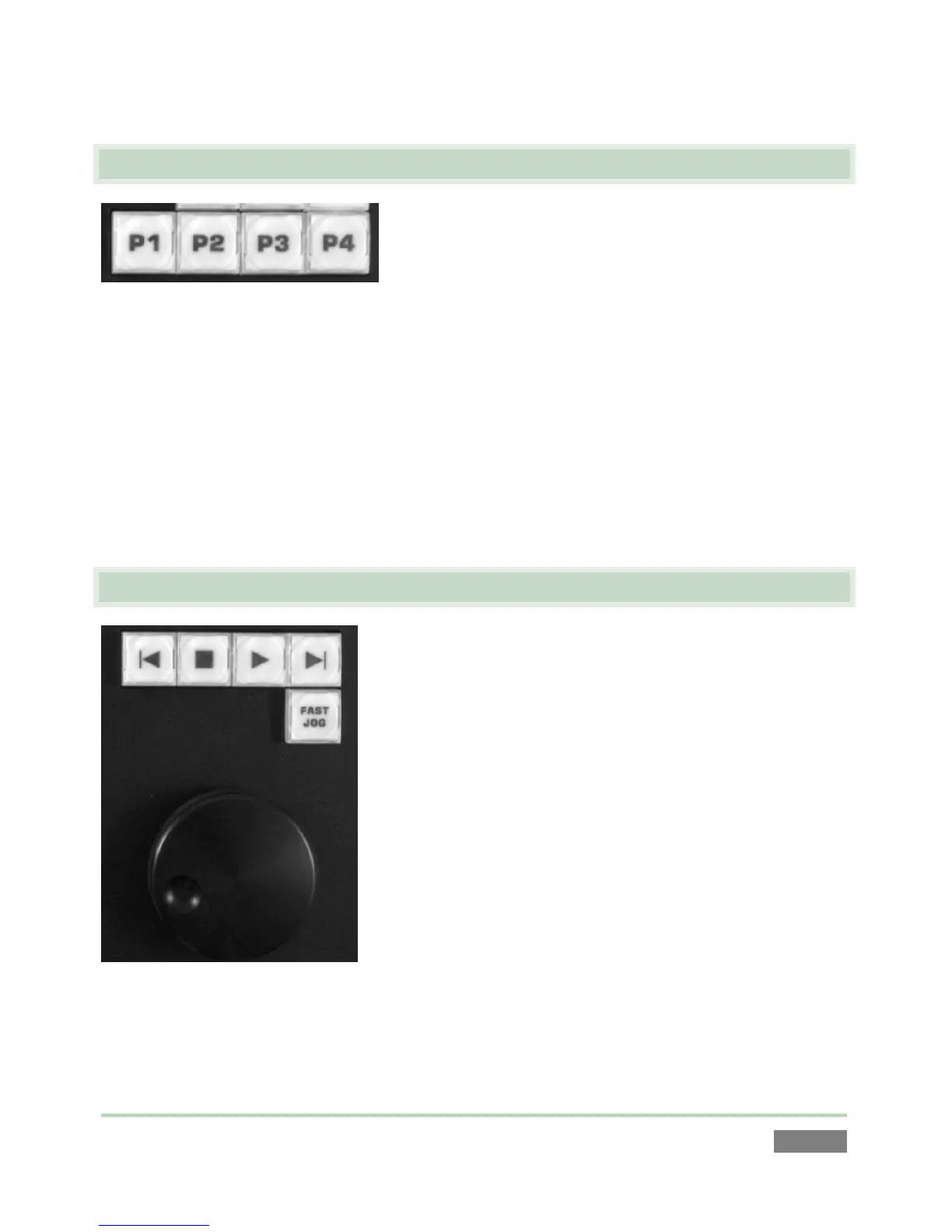
8.6 PAGE AND BANK (P1-P4)
Figure 85
Both the Clips List and Play List modules feature four banks, each with four pages, a total of
sixteen discreet repositories each in which to organize your media. According to the Control
Mode that is operative (Clips or PLAY LIST), pressing a button with present the corresponding
page, numbered 1 through 4. To change banks in the currently active module, hold down ALT
when pressing one of the four Page buttons.
In LIVE mode, press P1 - P4 to send the corresponding numbered input to the current output (A
or B). Use ALT + (P1 - P4) for inputs 5 - 8.
8.7 TRANSPORT
Figure 86
The VCR-style controls in this group are familiar at a glance to most, and provide easy to use
transport through your media.



 To Next Page