Page | 79
WHITE BALANCE
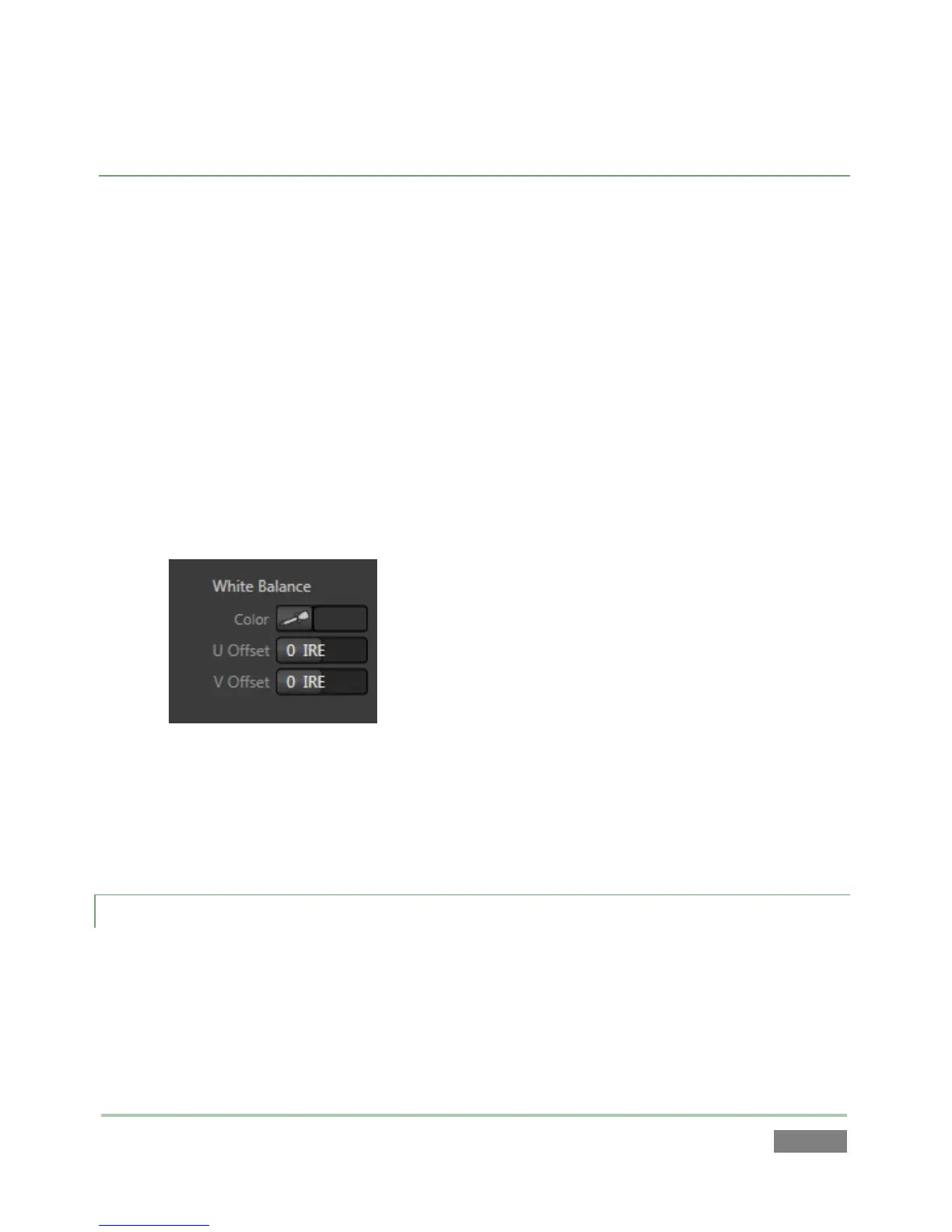
A secondary group labeled White Balance adds U Offset and V Offset controls (Figure 70).
The U portion of the video signal carries blue and green color information. When you
adjust the U Offset, the change affects only the blue/yellow portion of the video signal.
o Rotate U Offset clockwise to shift the signal toward blue and counter-clockwise
to shift the signal toward yellow.
The V portion of the video signal carries the red and green color information. Adjusting
it affects only the red/green portion of the video signal.
o Rotate V Offset clockwise to shift the signal toward red and counter-clockwise
to shift the signal toward green.
Figure 70
To automatically white balance – click and hold the mouse button over the Color
(eyedropper) button, and then slide the pointer on the monitor for the corresponding
source. Release the mouse button over a part of the image that should be white.
7.1.2 MULTIVIEW
The next tabbed pane in the Output Configuration panel may show controls for two distinct
outputs – Aux output (3Play™ 820 only) is a supplemental video output with the same set of
video connectors as Output A and B; Multiview supports a ‘multi-bridge’ or supplemental
monitoring layout connected by a DVI cable.



 To Next Page