Page | 110
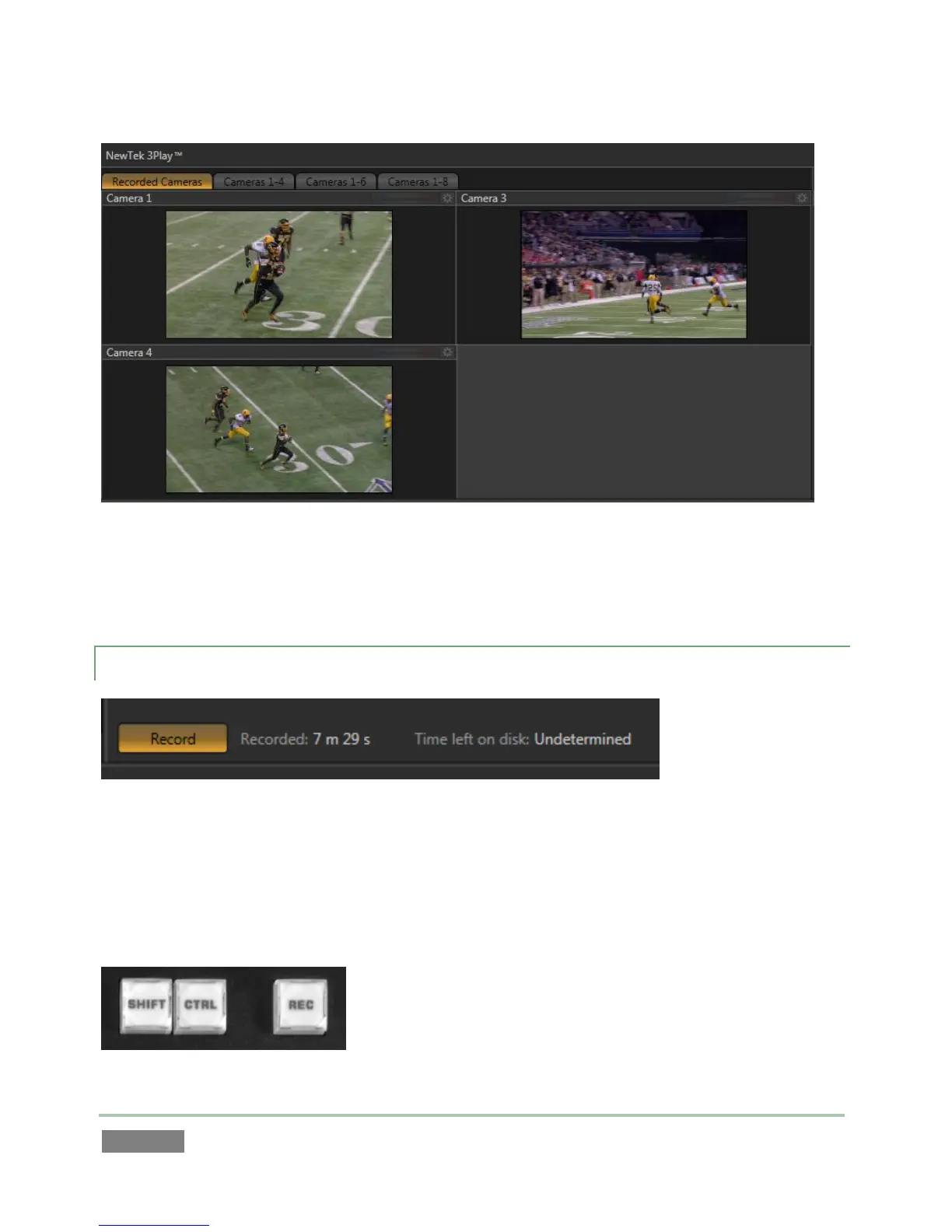
Figure 98 – 3Play™ 820
Likewise, the Recorded Cameras layout for the Multiview output shows only those sources
configured for recording.
10.2.3 RECORD ON/OFF
Figure 99
Both the Replay Desktop (Figure 99) and control surface (Figure 100) provide Record buttons. As
you’d expect, these controls do the same thing – toggle recording of audio visual data from
selected inputs on and off (hold down ALT when pushing RECORD on the control surface to end
capture).
Figure 100



 To Next Page