Page | 8
2.4 STARTUP SCREEN
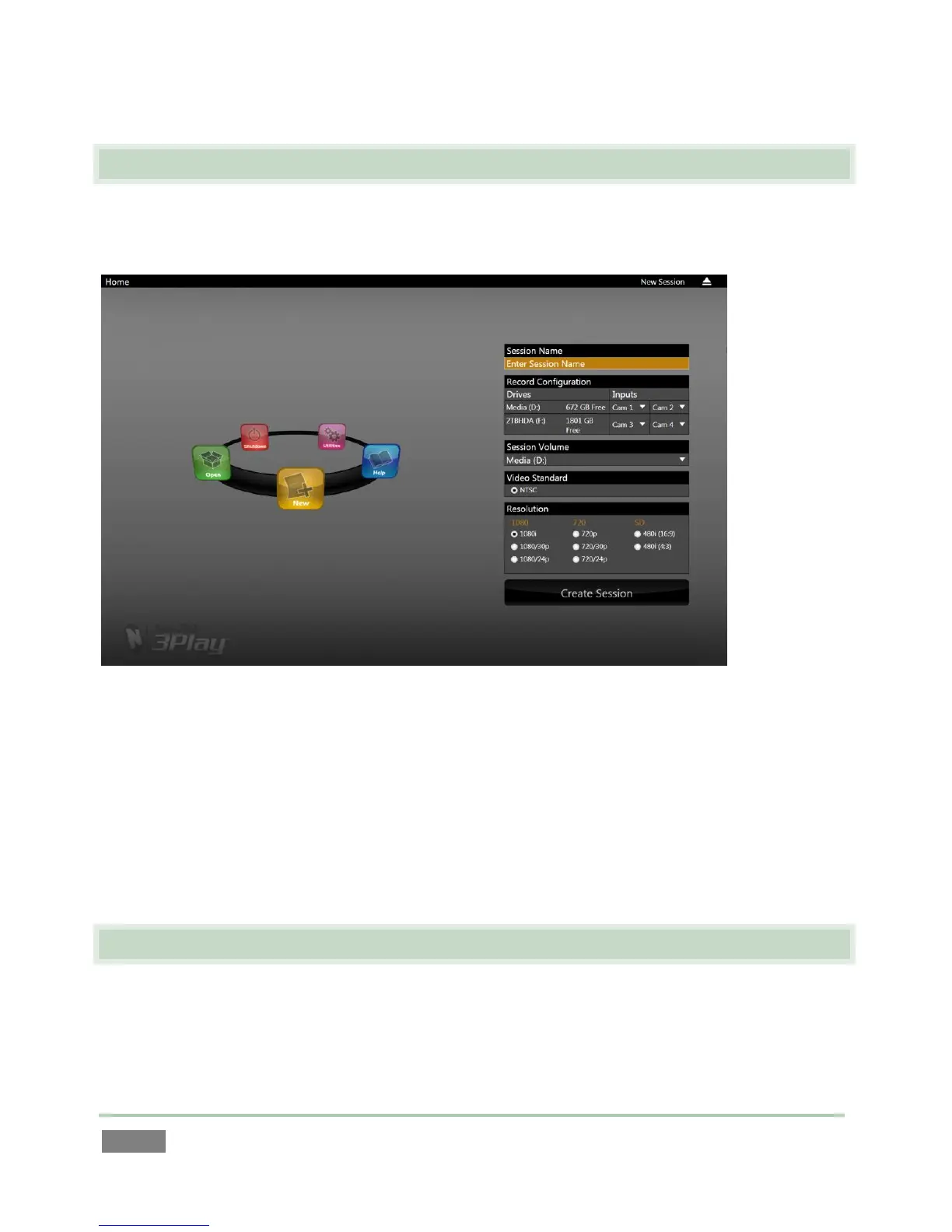
When you power up your NewTek 3Play™ system, the Startup Screen appears. This is your
command center for initiating most other operations.
Figure 4
The Home page of the Startup Screen allows you to define and open sessions, essentially custom
presets for individual productions or other purposes. Later, when you re-open a session, all of its
assets and settings are remembered.
After creating a session (or opening an existing one), you are taken to the Sessions page. Here
you can launch the Replay Desktop, or perhaps choose to Import Media for your session, or
Export Media from an earlier one.
2.5 REPLAY DESKTOP
3Play’s live production features are all available from its unique Replay Desktop. The various
features, controls and modules on the Replay Desktop are essentially laid out in three horizontal
bands, as seen in Figure 5 (depicting the 3Play™ 820 Replay Desktop).



 To Next Page