Page | 13
2.6.6 THE CLIPS LIST
Figure 10
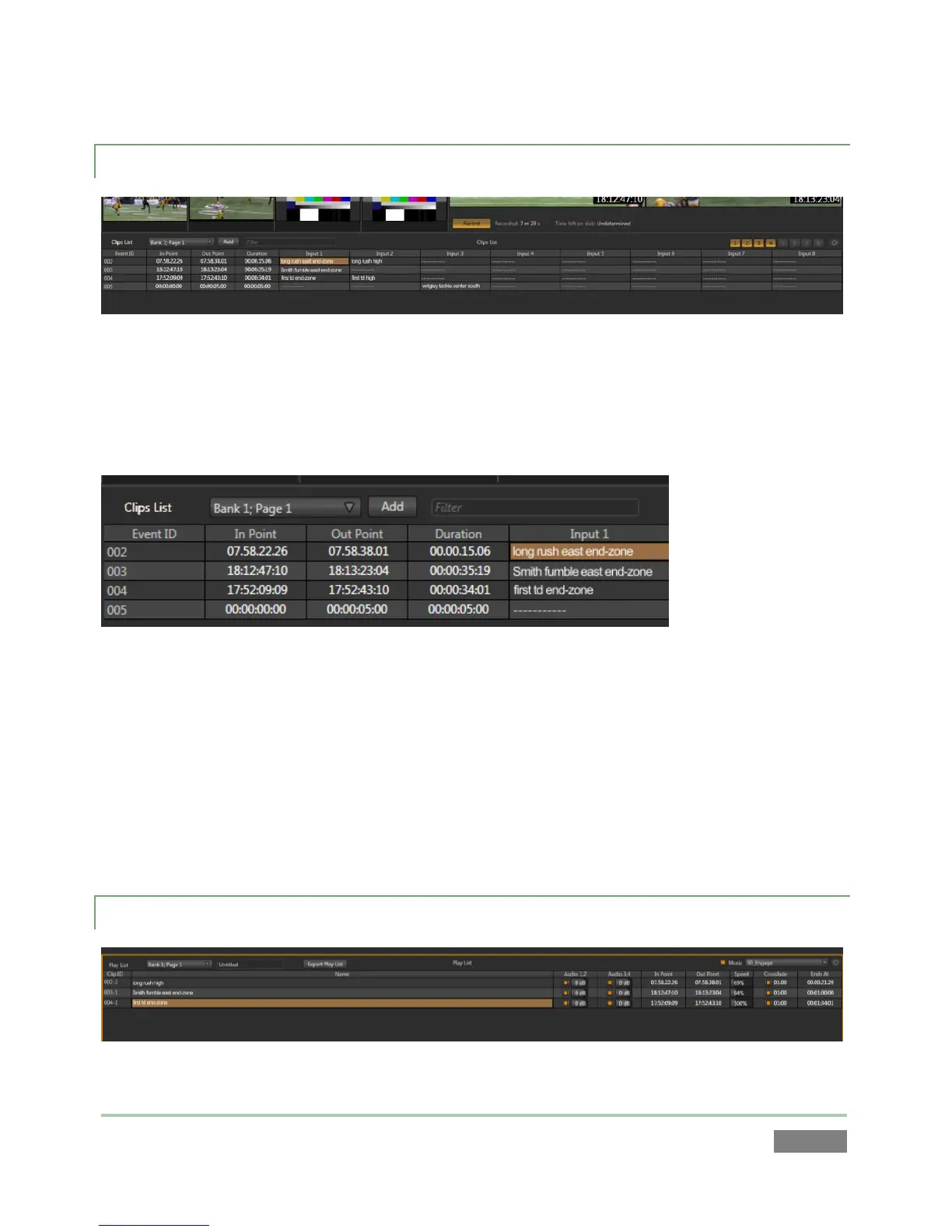
Segments of recorded data are ‘bookmarked’ as individual events by setting in and out points.
Events and their constituent clips, representing the different recorded sources (or ‘angles’)
appear in the Clips List (see Section 2.2.1).
Figure 11
Events can be rearranged and trimmed in the Clips List. Memo fields for each clip allow you to
enter comments that can be used to quickly locate specific clips for playback or inclusion in
playlists.
The Clips List offers four banks of four pages each to help you manage your recorded content. In
addition, the Clips List supports the import of other media clips (and still images) for use when
preparing playlists for various purposes.
2.6.7 THE PLAY LIST
Figure 12



 To Next Page