Page | 54
This results in the corresponding session options pane being displayed, as shown in Figure 43
(Multi-standard model options shown).
5.2.1 NEW (SESSION)
As just mentioned, clicking New on the icon ring populates the pane at right with related options.
Principally, for each session you must designate (by selecting switches) your local video standard
(Multi-standard model only – select NTSC, PAL or NTSC-J) and session format –1080i, 1080/24p,
1080/30p, 720p, 720/30p, 720/24p, 480/30i (16:9) or 480/30i (4:3). Multi-standard models offer
PAL format equivalents.
SESSION NAME
You will see a name entry field above the session options in the pane at right. Click in this name
field to provide a suitable name using your keyboard.
RECORD CONFIGURATION
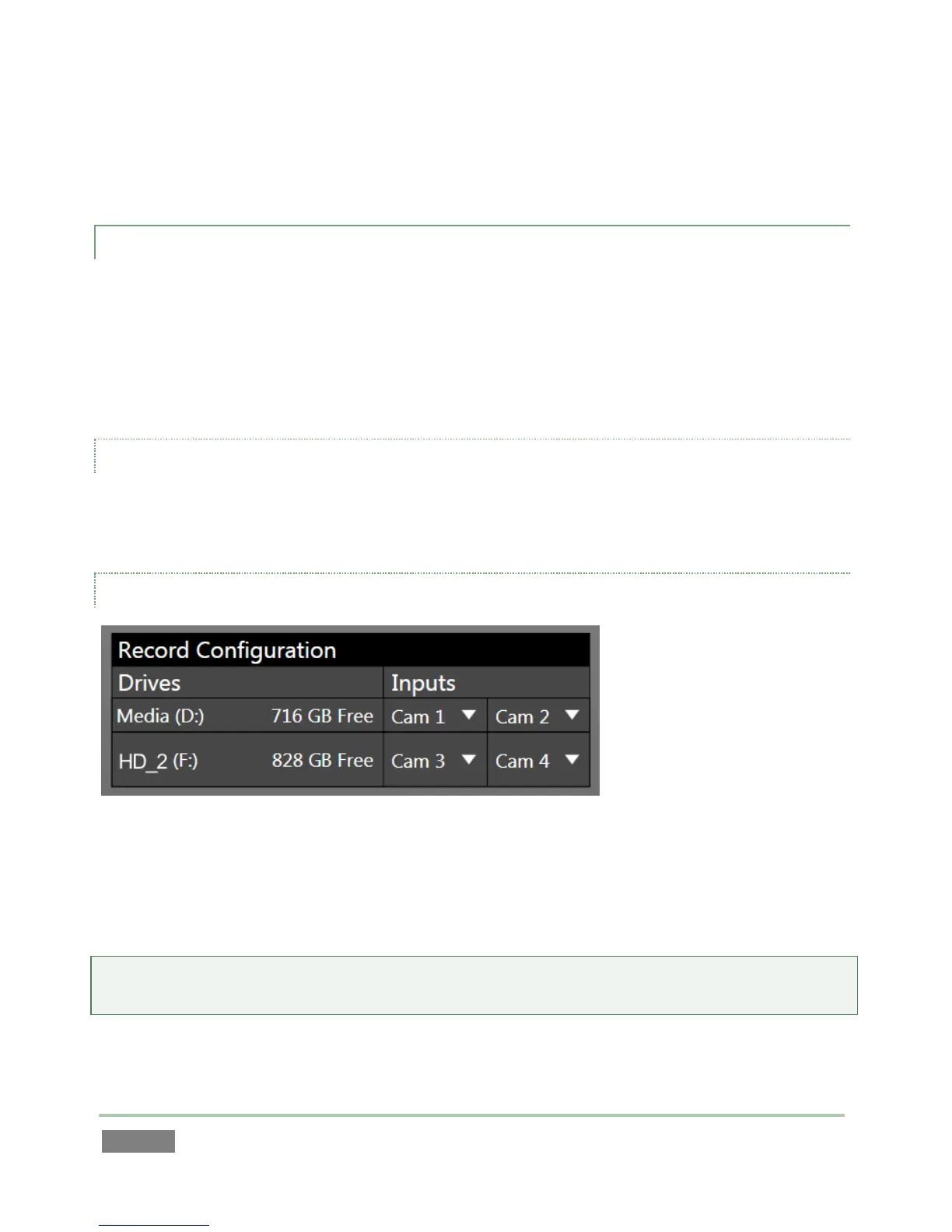
Figure 44
Beneath the Session name you entered, you will notice a control group labeled Record
Configuration. In this section, you assign one or more storage devices to the session for replay
clips you will record and other assets associated with the session.
Hint: The titlebar of the Home page has an Eject button to allow you to disconnect and remove
storage media.



 To Next Page