Page | 84
7.2.1 CONNECTION TYPE
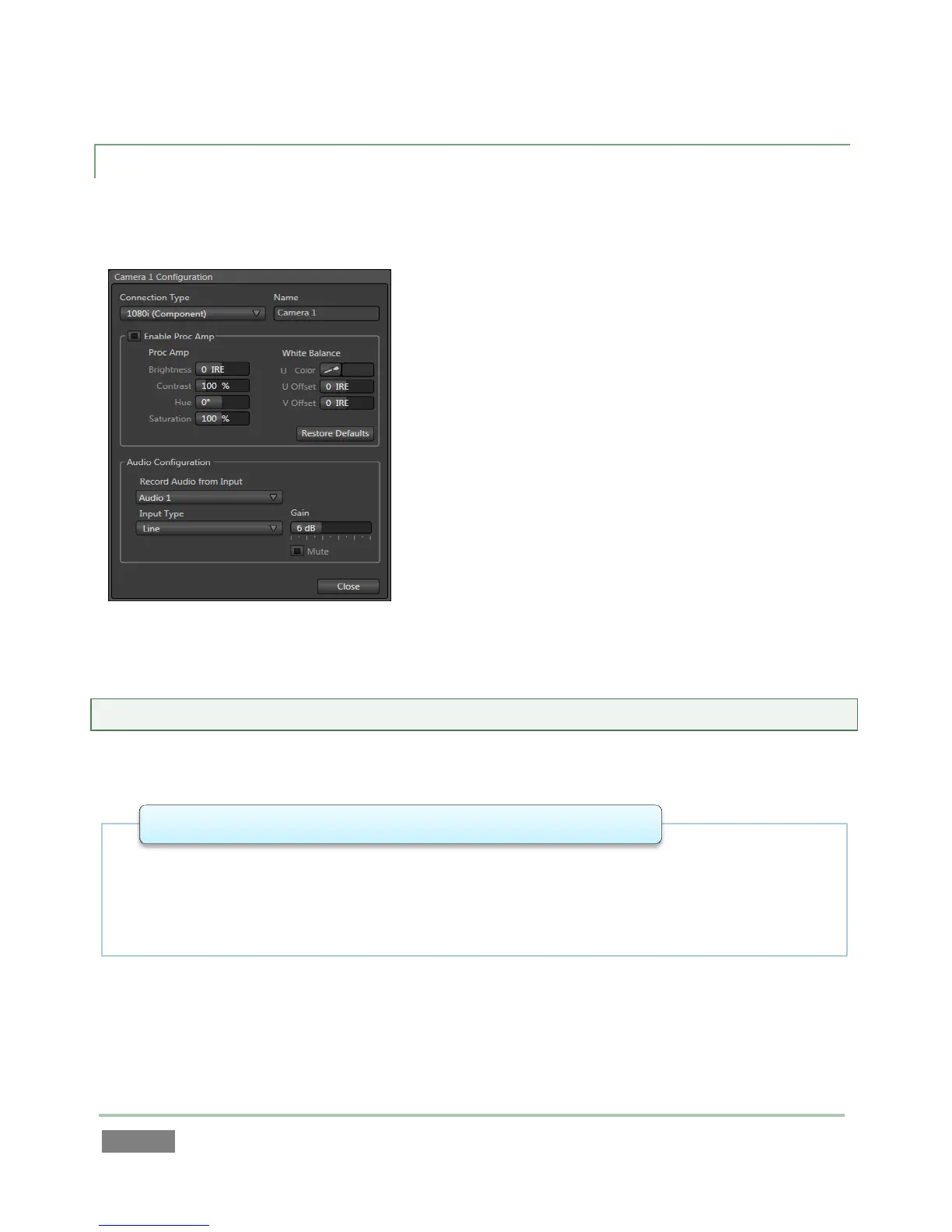
The Configuration panel for the Camera 1-8 inputs features a Connection Type menu at the top.
The available source type options vary depending on the format for the session.
Multi-standard systems provide PAL and NTSC-J options
according to session type, in addition to NTSC: The
Connection Type menu options for a PAL session list PAL
HD and SD format options.
Choosing NTSC as the session video standard results in a
Connection Type list with appropriate formats, and it is
similar for NTSC-J. Changing from one video standard to
another requires opening a new session.
Hint: All connected cameras must conform to the video standard of the current session.
The standard options are:
• Analog source, high definition, interlaced
• 1080/60i or
1
1080/50i
• 1920x1080 pixels, 16:9 picture aspect
• Connected to 3Play by Y, Pr and Pb input connectors
1080i (Component)



 To Next Page