Page | 122
Right-click on a file icon in the right-hand pane to show a menu providing Rename and Delete
options. Be warned – Delete really does remove content from the hard drive (this menu is not
shown if the selected item is write-protected).
12.1.3 FILTER
Figure 113
Getting back to the Clips List (after our detour into the Media Browser), another valuable titlebar
feature is the Filter. Entries here delimit the events shown below in the Clips List table. The
Memo columns for each recorded camera allow you to enter notes about clip content, etc. The
Filter allows you to display only events that have one or more matching entries in their Memo
fields (clear the field to display all events again).
12.1.4 SHOW/HIDE COLUMNS
Figure 114 – 3Play™ 820
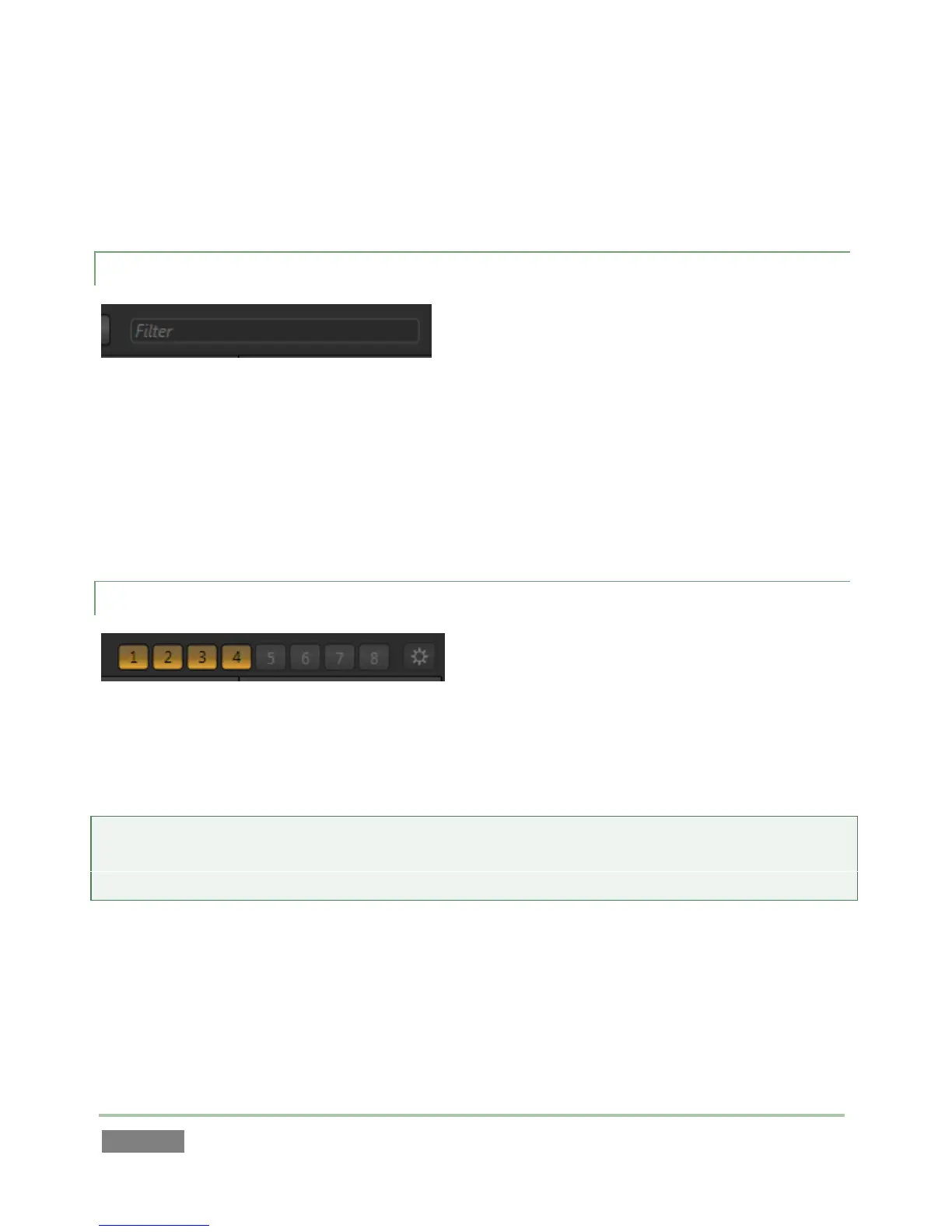
A group of buttons located at the right-hand end of the Clips List titlebar allows you to selectively
show or hide the columns associated with the clips recorded from different inputs.
Hint: The Clips List never shows columns for un-recorded inputs. For example, if you are recording
only from inputs 1-4, columns will not appear for cameras 5-8, and the Show/Hide buttons for
those columns will be grayed out during the session.
When a numbered button is lit, a Memo column for that input is displayed in the Clips List table.
Click the button to toggle visibility for a column. The clips for the input are not affect ted by this
operation, of course.



 To Next Page