Page | 124
12.2 CLIPS LIST TABLE FEATURES
By way of reminder (as discussed in depth back in Section 2.2.1), an event is not merely a ‘clip’.
Rather it can be compared to a bookmarked section of the complete recording, a synchronized
time slice of all of the captured a/v streams.
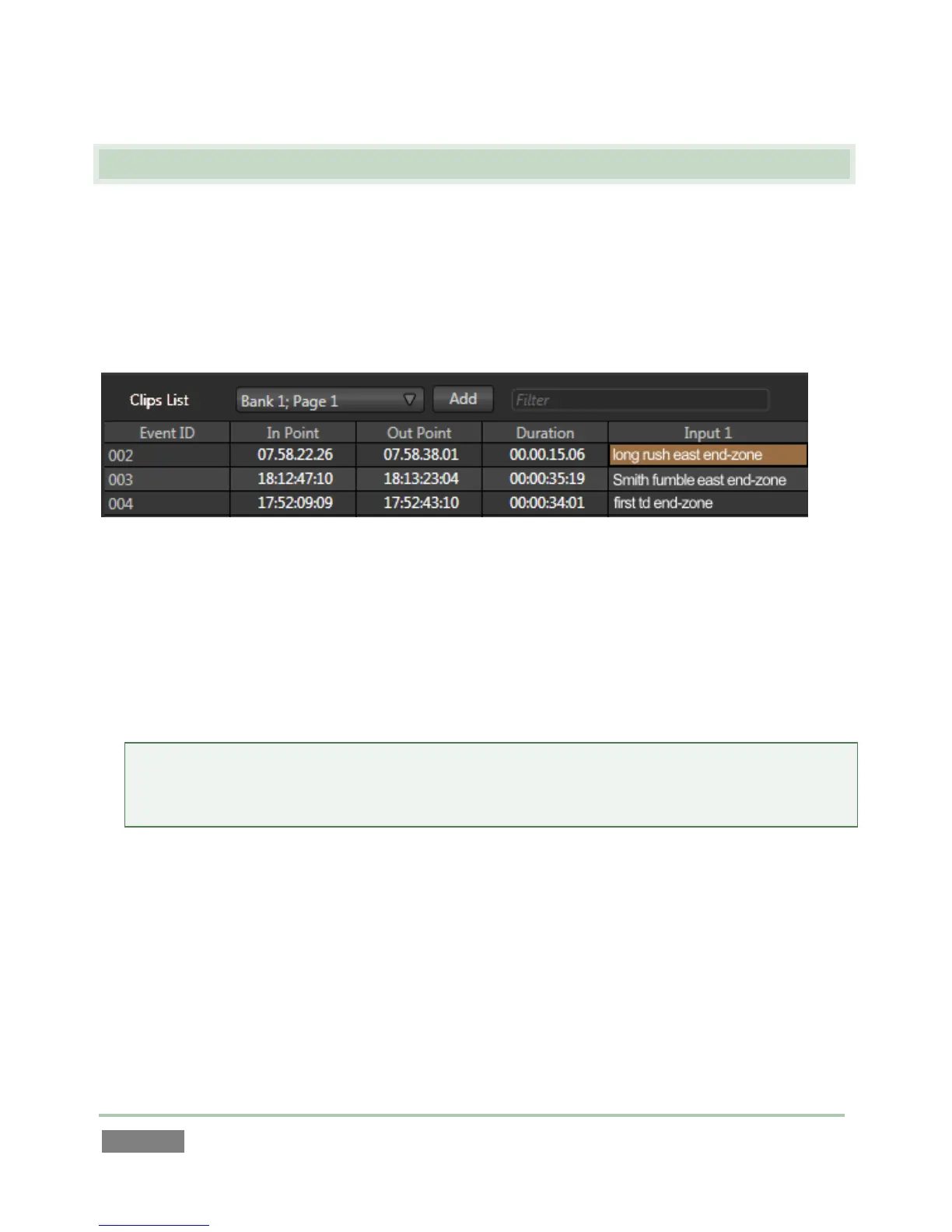
The Clips List provides information about the events that have been marked, along with
numerous event organization and management features.
Figure 116
The Clips List is laid out in a spreadsheet-style table comprised of rows and columns. Labels in
the header above the table identify the columns below.
The columns, in order from left to right, are as follows:
Event ID – a non-editable display field showing the numeric event identifier.
Hint: Each clip for an event is also numbered, in the format ‘Event ID - camera angle’ – e.g.,
“025-7”. The Event ID column in the Clips List shows the event prefix (its first 3 digits), while
the Play List displays the entire Clip ID in its first column.
In Point – timecode when the marked event begins
Out Point – timecode when the marked event ends
Duration – the total time for the marked event
(Camera 1 – Camera x) – the Memo fields for recorded clips



 To Next Page