Page | 7
Events bear another similarity to literal bookmarks. A bookmark is only a convenient reference
to the printed material on the book’s pages – it does not comprise the actual text. Adding or
removing (or moving) a bookmark does not remove literal pages from a book.
Likewise, NewTek 3Play™ normally captures a complete, uninterrupted record of your
production. Just like physical bookmarks, the events listed in the Clips List are pointers to this
volume of stored information. Add and remove events freely with no fear of losing recorded
material. You can even add, remove or reorganize events during recording, or long after your
session ends.
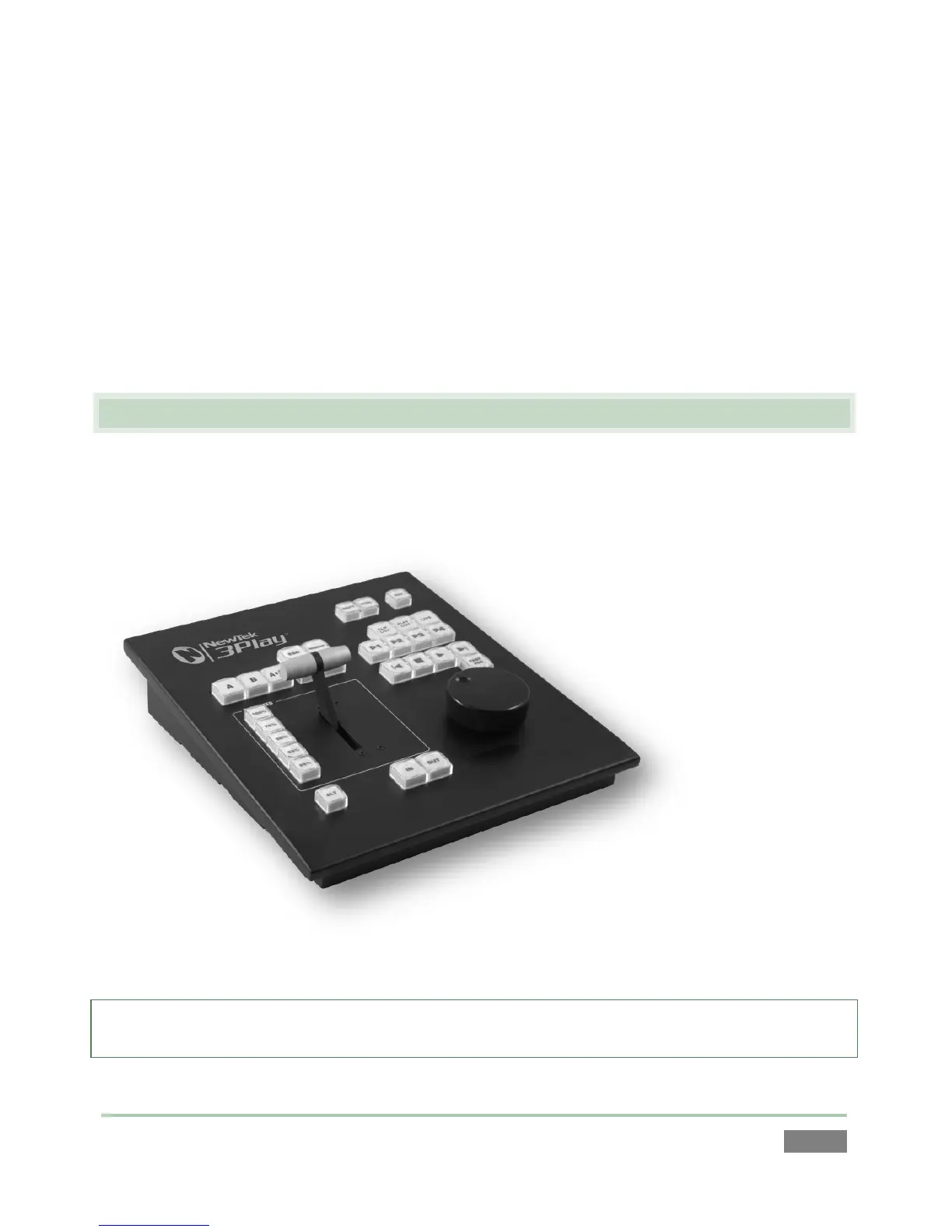
2.3 NEWTEK 3PLAY™ CONTROL SURFACE
A dedicated NewTek 3Play™ external control surface (Figure 3) provides primary operational
control – see Chapter 8. (Text editing and other supplementary control is supported using the
keyboard.)
Figure 3
Note: If the control surface is not available for any reason, its core functions can be accessed from
the compact Dashboard shown at the bottom of the Replay Desktop, or by keyboard shortcuts.



 To Next Page