Page | 61
5.3 THE SESSION PAGE
Figure 52
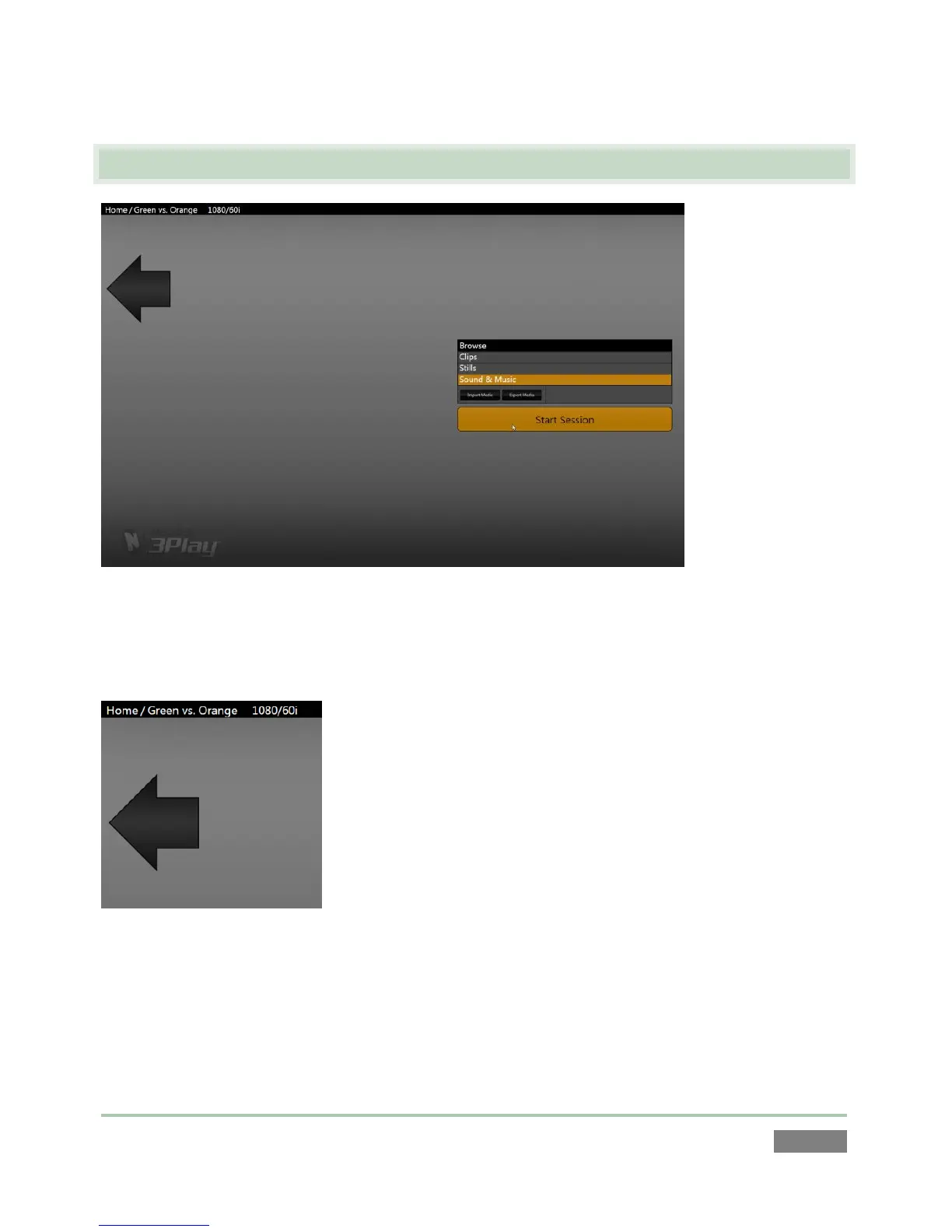
Opening a session from the Home page (whether using Open or New) takes you to the Session
Page, providing a new set of options as links at right.
Figure 53
The name of the current session is shown in the top-left corner of the screen. The session is
displayed in the form “Home/session name”. If you wish to leave the current session and return
to the Home page, you can click the large Back Arrow displayed beneath the session name, or the
word “Home” in the session name label.



 To Next Page