The Startup Screen is the gateway to your NewTek 3Play™
functionality, and also home to session management and system
maintenance features.
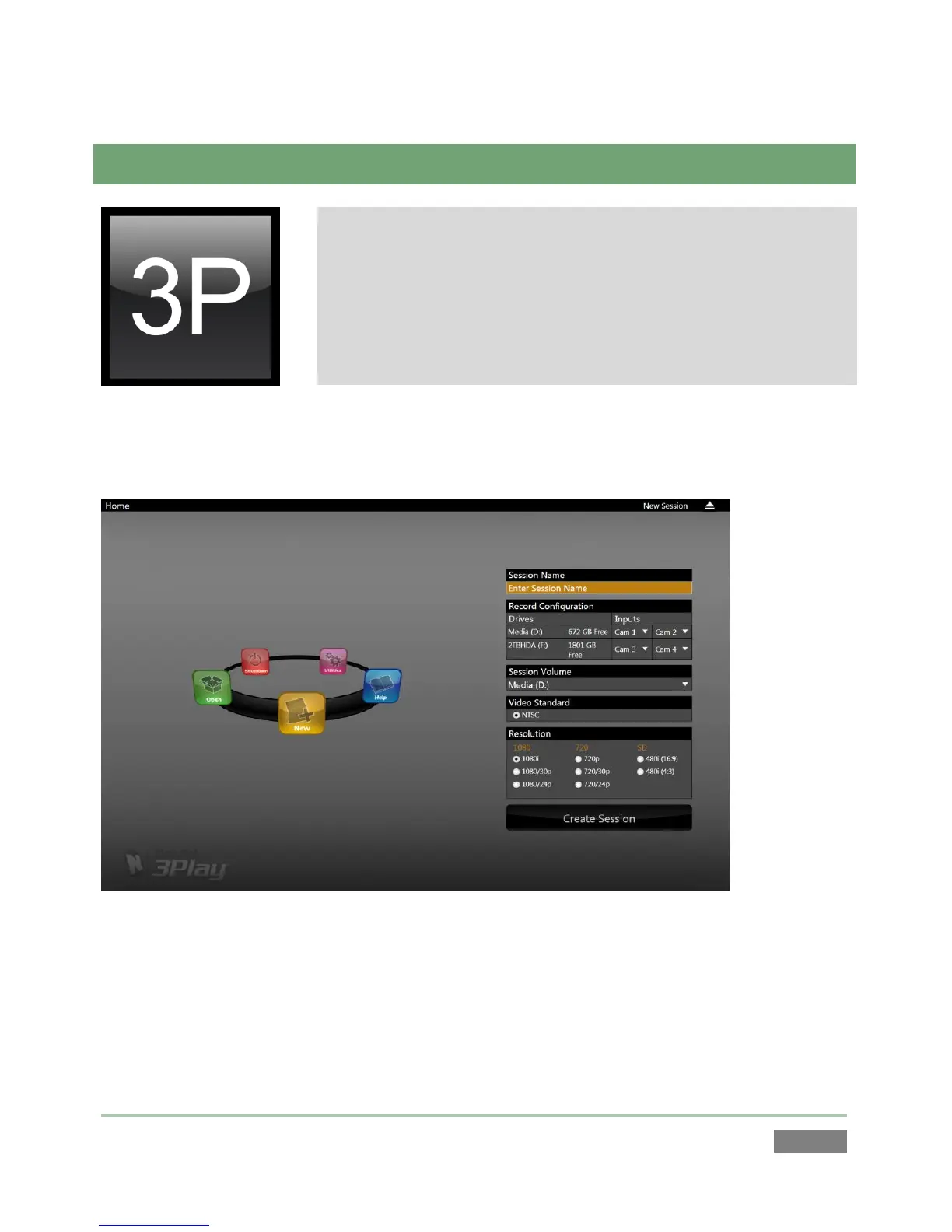
Icons in the left-hand pane of the Startup Screen provide access to
various functions. We’ll discuss each of these in the pages that
follow, beginning with a review of the concept of sessions.
The Startup Screen appears whenever you launch NewTek 3Play™. From here, you create,
configure, manage and launch 3Play™ sessions by making selections from the icon ring.
Figure 41
Your intention may be to participate in a live production, or perform asset management
functions within an existing session. In either case, let’s consider a fundamental concept – the
session. What is a session, and why are sessions both important and valuable to you?



 To Next Page