Page | 138
13.4 CLIP CONTEXT MENU
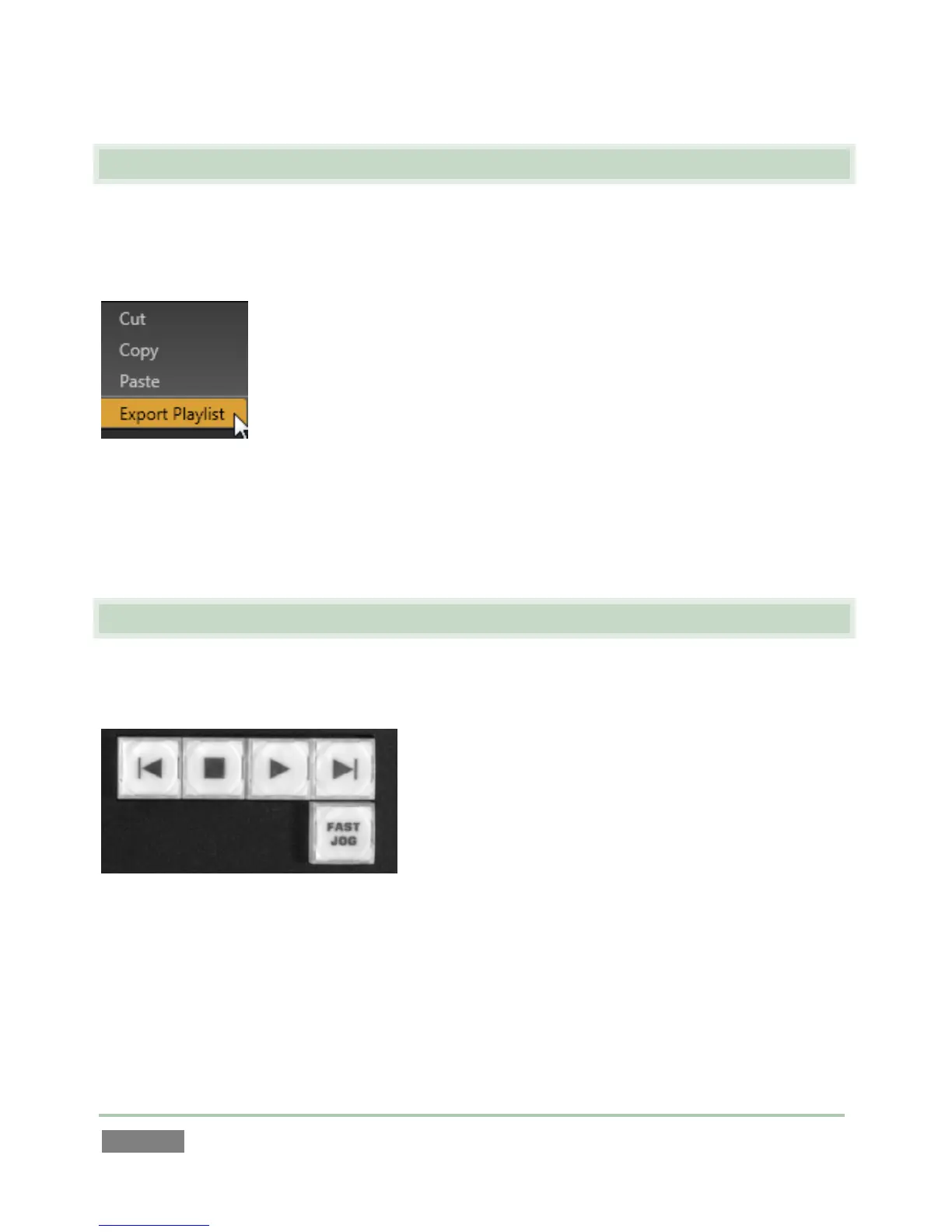
The Play List also features a context menu (Figure 127). Not unlike its Clips List equivalent, the
menu provides access to Cut, Copy and Paste (also available using the standard keyboard
shortcuts). It also has one important additional item.
Figure 127
The Export Play List option flattens the entire playlist, including audio, down to a single clip which
is appended to the current Clips List page. (This is the same feature discussed back in Section
13.1.2.)
13.5 PLAYBACK
To initiate Play List playback, select a clip and press Play (control surface, dashboard, keyboard
Spacebar), or double-click a clip’s Memo field.
Figure 128
See Section 13.3.6 regarding the making of Speed adjustments during playback.



 To Next Page