Page | 28
Since our intention at this stage is simply to
configure our connections (done in 3Play’s Replay
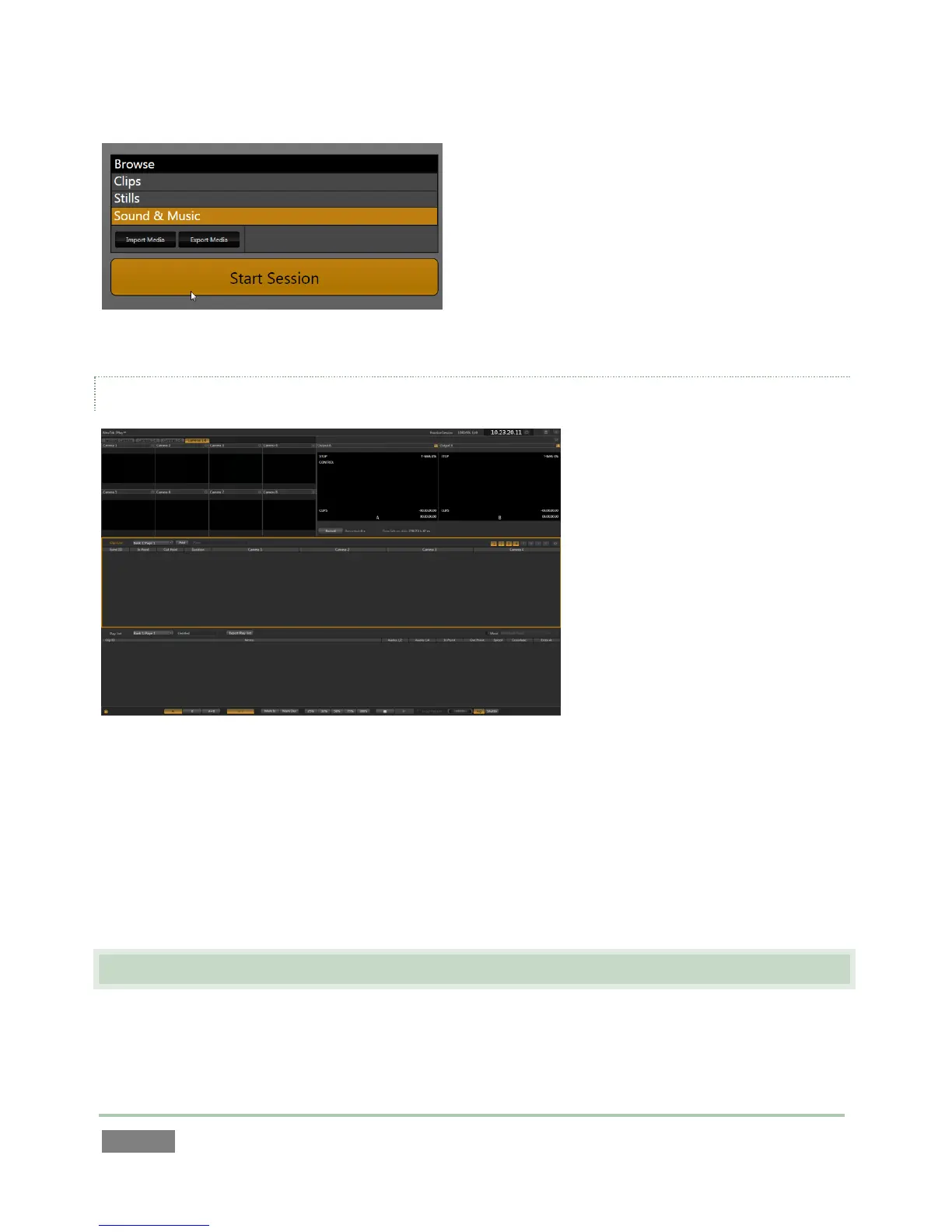
Desktop), go ahead and click Start Session on the
icon ring.
This will launch the Replay Desktop, which is likely
where you will spend most of your time working
with 3Play™.
THE REPLAY DESKTOP
Figure 28
Initially, as you have yet to configure input devices or add content, the Replay Desktop will look a
bit barren (Figure 28).
We had a brief glimpse at the Replay Desktop back in section 2.5 (and we’ll examine it more
closely in Chapter 4, Live Production Walkthrough), but after a quick look around let’s continue
to configure your input and output connections.
3.7 CONFIGURE VIDEO OUTPUT
3Play™ provides complete video input monitoring right on the Replay Desktop. This allows you to
operate it without even connecting downstream video monitors or devices.



 To Next Page