Page | 12
Recorded Cameras – onscreen monitors for all sources that are configured for recording
(Figure 8, showing 3Play™ 820).
Cameras 1-4 – The first four live video sources supplied to 3Play’s video inputs.
3PLAY™ 820
Cameras 1-6 – The first six live video sources supplied to 3Play’s video inputs only.
Cameras 1-8 – All eight live video sources supplied to 3Play’s video inputs.
2.6.4 VIDEO PROCESSING
Proc Amps allow you to adjust the video signal to preserve pristine image and color fidelity
through the entire pipeline to final output.
Separate controls are provided for Brightness, Contrast, Hue and Saturation for every
video source, along with White Balance and U and V Offset.
Likewise, individual Proc Amp controls are provided for Output A and Output B.
2.6.5 RECORDING
Apart from live throughput, virtually all replay output features depends on recorded data.
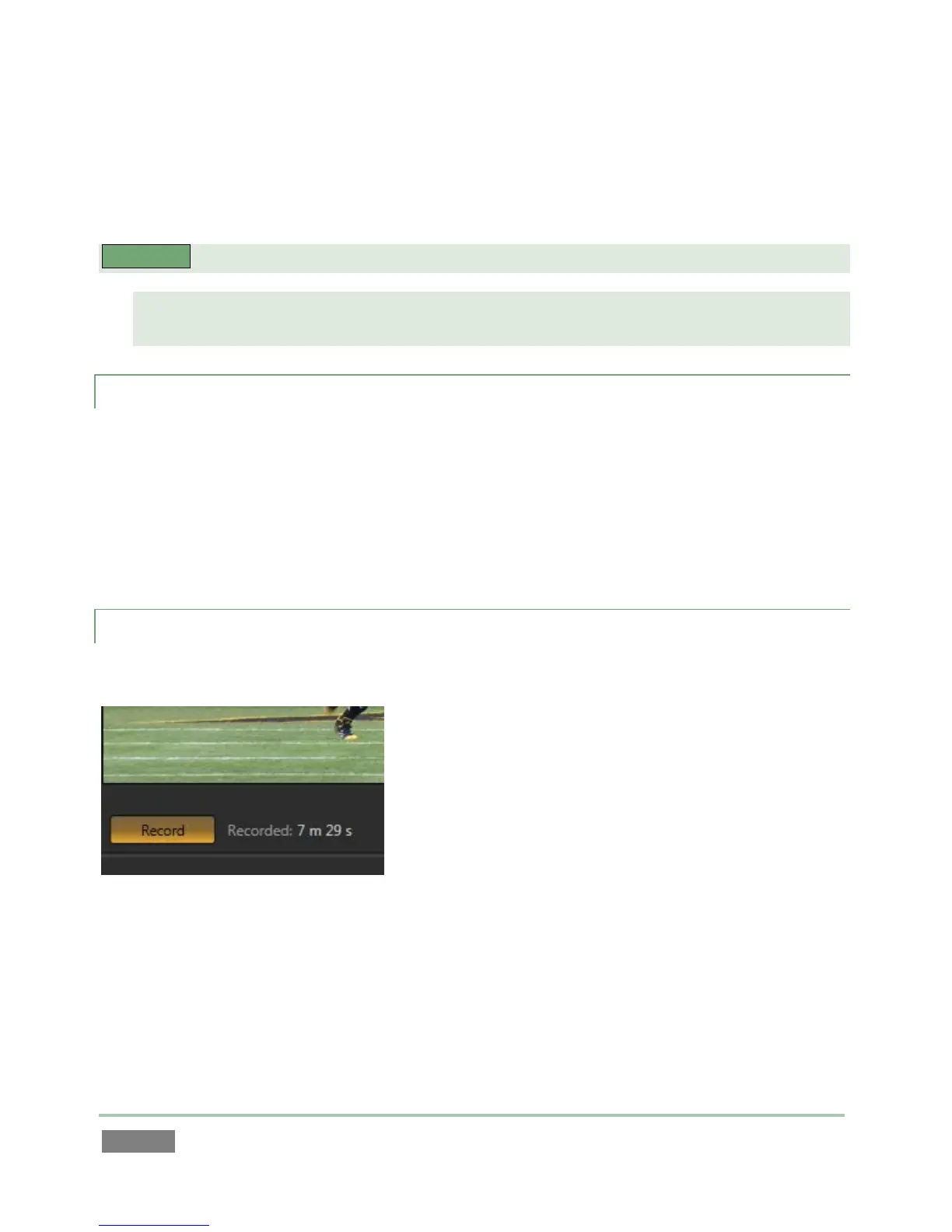
Figure 9
The Record button is located just below the Output A monitor on the Replay Desktop.
Useful information about the recording and remaining space is displayed nearby.
Recording can also be enabled from the NewTek 3Play™ control surface.



 To Next Page